
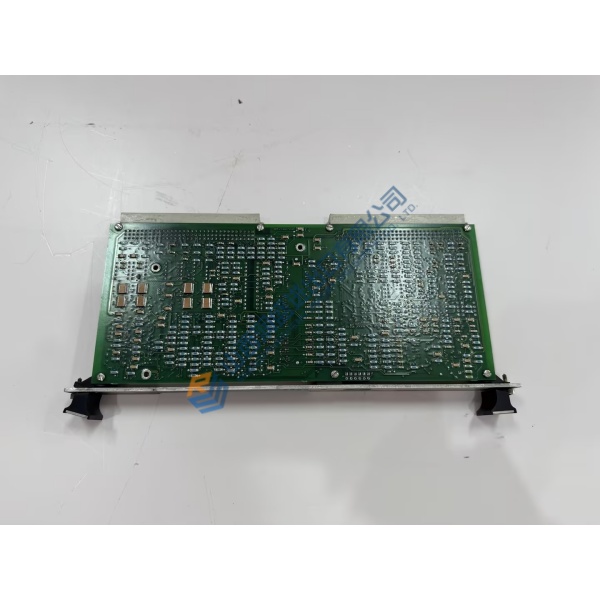
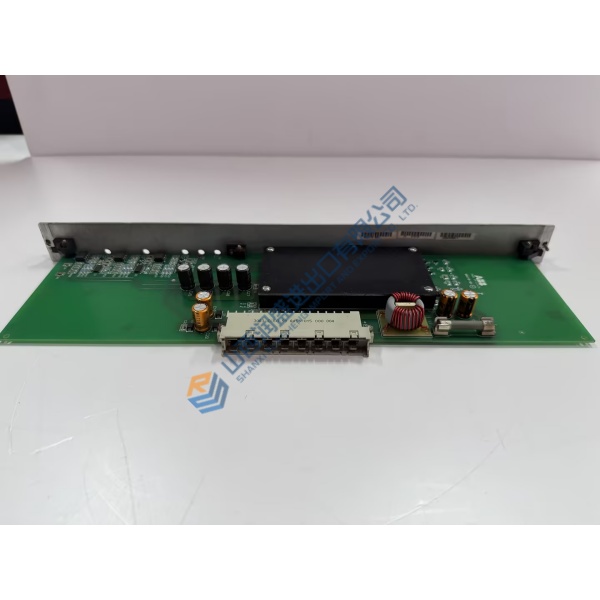
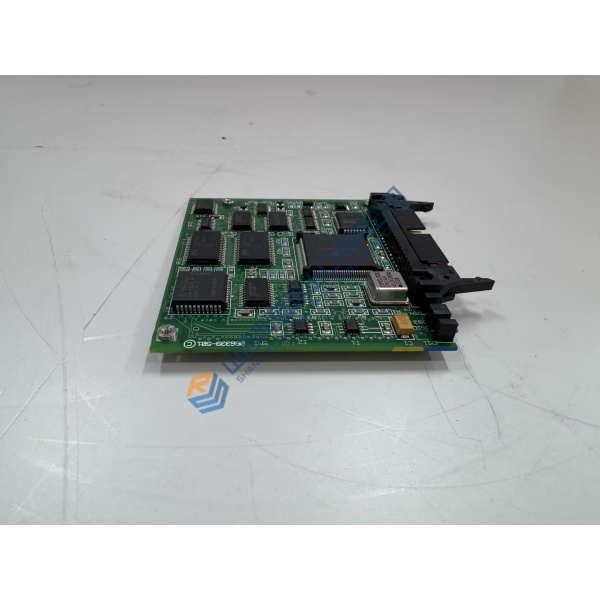
Description
Product Introduction
When emission limits tighten or a process stream drifts, operators need a gas analyzer that can be expanded without ripping out the entire rack. The ABB AO2020 is the 19-inch rack-mount central unit of the Advance Optima AO2000 series, housing the display, controller, power supply and one analyzer module while allowing external modules to be added later.
This unit accepts photometers, oxygen, thermal-conductivity and FID modules, delivering simultaneous measurement of up to six components. Ethernet, Modbus and PROFIBUS interfaces feed data straight into the DCS. Automatic calibration with air or internal cells keeps cylinder gas costs down. Listed price is reference only—request a quote for current market conditions.
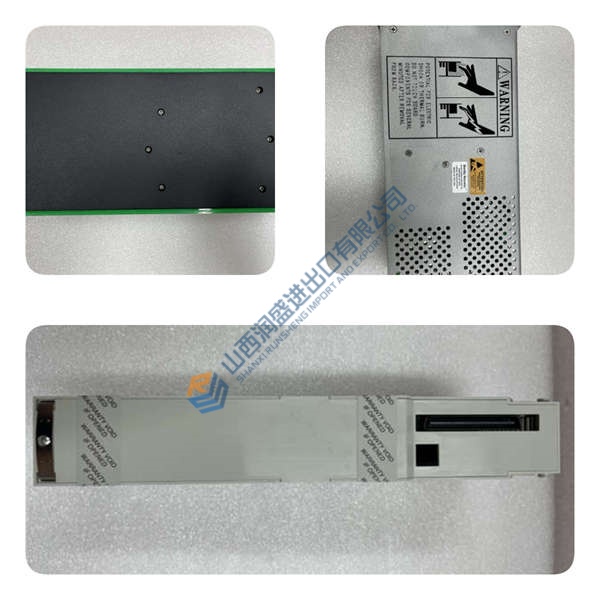
Installation & Configuration Guide
Phase 1 — Pre-Installation (est. 10 min)
De-energize the rack and wait 5 minutes for discharge. Collect tools: torque screwdriver, multimeter, laptop with ABB configuration software. Export existing configuration files. Photograph all gas connections, terminal blocks, I/O modules and the current module layout.
Phase 2 — Removal (est. 5 min)
Label every sample-gas, purge and electrical line. Release the front panel fasteners and slide the unit out of the rack. Inspect rear connectors and gas ports for corrosion or blocked fittings. Cap open sample lines immediately.
Phase 3 — Installation (est. 10 min)
ESD protection first. Confirm the part number matches ABB AO2020. Replicate the photographed I/O and module configuration. Seat the unit fully in the rack, torque mounting screws, reconnect gas fittings with correct sealing plugs on unused ports. Run the pre-power checklist: voltage range, grounding, sample-gas pressure limits.
Phase 4 — Power-On & Testing (est. 15 min)
Apply 100–240 V AC. Observe status LEDs and display self-test. Connect configuration software, download the previous or new program, verify each measured component and I/O signal. Perform a zero/span check if calibration cells are present. Confirm stable operation >30 min and log the exchange.
Troubleshooting quick-reference:
- No communication → check Ethernet/IP address, Modbus parity, terminating resistors
- Status error → module mismatch or missing system-bus terminator
- Unstable reading → sample-flow or purge-gas interruption



