
Description
Product Introduction
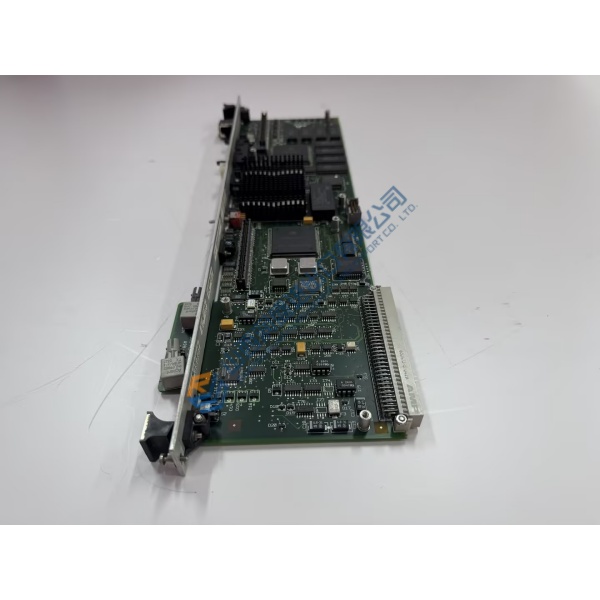
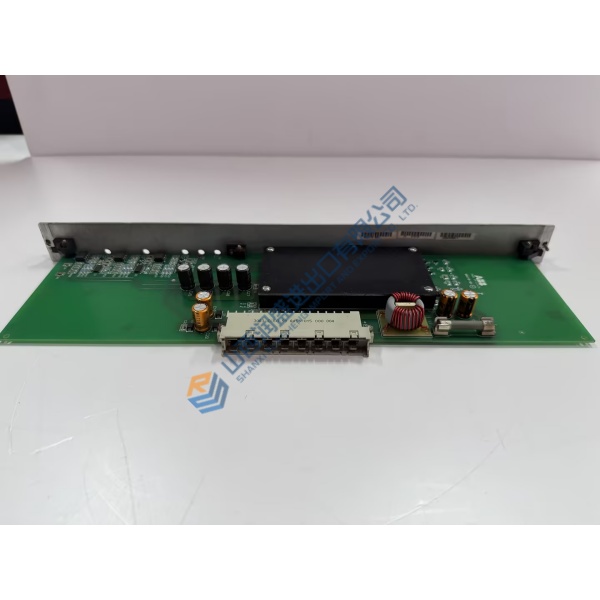
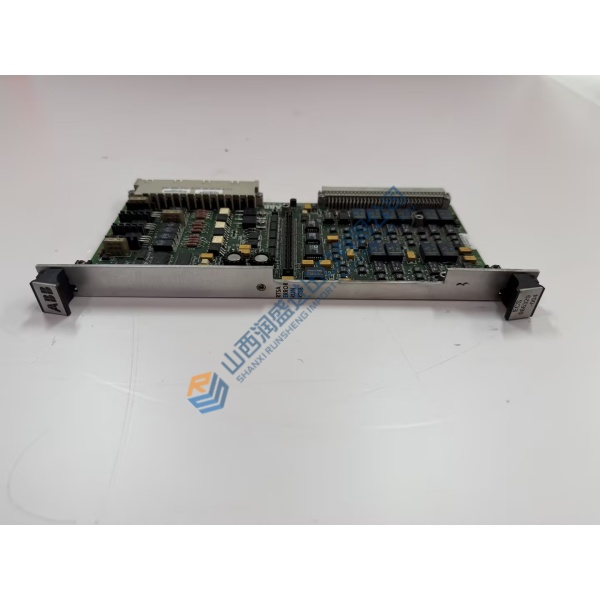
A failed excitation-control board can take a synchronous generator offline in minutes. The ABB CCM6080 UCD240A01 is the communication, control and measurement board used inside UNITROL 6080 static excitation systems. It conditions current and voltage signals, handles real-time optical links to the converter modules, and provides dual Ethernet ports plus an optional FIG fieldbus interface.
Built on the AC 800PEC platform, the board is mechanically compatible with the earlier SDCS-CON-4 and mounts directly in the D1–D4 converter frames. Two Ethernet ports and optical fiber connections keep the excitation system linked to the plant control network. Listed price is reference only—request a quote for current market conditions.
Installation & Configuration Guide
Phase 1 — Pre-Installation (est. 10 min)
De-energize the excitation cabinet and wait the required discharge time. Tools needed: ESD wrist strap, insulated screwdriver, multimeter, laptop with ABB configuration tools. Export the existing board configuration and parameters. Photograph every connector, optical-fiber routing, power terminals and the board’s physical orientation.
Phase 2 — Removal (est. 5 min)
Label all cables and optical fibers. Disconnect power, Ethernet, optical links and any fieldbus modules. Release the mounting hardware and carefully withdraw the board. Inspect the backplane or slot connectors for bent pins or contamination.
Phase 3 — Installation (est. 10 min)
ESD protection first. Confirm the part number matches ABB CCM6080 UCD240A01. Replicate the photographed connector layout exactly. Seat the board fully, reconnect power (observe polarity), optical fibers and Ethernet cables. Torque terminals to the specified values.
Phase 4 — Power-On & Testing (est. 15 min)
Apply 24 V DC. Observe status LEDs and Ethernet link lights. Connect configuration software, download the previous or new parameters, verify optical-link communication to the converter modules and check measured values. Confirm stable operation >30 min and log the board change in the maintenance record.
Troubleshooting quick-reference:
- No Ethernet link → check cable, switch port and IP settings
- Optical-link fault → clean connectors and verify fiber continuity
- Board not recognized → confirm power supply and PEC80-PM compatibility



