
Description
Product Introduction
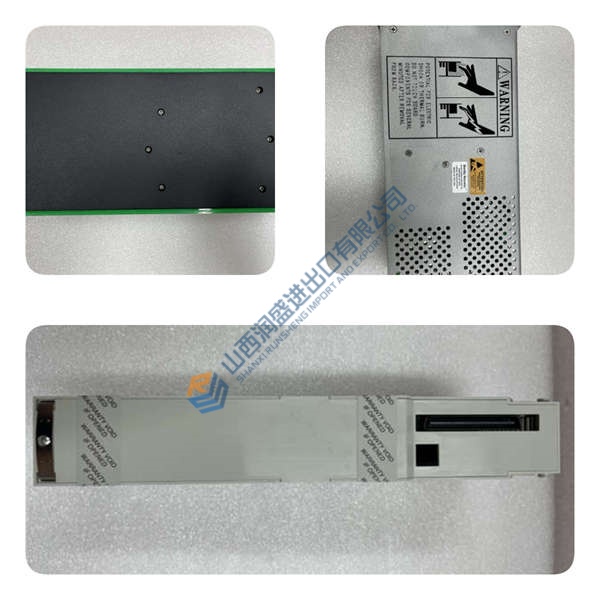
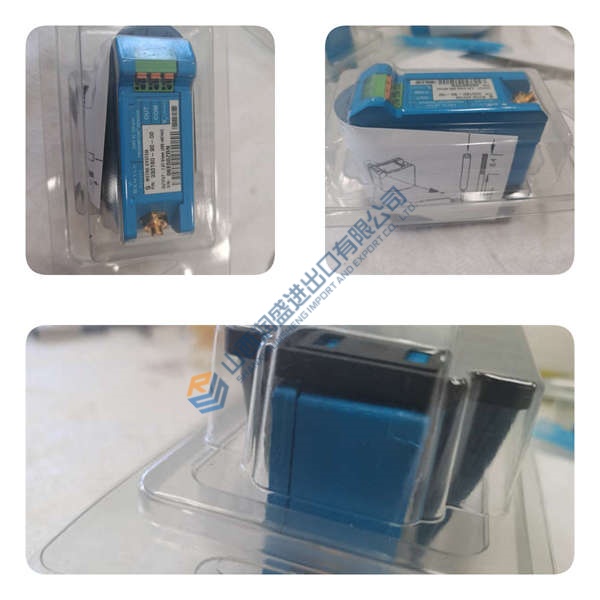
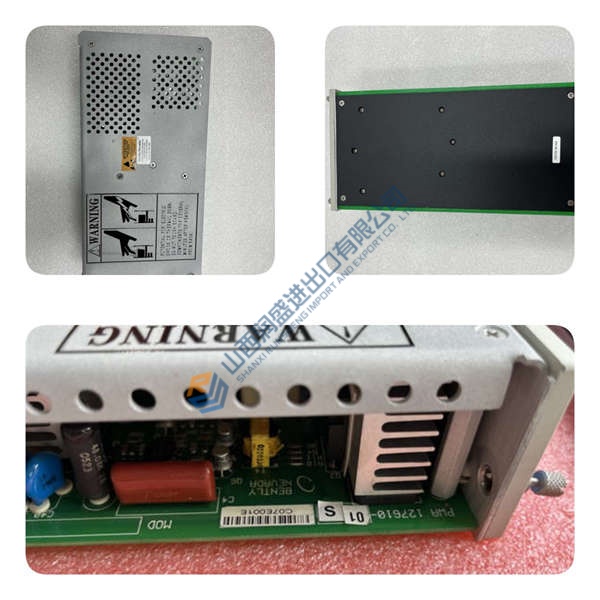
The ABB CMA120 3DDE300400 is a high-performance communication management unit (CMU) designed for System 800xA distributed control systems in power generation, oil & gas, and process automation applications. It bridges the gap between DCS controllers and field devices by translating protocols like IEC 61850, Modbus TCP/RTU, DNP3, and PROFIBUS in real time.
In field deployments of System 800xA networks, this unit stands out for its dual Gigabit Ethernet ports with IEEE 1588 Precision Time Protocol (PTP) support—critical for substation automation and synchronized control loops. The 4× isolated serial ports (2.5 kV) handle legacy Modbus RTU or DNP3 devices without external converters. If you’re upgrading from a CMA110, the CMA120 offers twice the throughput and native IEC 61850-3 compliance for harsh electrical environments.
Installation & Configuration Guide
Phase 1—Pre-Installation (est. 10 min)
De-energize the 24 V DC supply and wait 5 min for capacitor discharge. Grab a Torx T20, wire strippers, and a Fluke 115 multimeter. Export your current PCM600 project and photograph the existing module’s terminal wiring, DIP switches, and rack position.
Phase 2—Removal (est. 5 min)
Label every Ethernet and serial cable before disconnecting—Port 1/Port 2, COM1–COM4. Release the DIN-rail latch, pull the module straight out perpendicular to the backplane, and inspect the backplane connector pins for bent contacts or corrosion.
Phase 3—Installation (est. 10 min)
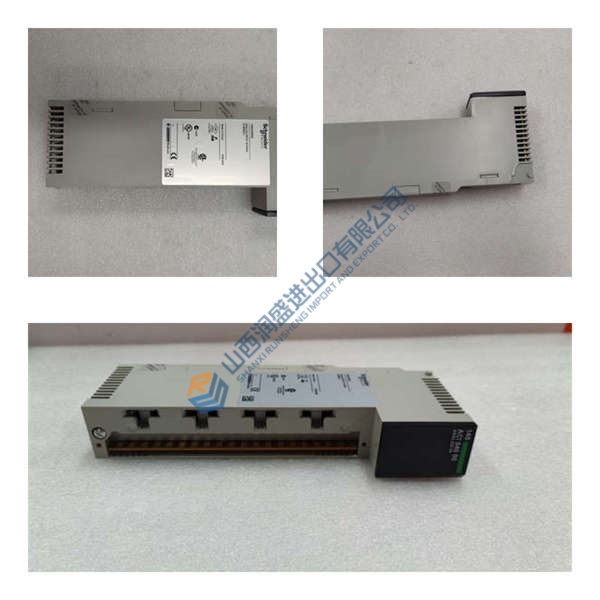
Strap on your ESD wristband. Verify the part number matches CMA120 3DDE300400. Replicate the DIP switch settings from your photos—protocol selection, baud rate, IP addressing mode. Seat the unit until the latch clicks, reconnect the RJ45 and terminal block cables, torque terminal screws to ~0.5 N·m, then run a pre-power checklist: backplane continuity, 24 V DC supply polarity, ground bond.
Phase 4—Power-On & Testing (est. 15 min)
Verify supply voltage is 24 V DC (±10%). Power up and watch the LEDs: green = RUN, red flash = ERR, amber flash = DIAG. Hook up PCM600 or System 800xA, download the communication configuration, then run a full I/O loop test. Log at least 30 min of stable operation before signing off.
Troubleshooting quick-reference:
- No comms → check IP, cable, switch port, firewall rules
- ERR steady → firmware mismatch; attempt update via PCM600
- Download fails → verify cable and software version
- Over-temperature → check 100 mm clearance above/below, 30 mm sides



