
Description
Product Introduction
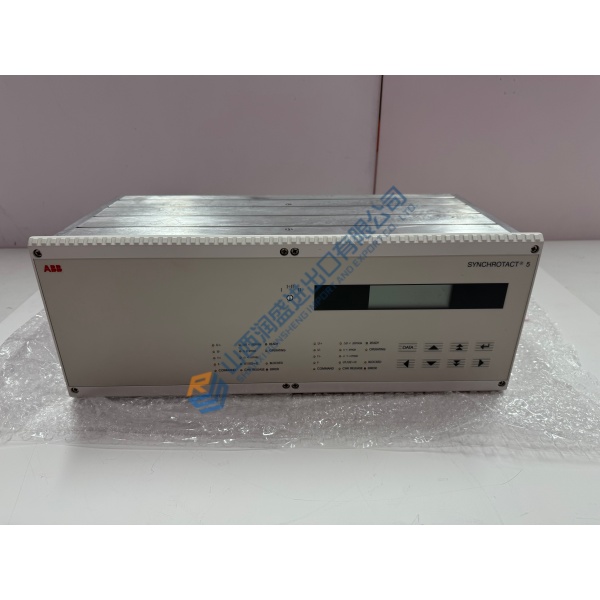
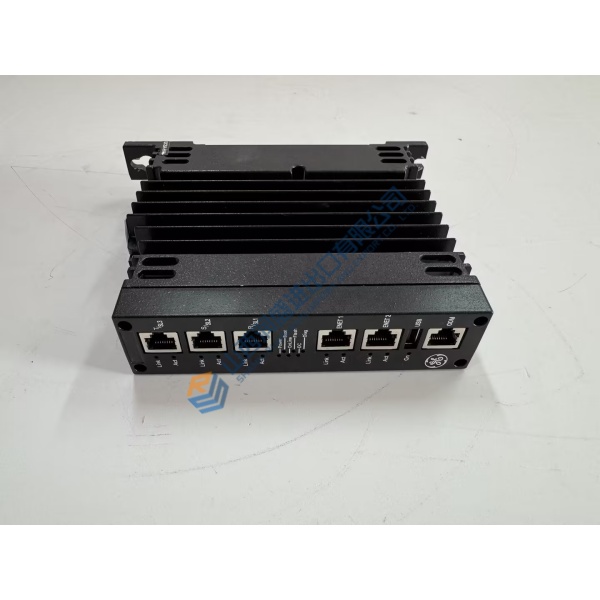
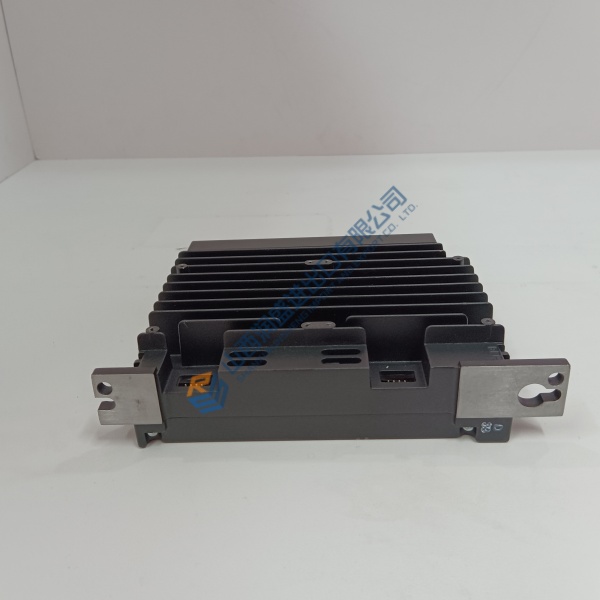
Unexpected trip faults or control processing failures on high-power medium voltage drives can halt critical production lines and lead to costly unpredicted downtime. The ABB KUC711AE101 (3BHB004661R0101) processor board resolves system execution bottlenecks and signal sync errors by delivering dependable, real-time control processing within ABB power electronics systems.
Engineered specifically for heavy-duty industrial environments, this central controller board handles fast-scan closed-loop control algorithms and high-speed communication channels without processing lag. In my experience, replacing an aging controller board stops intermittent system lockups and restores precise gating and diagnostic feedback across the converter stack.
Installation & Configuration Guide
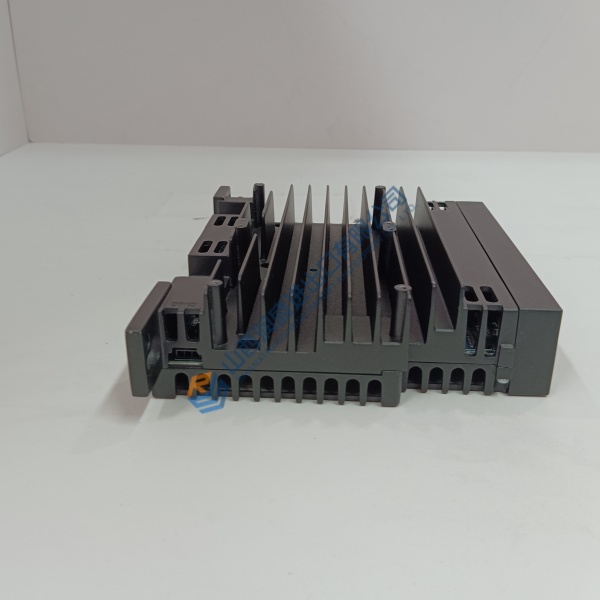
Phase 1 — Pre-Installation (est. 10 min): Fully isolate power to the drive/converter cabinet and verify medium-voltage DC bus capacitors are completely discharged using a certified high-voltage meter. Gather a torque driver, ESD wrist strap, and a digital multimeter. Photograph all fiber-optic cable routing, ribbon cable harnesses, and board slot locations before removing the old card.
Phase 2 — Removal (est. 5 min): Unplug optical connectors carefully by holding the connector body (do not pull the fiber cable). Loosen top and bottom captive retaining screws on the front panel, then pull ejector handles outward to release the module from the backplane. Slide the card out along guide rails carefully.
Phase 3 — Installation (est. 10 min): Attach an ESD wrist strap to a verified chassis ground point before taking the new board out of its anti-static shielding bag. Verify the module part label reads KUC711AE101 / 3BHB004661R0101. Align card edges with the card guide tracks in the assigned slot, slide in smoothly until ejectors engage, and press handles flat to seat backplane connectors. Tighten retaining screws to 0.4 N·m.
Phase 4 — Power-On & Testing (est. 15 min): Restore low-voltage auxiliary power and observe front panel LEDs during boot (green POWER/RUN status steady). Connect ABB engineering software to verify card detection, check firmware release alignment, and run a diagnostic system test. Monitor system parameters during a 30-minute idle run test before placing the drive back under load.
Troubleshooting Quick-Reference:
- FAULT / ERR LED lit red → Reseat board in backplane slot; check optical cable connections for contamination.
- Communication error → Inspect fiber-optic channels with a visual fault locator; ensure RX/TX cables are not transposed.
- Firmware mismatch → Flash matching system firmware to the replacement board using ABB software tools.
FAQ
Can I just drop this in and go? Not immediately, because central processor boards must be configured with system parameter files and matching firmware using ABB engineering software before operating the drive system.
What is the difference between part numbers KUC711AE101 and 3BHB004661R0101? Well, technically KUC711AE101 is the physical model type designation, whereas 3BHB004661R0101 is ABB’s official part/catalog number used for ordering and inventory tracking. Both refer to the exact same physical board assembly.



