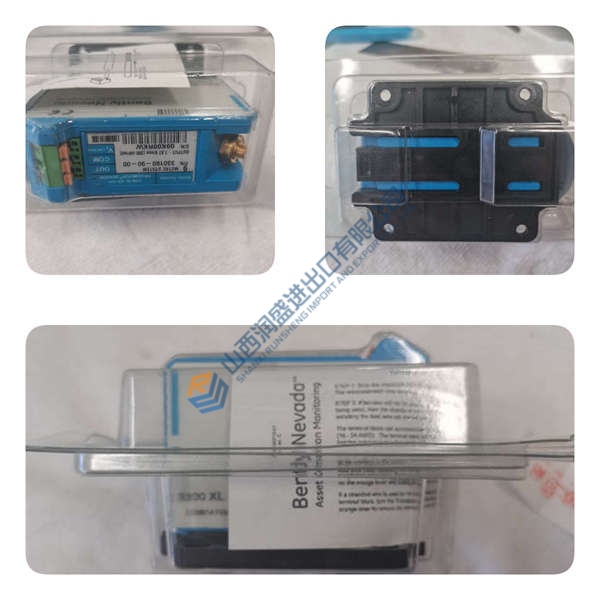
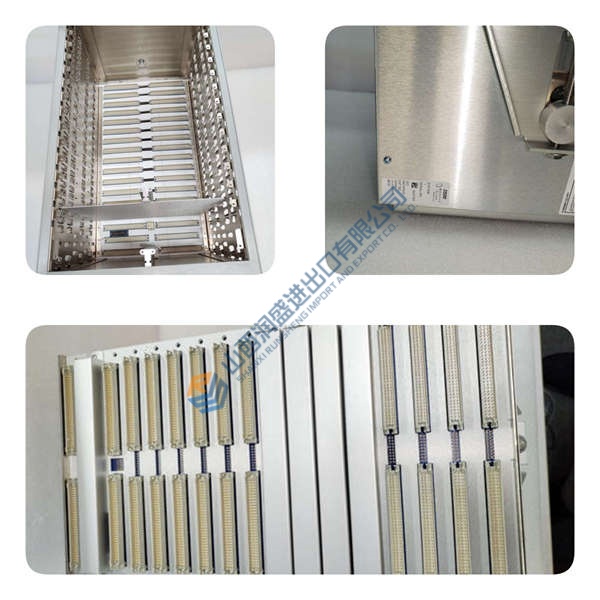
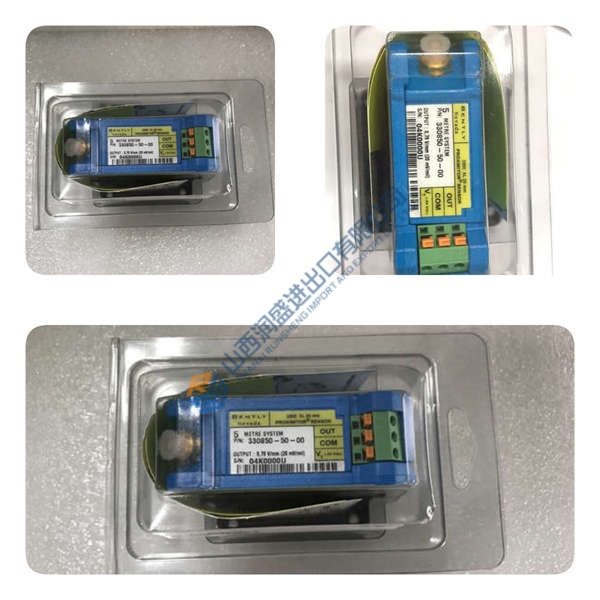
Description
Product Introduction
The ABB REF615 HCFKAEADABC2BAA11E fits directly into medium voltage distribution bays. This feeder protection and control IED targets overhead lines plus cable feeders in utility and industrial sites.
Its order code delivers directional elements with IEC 61850 station bus. Fault isolation happens faster in radial or meshed arrangements. Temperature range stays solid at −40 to +70 °C. In field deployments of Relion 615 systems, this I/O balance reduces coordination effort with upstream breakers.
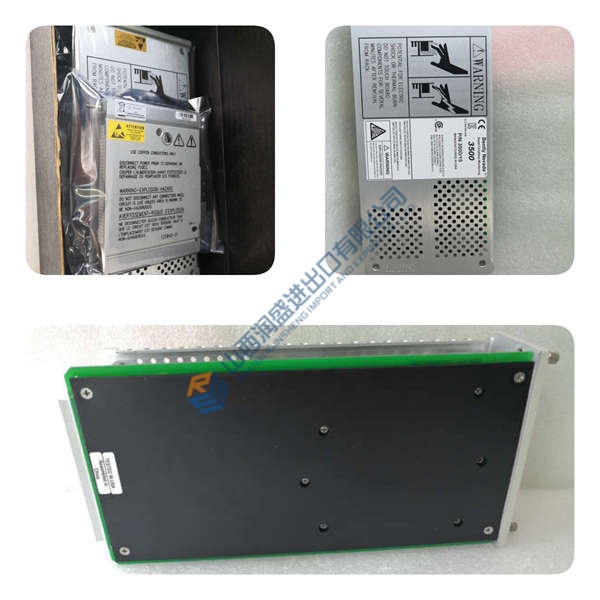
Installation & Configuration Guide
Phase 1 — Pre-Installation (est. 10 min) De-energize the circuit. Wait 5 minutes for discharge. Gather torque screwdriver, ESD wrist strap, PCM600 laptop. Export current configuration. Photograph DIP switches, jumpers, and wiring.
Phase 2 — Removal (est. 5 min) Label every wire. Release the latch. Pull the unit straight out. Inspect backplane pins.
Phase 3 — Installation (est. 10 min) Apply ESD protocol. Verify the REF615 HCFKAEADABC2BAA11E part number. Replicate jumper positions from photos. Seat until latch clicks. Torque terminals to 0.5 N·m. Complete pre-power checklist.
Phase 4 — Power-On & Testing (est. 15 min) Confirm supply voltage within ±10 %. Observe LEDs: green RUN normal. Connect PCM600, download configuration, test I/O points and control loop. Ensure 30 minutes stable operation.
Troubleshooting quick-reference No comms → check IP, cable, port settings. ERR steady → firmware mismatch. Download fails → confirm cable and PCM600 version.