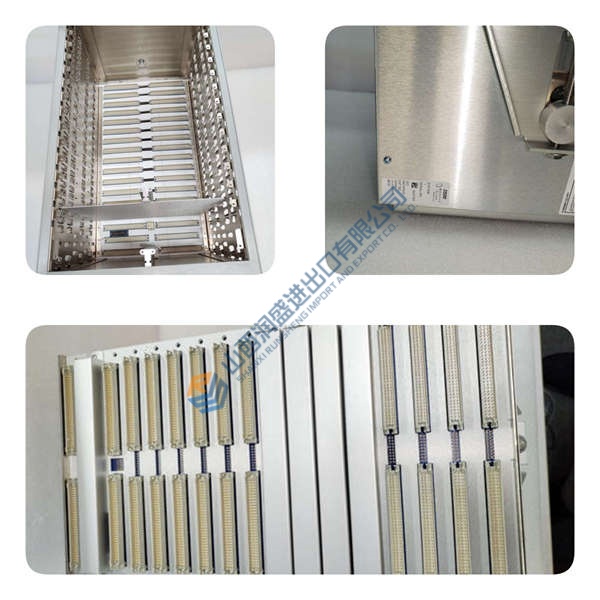
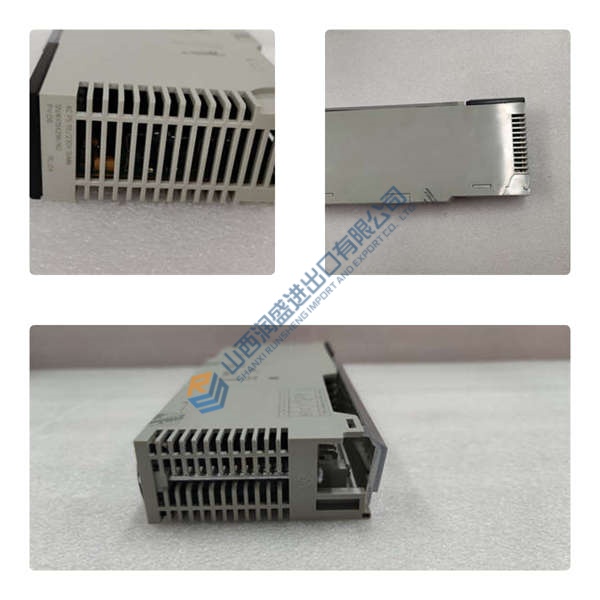
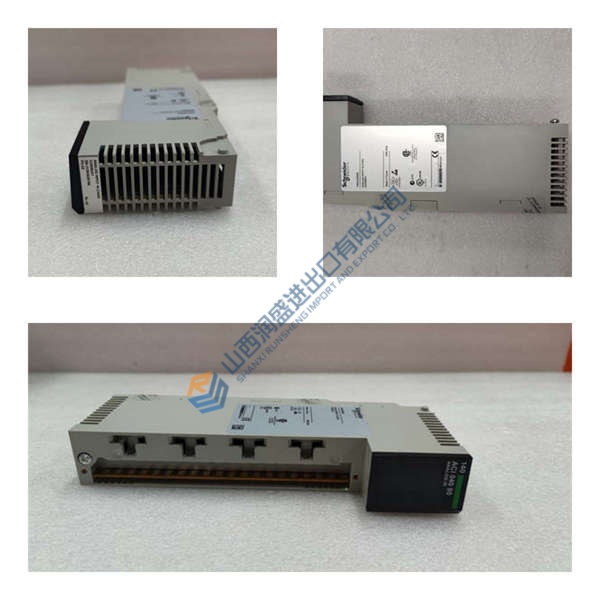
Description
Product Introduction
Technical positioning first — the ABB REF615C_C HCFFAEAGANB2BAN1XC is a feeder protection and control relay built for medium-voltage distribution networks, industrial substations, and utility switchgear retrofits. The relay combines protection logic, measurement, event recording, and communication functions in a withdrawable plug-in design.
Inside digital substations, this unit handles directional and non-directional overcurrent protection, earth-fault protection, breaker control, and IEC 61850 GOOSE messaging. In field deployments of AC800M and MicroSCADA systems, engineers typically use this relay where selective fault isolation and fast recovery matter more than sheer I/O density. Trip timing accuracy is rated around ±5 ms depending on protection stage configuration.
Installation & Configuration Guide
Phase 1 — Pre-Installation (est. 10 min)
- De-energize cabinet and wait 5 min for capacitor discharge
- Prepare Fluke 115 multimeter, ESD strap, insulated screwdriver, torque driver
- Export relay settings from PCM600 before removal
- Photograph jumper positions, DIP switches, CT/PT wiring, and rack layout
Honestly, this prep step prevents most commissioning delays later.
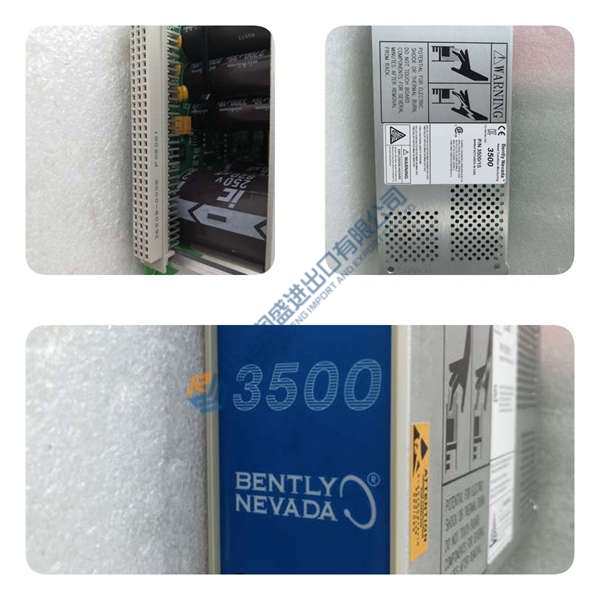
Phase 2 — Removal (est. 5 min)
- Label all field wiring before disconnecting
- Release retaining latch carefully
- Pull relay perpendicular to the backplane guides
- Inspect connector pins for carbon marks, corrosion, or bent contacts
One damaged pin can create intermittent faults for weeks.
Phase 3 — Installation (est. 10 min)
- Connect wrist strap and verify ESD mat grounding
- Confirm exact REF615C_C order code before insertion
- Replicate DIP switch and jumper configuration from photos
- Insert relay until latch clicks fully into place
- Reconnect terminals at approximately 0.5 N·m torque
- Verify CT polarity and shield grounding before energizing
Photo. Photo. Photo.
Phase 4 — Power-On & Testing (est. 15 min)
- Verify auxiliary voltage at 24 V DC ±10% or site-rated AC supply
- Observe LEDs: green = RUN, red = ERR, amber = DIAG
- Connect PCM600 engineering software
- Download or validate relay configuration
- Perform I/O simulation and communication handshake
- Test one complete feeder trip sequence
- Confirm >30 min stable operation without alarms
- Record firmware version and maintenance log entry