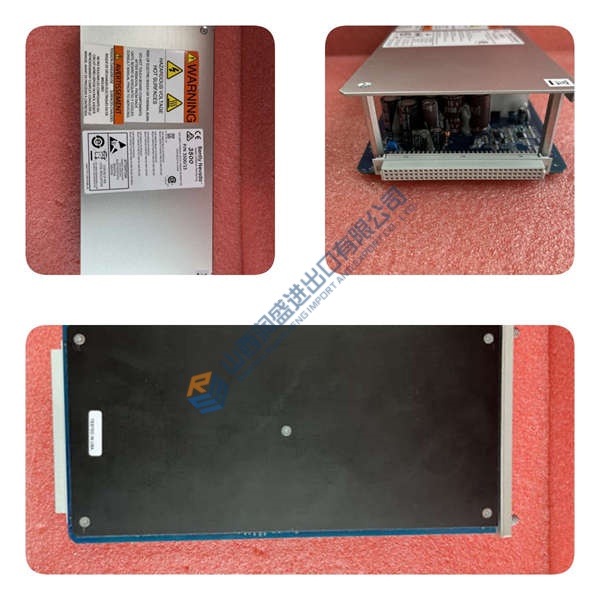
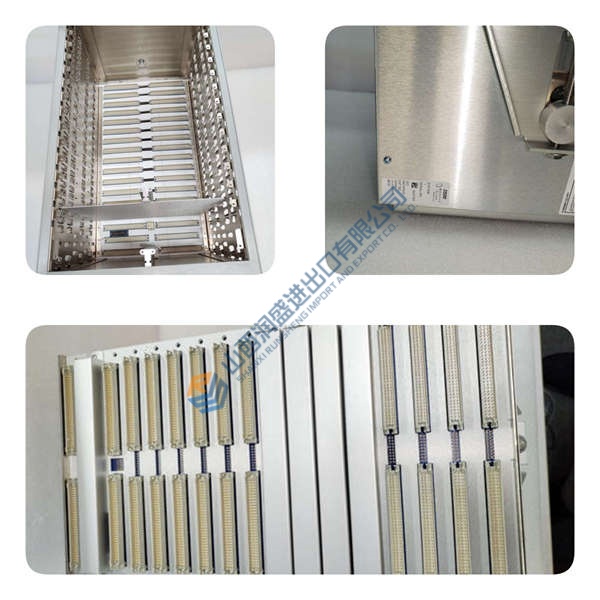
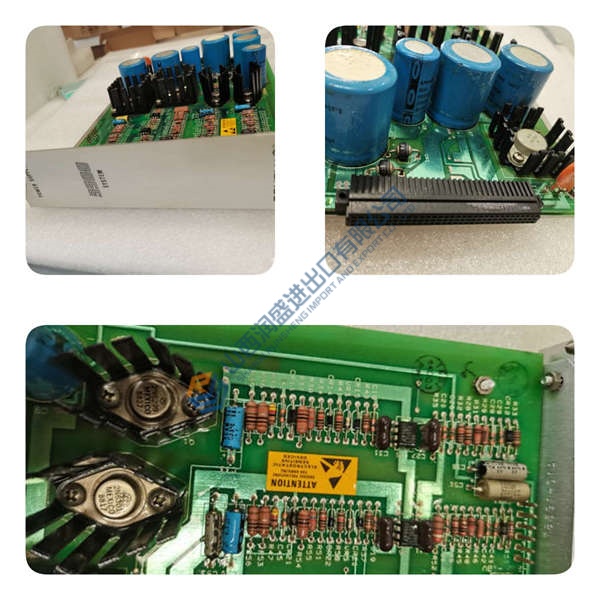
Description
Product Introduction
ABB REF615C_D HCFFAEAKABB2BAA1XD is a feeder protection relay for utility and industrial MV distribution systems. It protects overhead lines and cable feeders in radial, looped, and meshed networks, with or without distributed generation.
This is configuration C-D, which includes non-directional overcurrent, earth-fault, and sensitive ground-fault protection. It supports IEC 61850 Editions 1 and 2, GOOSE, IEC 61850-9-2 LE, Modbus, DNP3, and IEC 60870-5-103. The compact withdrawable plug-in design speeds field swaps. Honestly, that cuts commissioning time wh
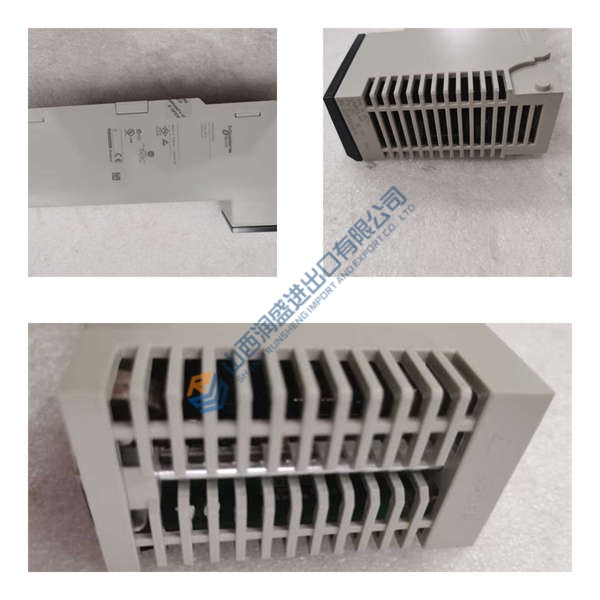
Installation & Configuration Guide
Phase 1—Pre-Installation
- De-energize the bay. Lockout/tagout.
- Wait 5 min for discharge.
- Export the existing relay program from PCM600.
- Photograph DIP switches, wiring, and rack layout.
- Tools: Fluke 115 multimeter, ESD wrist strap, torque driver (0.5 N·m), label tags.
Phase 2—Removal
- Label wires before disconnecting.
- Release the DIN rail latch.
- Pull the unit perpendicular to the backplane.
- Inspect backplane connector pins for bent contacts or corrosion.
Phase 3—Installation
- Put ESD protection on first. Wrist strap + ESD mat.
- Verify part number HCFFAEAKABB2BAA1XD.
- Replicate jumper and terminal settings from photos.
- Seat the module until the latch clicks.
- Reconnect wiring at about 0.5 N·m.
- Check shield grounding against the wiring diagram.
Phase 4—Power-On & Testing
- Verify supply voltage before energizing (48–250 V DC).
- Observe LEDs: green = RUN, red flash = ERR, amber flash = DIAG.
- Connect PCM600 and confirm firmware version.
- Download the application.
- Test I/O points, comms, and one full control loop.
- Confirm 30 min stable operation.
- Log the swap in the maintenance record.
en you’re under live-line pressure.