
Description
Product Introduction
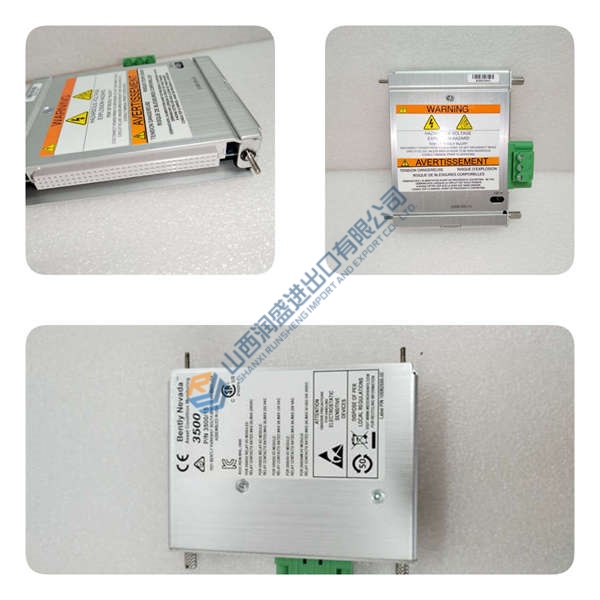
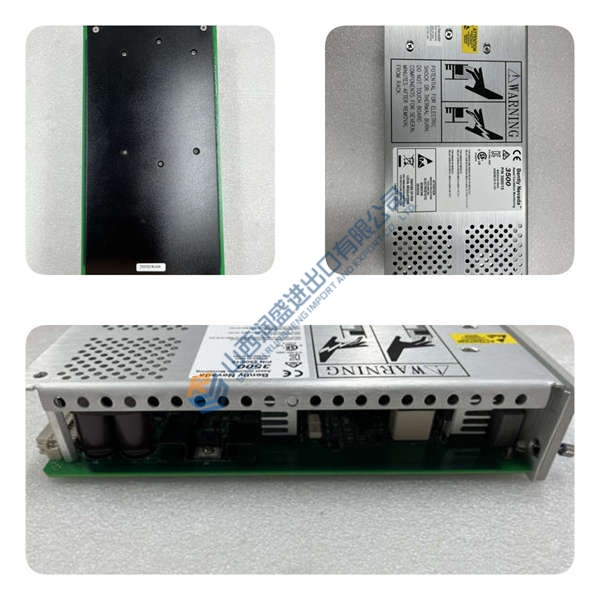
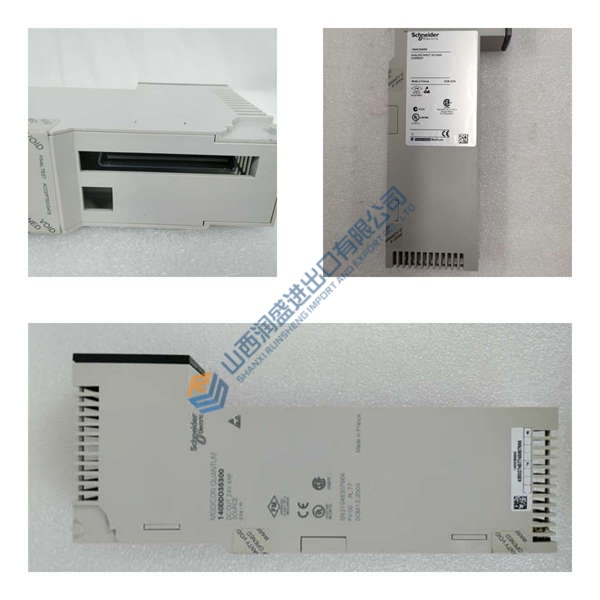
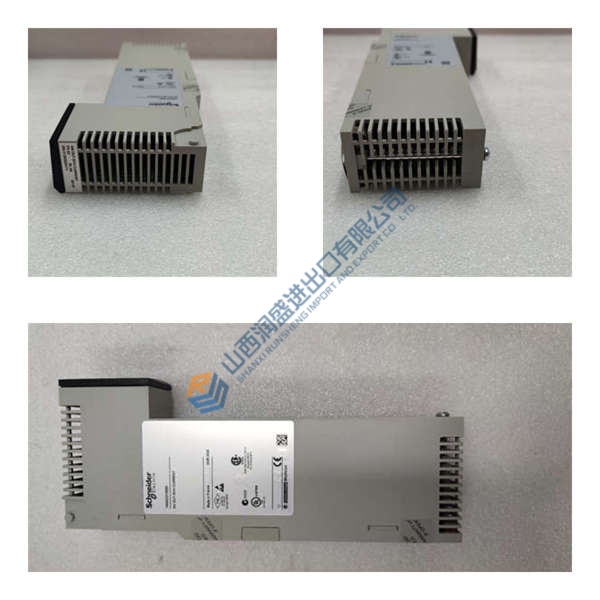
Running a Praesideo PA system with legacy basic amplifiers? The Bosch PRS-16MCI (F.01U.074.442) bridges that gap—it’s the multi-channel interface that connects up to 14 basic amplifier channels (plus 2 spares) to the Praesideo digital network.
This unit delivers full supervision, redundant fiber optic network links, and 32 control inputs with 16 relay outputs for integration with fire alarm or BMS systems. In field deployments of Praesideo 3.5+ systems, we’ve seen this interface handle emergency voice evacuation loops without dropout—even when the main controller fails, thanks to the failsafe XLR pass-through.
Installation & Configuration Guide
Phase 1—Pre-Installation (est. 10 min)
De-energize the rack. Wait 5 minutes for capacitor discharge. Grab a 24 V DC multimeter, ESD wrist strap, and a camera. Export the current Praesideo configuration. Photograph all fiber optic cables, XLR connections, and terminal block wiring—photo, photo, photo.
Phase 2—Removal (est. 5 min)
Label every fiber optic cable and XLR lead before disconnecting. Release the rack mounting screws. Slide the module out carefully, keeping the fiber connectors clean. Inspect the POF connectors for dust or scratches.
Phase 3—Installation (est. 10 min)
Strap on your ESD gear. Verify the part number matches F.01U.074.442. Replicate the fiber optic ring topology from your photos. Seat the module in the 19″ rack, torque mounting screws to ~0.5 N·m. Reconnect XLR loop-through and RJ45 amplifier cables. Run a pre-power checklist: supply voltage, ground continuity, no loose strands.
Phase 4—Power-On & Testing (est. 15 min)
Apply 24 V DC ±10%. Watch the LEDs: Network = green steady, Processor = green flash, Fail = off (red = fault). Connect Praesideo configuration software (Praesideo 3.5+). Download the system configuration. Run a functional test: verify all 16 audio outputs, test control inputs (fire alarm trigger), confirm control outputs activate relays. Confirm stable operation for at least 30 minutes. Log the swap in your maintenance record.
Troubleshooting quick-reference:
- No network link → check fiber optic ring continuity, verify POF connectors clean
- Fail LED red → check supply voltage, verify firmware version in Praesideo software
- Audio dropout on one channel → inspect RJ45 cable, verify amplifier assignment in matrix



