Description
Product Introduction
Industrial PCs running critical automation software often drop network synchronization when legacy PROFIBUS interface cards suffer timing drift or memory allocation errors. The Brad Communications DRL-DPM-BKF PC/104 module solves these network communication failures by offloading protocol processing directly onto its onboard microcontroller.
Designed specifically for embedded PC/104 stacks, this Direct-Link interface card manages high-speed fieldbus data transfer up to 12 Mbps without burdening the host CPU. In my experience, dropping this card into an embedded control architecture stops cyclic bus timeouts and restores reliable real-time communication across distributed DP slaves.
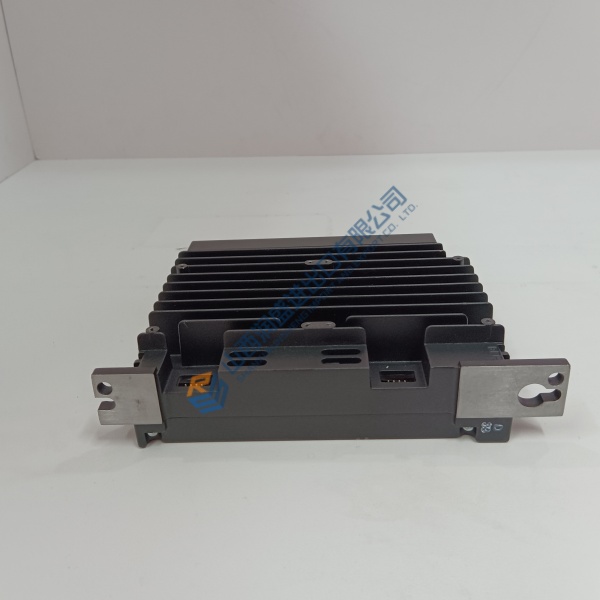
Installation & Configuration Guide
Phase 1 — Pre-Installation (est. 10 min): Power down the host PC/104 stack and disconnect main power supply feeds. Wait 5 minutes for bus capacitors to discharge. Gather a small Phillips screwdriver, antistatic wrist strap, and a digital multimeter. Photograph all jumper positions, DIP switch settings, and ISA/PC104 stack order before pulling any cards.
Phase 2 — Removal (est. 5 min): Disconnect the 9-pin D-Sub fieldbus connector from the faceplate. Carefully unbolt the corner standoff spacers securing the PC/104 module in the stack, then lift the board straight up to avoid bending header pins. Inspect the multi-pin stack connectors for bent pins or contamination.
Phase 3 — Installation (est. 10 min): Strap on an ESD grounding band before opening the anti-static packaging. Verify that the part number on the board PCB matches your specification. Replicate base memory address and interrupt (IRQ) DIP switch settings from your original photos. Align the pin headers with the host stack socket, push straight down until seated, and secure corner standoffs to 0.4 N·m.
Phase 4 — Power-On & Testing (est. 15 min): Apply system power and verify logic supply rail voltages (5 V DC ±5%). Observe onboard LED indicators during boot (green SYS LED steady). Open Brad Console / Direct-Link configuration software, import the GSD files, and execute a bus scan to verify slave node detection. Run a continuous data loop test for 30 minutes to confirm zero packet loss.