Description
Product Introduction
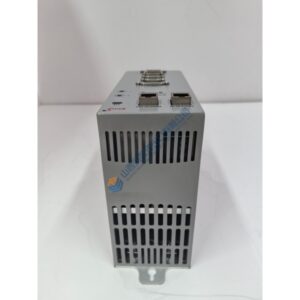
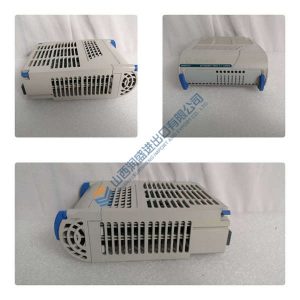
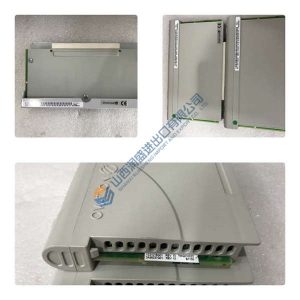
The EATON XV-152-D6-84TVRC-10 (150605) is an XV100-series HMI-PLC touch panel with an 8.4″ TFT display and resistive touch, running Windows CE 5.0 and an integrated PLC runtime. In machinery and process panels, this unit replaces a separate HMI + PLC pair by hosting visualization and control logic on one device.
In field deployments, the XV-152-D6-84TVRC-10 typically runs on 24 Vdc at ~0.6 A, with 400 MHz RISC CPU, 64 MB DRAM, and Ethernet/RS‑232/485/CANopen for plant connectivity. For exact mechanicals, power, and environmental limits, confirm against the XV152 datasheet and the module nameplate before installation.
Key Selling Points & Differentiators
- Integrated HMI + PLC: Windows CE 5.0 with onboard PLC runtime reduces panel count and wiring complexity.
- Clear communications mix: 10/100 Ethernet plus RS‑232/RS‑485 and CANopen/easyNet for PLC, drive, and SCADA links.
- Industrial front rating: IP65/NEMA 4X front for washdown and dusty environments; metal housing for durability.
- Test evidence available: we can share power‑on LED behavior, comms handshake logs, and a basic functional test report (photos/video on request).
- Versus 10.4″ XV152 variants (e.g., XV-152-D6-10TVRC-10): the 8.4″ model fits tighter cutouts and lower power budgets; do not substitute without checking mounting and power.
- Not recommended for: projects requiring projective-capacitive touch or high ambient light阳光下 readability—verify touch type and display brightness in the datasheet.
Frequently Asked Questions
Q1: Can I drop this XV-152-D6-84TVRC-10 straight into my existing panel?
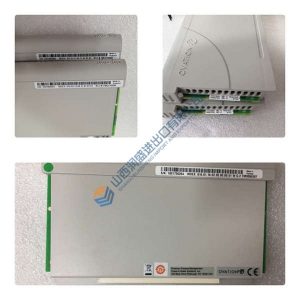
A: Usually yes—if the cutout and depth match the 8.4″ XV152 and the supply is 24 Vdc. Action: photograph the nameplate, note the existing module’s catalog number (e.g., 150605) and cutout dimensions, and match before install.
Q2: What’s the difference between XV-152-D6-84TVRC-10 and XV-152-D6-10TVRC-10?
A: Both are XV152 HMI-PLC panels; the 84TVRC-10 is 8.4″ VGA, while the 10TVRC-10 is 10.4″ VGA with different mechanicals and power. Action: confirm display size, cutout, and power in the project BOM and verify compatibility.