
Description
Product Introduction
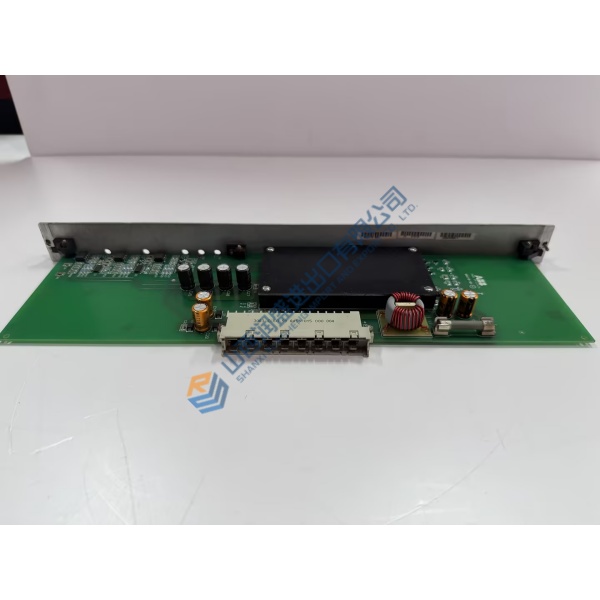
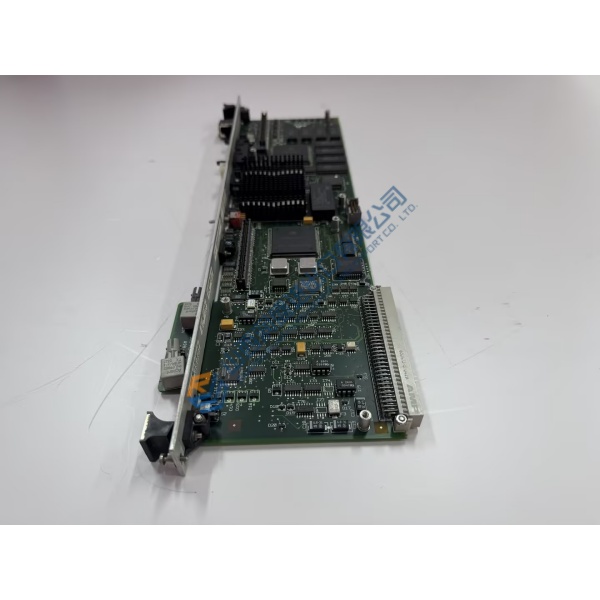
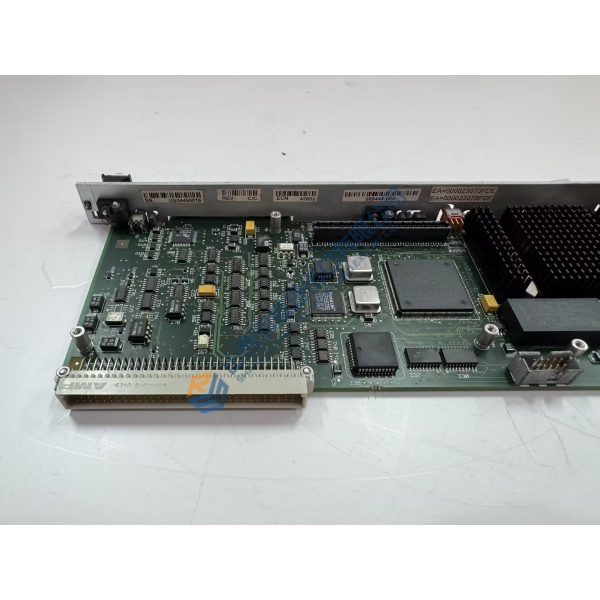
ELAU MAX-4/11/03/128/99/1/1/00 is a PacDrive MAx-4 motion controller that combines PLC logic and high-performance multi-axis motion control in one unit. It coordinates and synchronizes up to 99 servo drives over the SERCOS real-time bus while executing IEC 61131-3 application programs.
Built on an industrial PC platform with VxWorks real-time operating system, the controller generates positioning set-points, manages cam profiles and handles machine sequencing. Optional fieldbus modules (PROFIBUS DP, CANopen, DeviceNet) provide connection to higher-level systems or distributed I/O. This configuration is widely used in high-speed packaging, filling and converting machinery.
Installation & Configuration Guide
Phase 1 — Pre-Installation (est. 10 min)
De-energize the control cabinet. Tools: ESD wrist strap, multimeter (Fluke 115), SERCOS fiber tools if required. Photograph existing cabling, CompactFlash position and option module locations. Back up the current project and note hardware/software versions from the type plate.
Phase 2 — Removal (est. 5 min)
Label all connectors (power, SERCOS, fieldbus, serial, Ethernet). Release the controller from the mounting rail or panel. Remove any option modules carefully.
Phase 3 — Installation (est. 10 min)
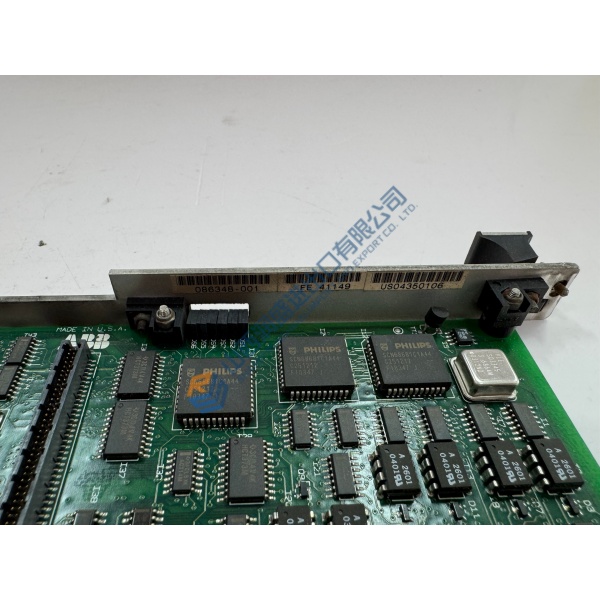
Verify the full part number MAX-4/11/03/128/99/1/1/00 and hardware/software revision. Install the CompactFlash card with the correct project if required. Seat the controller and reinstall identical option modules. Connect 24 V DC, SERCOS fiber rings, fieldbus and I/O. Complete the pre-power checklist.
Phase 4 — Power-On & Testing (est. 15–20 min)
Apply 24 V power and observe status LEDs. Establish communication with the engineering PC (EPAS-4 or successor tool). Download or verify the application, check axis recognition on the SERCOS ring and run a controlled motion test. Confirm fieldbus communication and log the replacement.
Troubleshooting quick-reference:
- No SERCOS communication → check fiber polarity, ring integrity and node addresses
- Controller not recognized → verify CompactFlash content and firmware match
- Fieldbus fault → confirm option module type and configuration against the project



