Description
Product Introduction
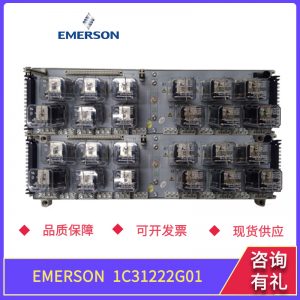
The Emerson CE4022 serial interface card establishes communication between DeltaV controllers and third-party instruments over serial links. Fitting standard C-Series carrier slots, the card transfers data directly into process variables. Bottom line — it works.
By running dedicated serial protocol stacks onboard, the Emerson CE4022 offloads CPU cycles from the main controller. Featuring 500 V optical isolation on both communication ports, the card functions safely up to 19.2 kbps in harsh electrical environments. Honestly, this isolated dual-port configuration is actually clever for linking legacy power meters and weigh scales without adding external gateway hardware.
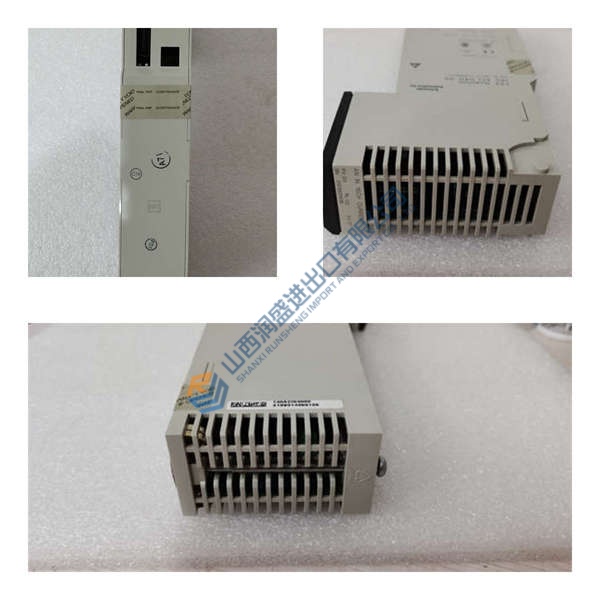
Pricing & Availability Note: Listed pricing is for reference only; actual price depends on market conditions and current stock levels. Request an official quote to confirm pricing for the Emerson CE4022.
Installation & Configuration Guide
Phase 1 — Pre-Installation (est. 10 min)
- De-energize carrier supply circuits.
- Wait 5 minutes to discharge residual energy.
- Grab an anti-static wrist strap, a terminal driver, and a Fluke 115 multimeter.
- Export the current DCS configuration file and photograph wiring connections on the terminal block.
Phase 2 — Removal (est. 5 min)
- Loosen top and bottom carrier retaining screws on the existing card.
- Label each signal lead attached to the terminal block.
- Disconnect wiring harnesses carefully.
- Pull the module perpendicular to the backplane to prevent pin damage.
Phase 3 — Installation (est. 10 min)
- Strap on an anti-static band grounded to cabinet steel.
- Verify the Emerson CE4022 part number against project drawings.
- Align the module card edge guide with the carrier slot rails.
- Press firmly until the locking tab clicks into place.
- Reattach field wiring to terminal blocks and torque screws to 0.5 N·m.
Phase 4 — Power-On & Testing (est. 15 min)
- Restore 24 V DC power to the carrier assembly.
- Observe status LEDs during booting (green PWR steady / amber COMM flashing).
- Open DeltaV Explorer on your engineering workstation to assign the card slot.
- Download the updated system configuration down to the controller node.
- Verify Modbus register polling across field devices for 30 minutes to confirm continuous traffic.