Description
Product Introduction
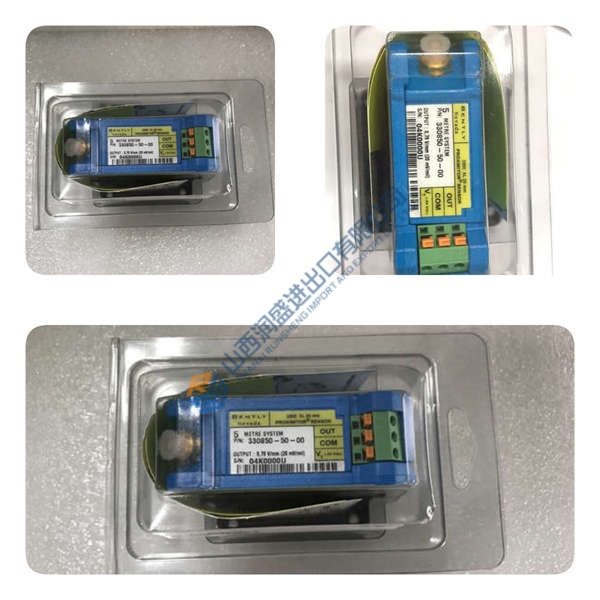
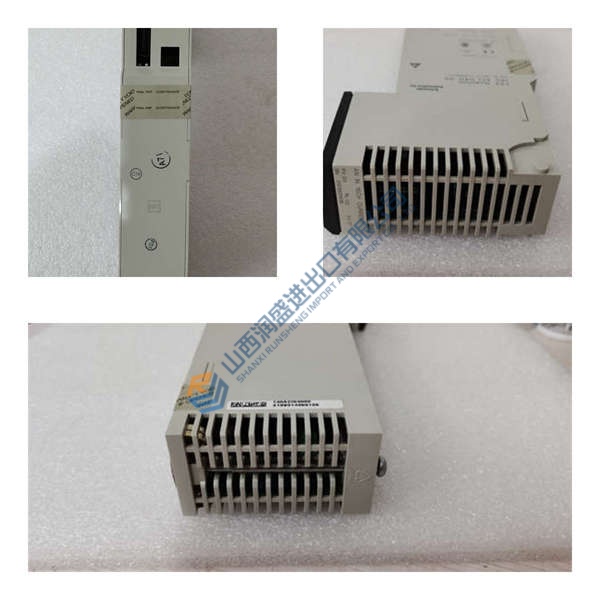
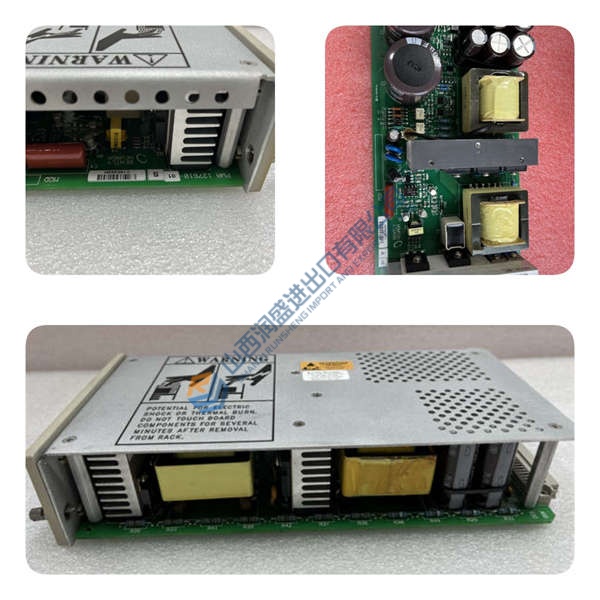
The Emerson FloBoss P154.R4 power supply module provides clean, regulated power for the Emerson FloBoss S600+ flow computer chassis. Slotting directly into the dedicated power bay of the S600+ rack, the card conditions incoming 24 V DC field power to protect sensitive measurement processing cards. Bottom line — it works.
By running internal high-frequency switching regulators, the module filters out field line surges, electrical noise, and voltage sags common in fiscal metering skids. Featuring galvanic isolation across its input terminals and internal backplane rails, the P154.R4 ensures reliable operations across -40 to +70 °C environment extremes. Honestly, this isolated power conditioning architecture is actually clever for keeping fiscal metering loops running without data corruption during generator load swings.
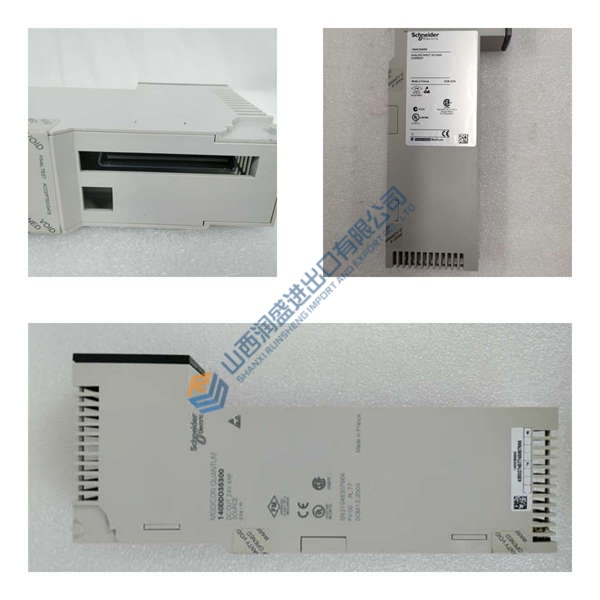
Pricing & Availability Note: Listed pricing is for reference only; actual unit cost depends on market conditions and available inventory. Request an official quote to confirm stock and pricing for the Emerson FloBoss P154.R4.
Installation & Configuration Guide
Phase 1 — Pre-Installation (est. 10 min)
- De-energize the main 24 V DC feeder circuit supplying the FloBoss S600+ panel.
- Wait 5 minutes to allow power supply capacitors to discharge safely.
- Bring a terminal driver, an anti-static grounding wrist strap, and a Fluke 115 multimeter.
- Export active metering system configuration files and photograph existing power input terminal wiring.
Phase 2 — Removal (est. 5 min)
- Unthread top and bottom retaining screws securing the old power module faceplate.
- Disconnect 24 V DC power wiring harness plugs from the front panel terminals.
- Pull the module extraction levers outward to disengage the board from the rear backplane.
- Slide the card perpendicular to the backplane to prevent guide rail or pin damage.
Phase 3 — Installation (est. 10 min)
- Attach an ESD grounding wrist strap connected to cabinet frame ground.
- Inspect the PCB side label to confirm the part number reads Emerson FloBoss P154.R4.
- Align card edge guides with the dedicated power slot tracks inside the chassis.
- Slide the card in firmly until the backplane connectors seat completely.
- Reattach input wiring harness plugs and torque faceplate mounting screws to 0.5 N·m.
Phase 4 — Power-On & Testing (est. 15 min)
- Measure incoming DC supply line voltage with a Fluke 115 multimeter to verify it falls within 18 to 32 V DC.
- Restore 24 V DC main supply power to the chassis.
- Observe front panel status LEDs during boot (green PWR LED solid).
- Verify flow computer diagnostic screens show healthy backplane voltage rails.
- Monitor fiscal metering calculations for 30 minutes to confirm continuous power delivery.
Troubleshooting Quick-Reference
- PWR LED off → Check input 24 V DC supply polarity and terminal connection tightness.
- FAULT LED illuminated → Verify backplane current load limits; check for short circuits on I/O cards.
- Intermittent power resets → Test for voltage sags on the primary 24 V DC station battery bank.