Description
Product Introduction
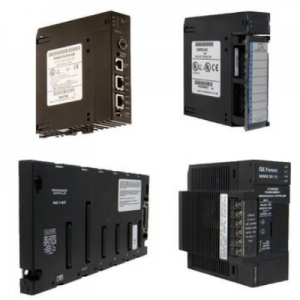
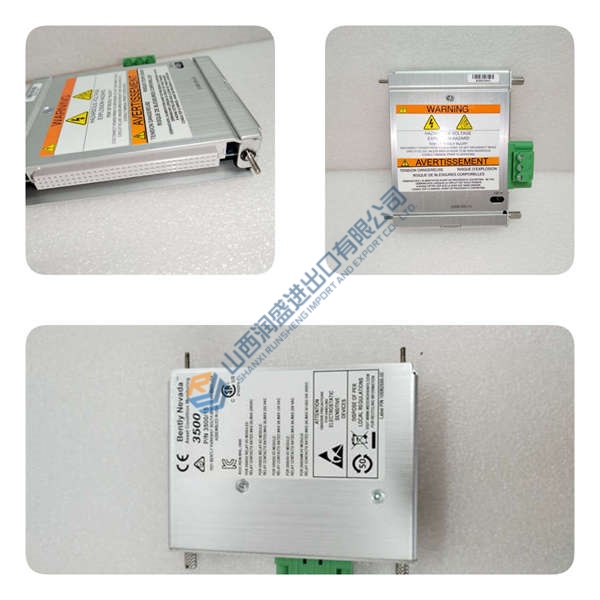
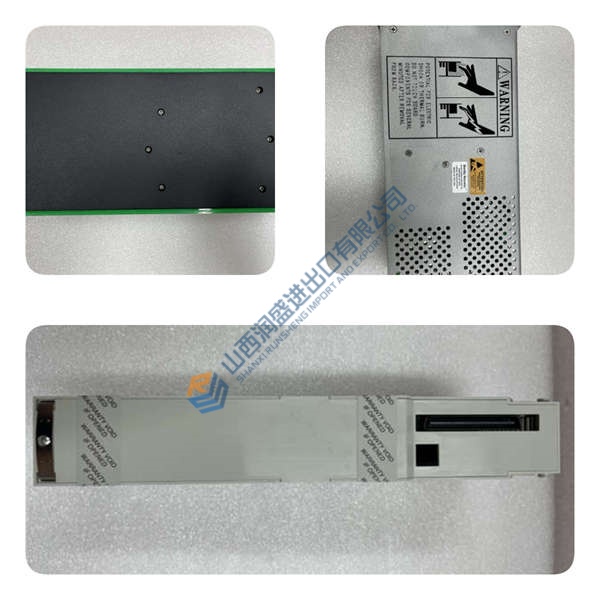
The Emerson FLOBOSS S600 is a panel-mount fiscal flow computer designed specifically for hydrocarbon liquid and gas measurement in custody transfer, batch loading, meter proving, and multi-stream applications. It supports orifice, turbine, ultrasonic, Coriolis, and positive displacement meters across up to 10 independent measurement streams in a single chassis.
In field deployments of pipeline and refinery metering skids, this unit stands out for its 64-bit (double) precision floating-point calculations—custody-transfer grade accuracy with 24-bit analog inputs (±0.005% of FS at 23 °C). The triple-redundant (Tri-reg) data storage ensures cumulative totals survive power loss and board swaps. If you’re replacing an older S600 or S600+, the base S600 is a drop-in swap—same 19-inch panel cutout, same terminal layout, same Config600 configuration files.
Installation & Configuration Guide
Phase 1—Pre-Installation (est. 10 min)
De-energize the 24 V DC supply and wait 5 min for capacitor discharge. Grab a Torx T20, wire strippers, and a Fluke 115 multimeter. Export your current Config600 configuration file and photograph the existing unit’s terminal wiring, DIP switches, and panel cutout.
Phase 2—Removal (est. 5 min)
Label every cable before disconnecting—Ethernet A/B, RS-485, HART, 24 V DC +/−, analog/pulse I/O. Release the 4× panel-mount bolts, pull the unit straight out, and inspect the backplane connector pins for bent contacts or corrosion.
Phase 3—Installation (est. 10 min)
Strap on your ESD wristband. Verify the part number matches FLOBOSS S600. Replicate the terminal block wiring from your photos—24 V DC polarity, Ethernet crossover/straight-through, HART multi-drop termination. Seat the unit in the panel cutout, torque M6 bolts to ~5 N·m, reconnect all I/O cables, then run a pre-power checklist: backplane continuity, 24 V DC supply polarity, ground bond.
Phase 4—Power-On & Testing (est. 15 min)
Verify supply voltage is 24 V DC (±10%). Power up and watch the LCD—boot sequence should complete in <30 s. Hook up Config600 Pro or a web browser (embedded webserver), download the flow configuration, then run a full I/O loop test (analog, pulse, HART). Log at least 30 min of stable operation before signing off.
Troubleshooting quick-reference:
- No comms → check IP, cable, switch port, firewall rules (Modbus TCP port 502)
- ERR steady → firmware mismatch; attempt update via Config600
- Download fails → verify cable and software version
- Over-temperature → check 100 mm clearance above/below, 30 mm sides