Description
Product Introduction
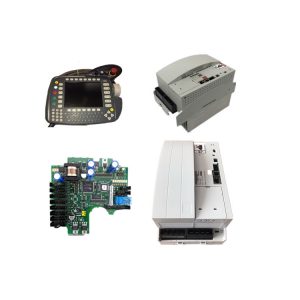
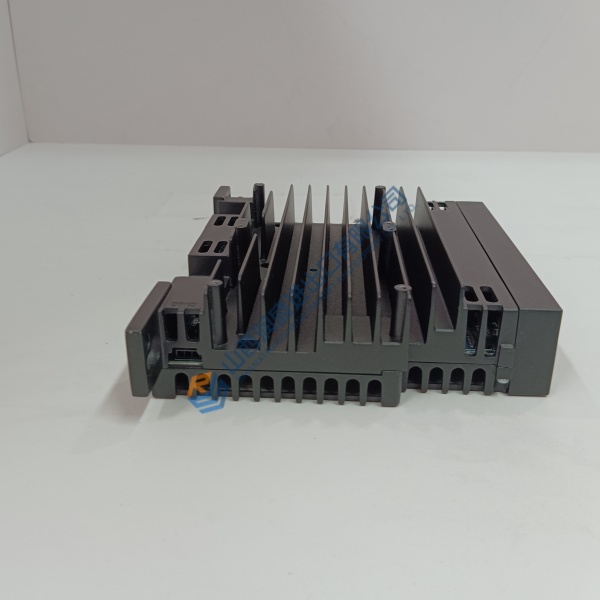
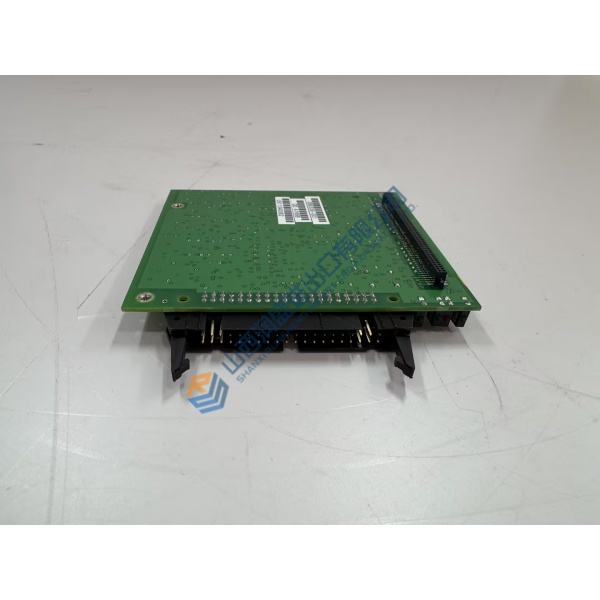
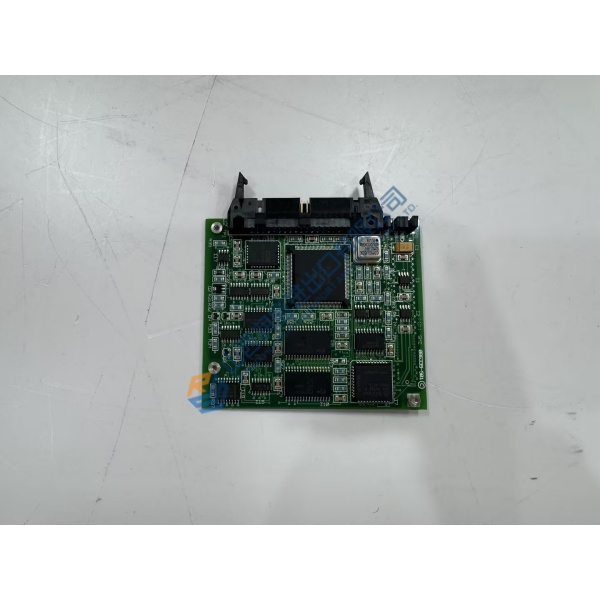
Unexpected controller lockups on critical processing units disrupt continuous plant operations and threaten batch production quality. The FOXBORO FCP280 Field Control Processor prevents these costly process interruptions by providing high-speed logic execution and fault-tolerant network redundancy across Foxboro DCS architectures.
Featuring a 50 Mbps Field Control Network connection and double the processing power of legacy controllers, this module manages thousands of I/O points without memory bottlenecks. In my experience, dropping this controller into an existing I/A Series system stabilizes scan rates and streamlines control loop execution on heavy process units.
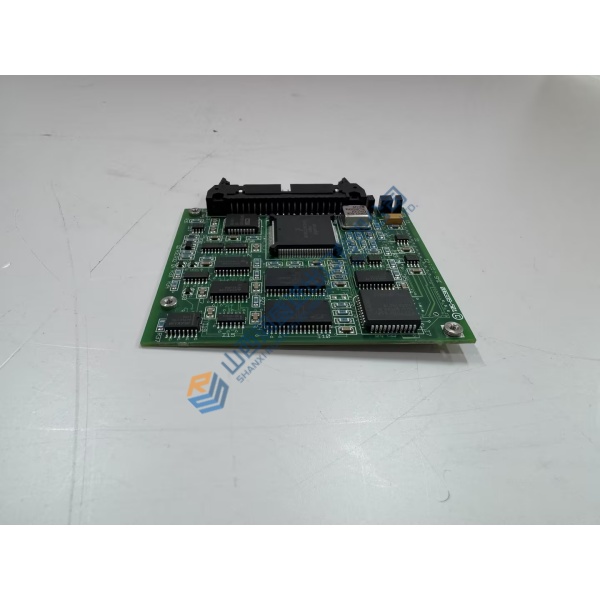
Installation & Configuration Guide
Phase 1 — Pre-Installation (est. 10 min): Power down the target baseplate section or confirm redundant partner status if performing a hot swap. Gather a torque screwdriver, antistatic wrist strap, and a digital multimeter. Photograph all baseplate keying positions, network fiber/copper terminations, and module address switches before pulling the old unit.
Phase 2 — Removal (est. 5 min): Disconnect network patch cables from the front ports carefully. Loosen the top and bottom mounting screws on the module faceplate, then lift the release latch to slide the processor perpendicular from the baseplate backplane connector. Inspect backplane connector sockets for bent pins or dust buildup.
Phase 3 — Installation (est. 10 min): Secure your ESD wrist strap to an earth ground point. Verify the module part number on the side label matches your bill of materials. Match lettered letter-keying positions on the baseplate slot. Slide the module firmly into the baseplate slot until the locking lever clicks home, then torque retaining screws to 0.5 N·m.
Phase 4 — Power-On & Testing (est. 15 min): Supply 24 V DC backplane power and observe status LEDs (green OPERATIONAL LED steady). Connect Foxboro Control Software (FCS), assign the system letter address, and download the control database. Run a 30-minute monitoring cycle to verify redundant partner synchronization and error-free FBM communication.
Troubleshooting Quick-Reference:
- FAIL LED illuminated → Check baseplate power supply limits and re-seat module in backplane.
- Redundant tracking failure → Verify fiber/copper link cables between primary and backup FCPs.
- Download rejects → Confirm system software letter address matches physical baseplate address.
FAQ
Can I just drop this in and go? Not immediately, because the module requires system letter address assignment and a database download from the Foxboro engineering workstation. You must assign the proper letter address and download the database file before the controller can manage process loops.
Is the FCP280 backward-compatible with older FCP270 baseplates? Well, technically yes, the physical mounting footprint aligns with standard 200 Series baseplates, but you must verify software version compatibility in Foxboro Control Software first.