Description
Product Introduction
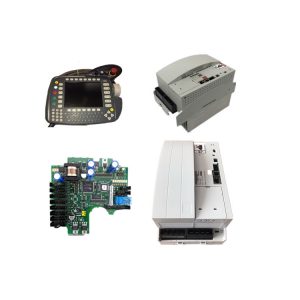
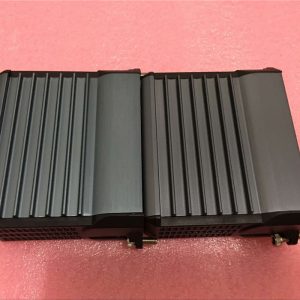
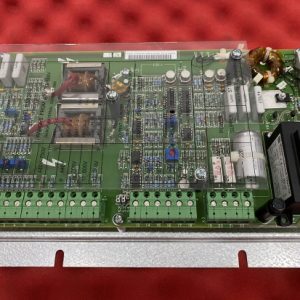
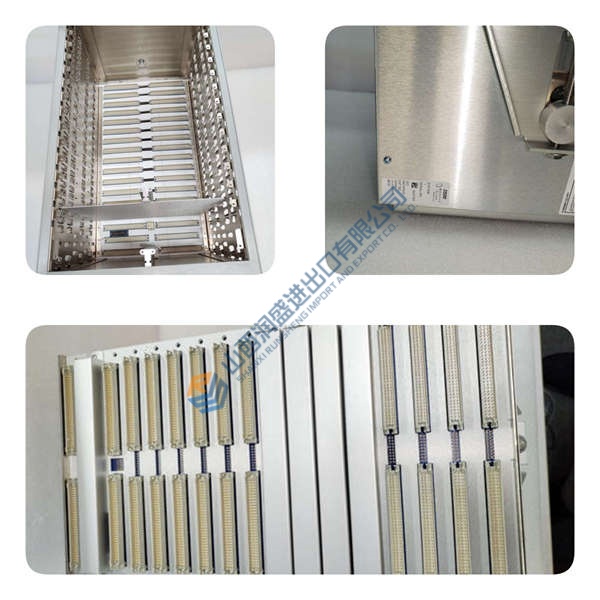
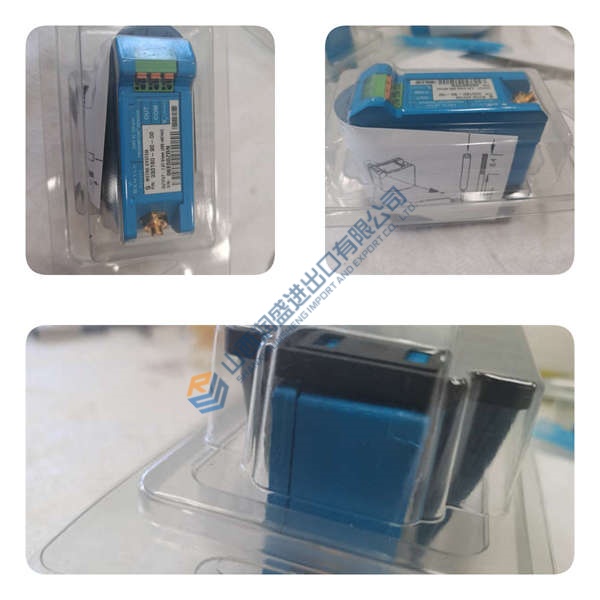
The Foxboro FDC280 (RH101FQ) Field Device Controller simplifies DCS architecture by combining primary process execution with direct third-party device integration. Operating on dedicated baseplates, this module executes regulatory and sequential logic while serving as an active communications gateway. Bottom line — it works.
Built around a dual-core ARM System-on-Chip (SoC), the controller splits tasks between dedicated environments: Core 1 handles Control Core execution and network traffic, while Core 2 manages field device integration. Supporting up to 256 field devices and 8,000 I/O points, it eliminates intermediate Fieldbus Modules (FBMs). Honestly, splitting control loops from serial/Ethernet communication stacks on a single chip is actually clever for maintaining sub-second scan times without CPU saturation.
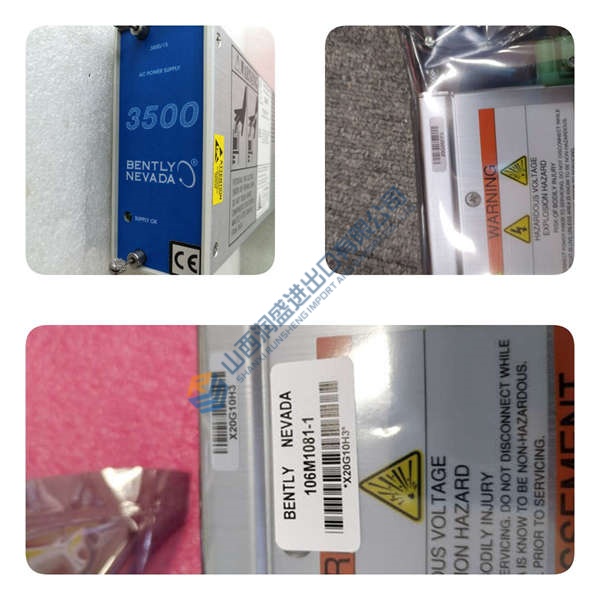
Pricing & Availability Note: Listed pricing is for reference only; actual transaction cost depends on global stock levels and delivery urgency. Request an official quote to verify current stock and lead times for the Foxboro FDC280 RH101FQ.
Installation & Configuration Guide
Phase 1 — Pre-Installation (est. 10 min)
- De-energize 24 V DC power supplies feeding the target FDC280 baseplate.
- Allow 5 minutes for internal baseplate power circuitry to discharge completely.
- Prepare a flathead screwdriver, ESD grounding wrist strap, and a Fluke 115 multimeter.
- Back up active Foxboro Control Core Services (v9.3 or later) projects and record letterbug address settings.
Phase 2 — Removal (est. 5 min)
- Loosen top and bottom baseplate retention screws holding the module frame.
- Unclip time strobe or network patch cables attached to adjacent baseplate sockets.
- Press top and bottom red module release latches to unseat backplane connections.
- Pull the module straight out along guide channels to avoid bending connector pins.
Phase 3 — Installation (est. 10 min)
- Attach an ESD wrist strap and connect the clamp to verified cabinet frame ground.
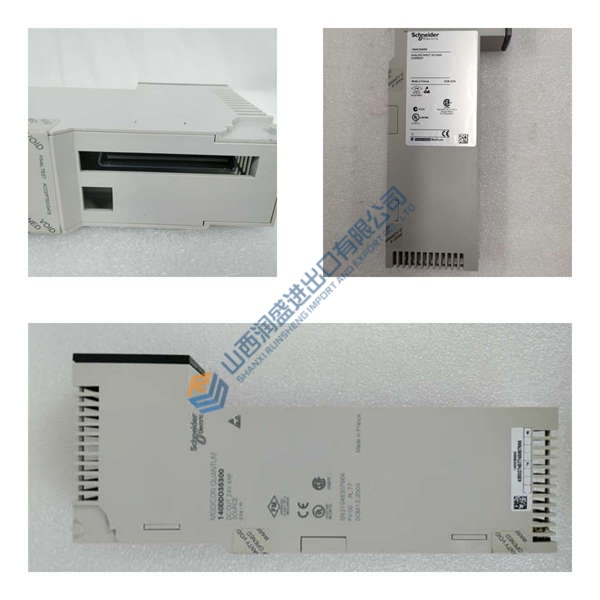
- Confirm the product label on the side casing confirms part number Foxboro FDC280 RH101FQ.
- Align module guide slots with the target baseplate position (Left or Right position for fault-tolerant pairs).
- Slide the module in firmly until the top and bottom latches snap into place.
- Torque faceplate retention screws to 0.5 N·m to ensure frame earthing.