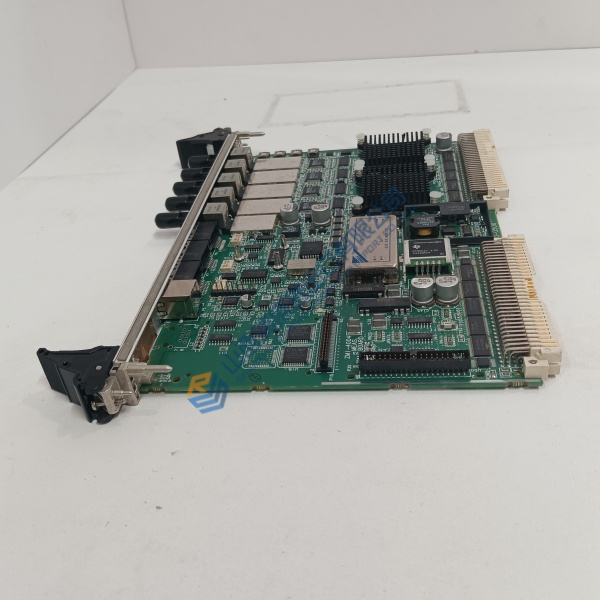
Description
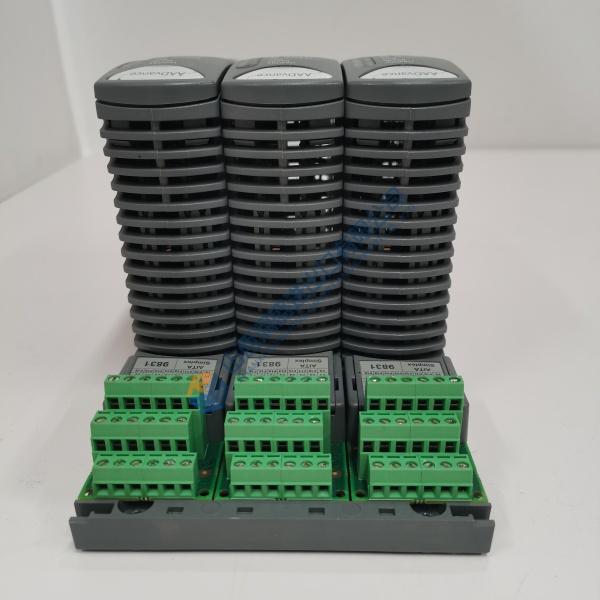
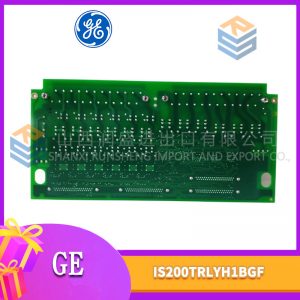
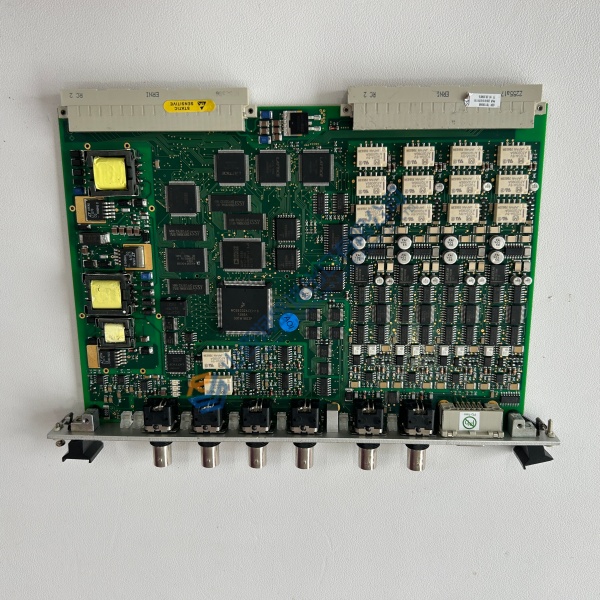
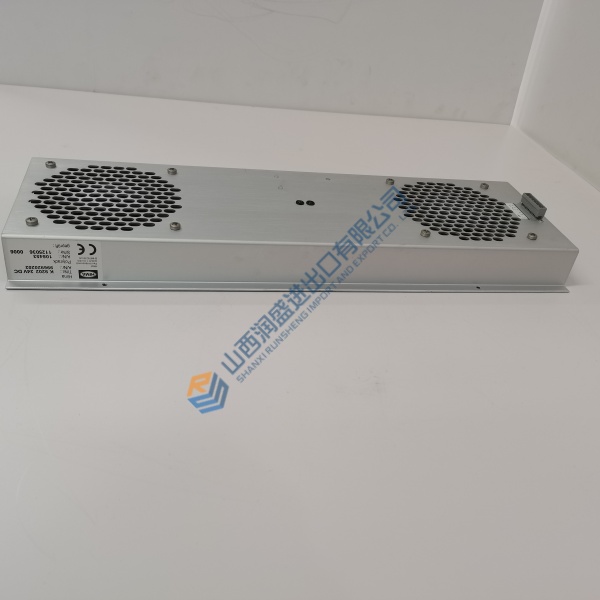
Product Introduction Integrating the GE IS2020RKPSG2A rack power supply into a Speedtronic Mark VI turbine control enclosure ensures clean voltage delivery across backplane buses. Designed specifically for heavy-duty gas and steam turbine protection racks, this power supply module filters input line noise while providing regulated DC rails for sensitive VME processor and I/O cards.
Engineers routinely select this power supply unit to replace aging modules during scheduled plant overhauls. It delivers high power conversion efficiency with low ripple noise, operating dependably within ambient cabinet temperatures ranging from 0 °C to +60 °C.
Installation & Configuration Guide Phase 1 — Pre-Installation (est. 10 min) De-energize incoming power lines supplying the Mark VI cabinet completely. Wait 5 minutes for internal filter capacitors to discharge before opening rack doors. Prepare a Fluke 115 digital multimeter, insulated screwdrivers, and an anti-static wrist strap. Export system maintenance logs, then photograph incoming supply wiring connections, ground strap routing, and slot location details.
Phase 2 — Removal (est. 5 min) Label all incoming AC/DC power leads using printed wire markers before loosening terminal screws. Unplug input power connectors from the module faceplate. Loosen top and bottom captive retaining screws on the front panel. Slide the power supply module straight out of the VME rack slot to prevent scoring rear backplane pins. Check backplane connectors for thermal discoloration or dust buildup.
Phase 3 — Installation (est. 10 min) Strap on your ESD wrist band before removing the replacement unit from its protective packaging. Verify the model number on the side chassis label reads GE IS2020RKPSG2A. Align the module with top and bottom VME card guide rails, push firmly until the rear multi-pin connector seats into the backplane socket, and torque faceplate screws to 0.5 N·m. Reconnect input wiring according to your reference photographs and panel schematic.
Phase 4 — Power-On & Testing (est. 15 min) Measure incoming line voltage to confirm input is within 100–145 V DC or 115–230 V AC operating limits. Restore input power. Observe front status LEDs: POWER OK must illuminate steady green with zero diagnostic fault lights. Connect your laptop to the Mark VI controller via Toolbox software, verify all backplane logic voltage rails read nominal, and run a full 30-minute operational test before closing the maintenance ticket.