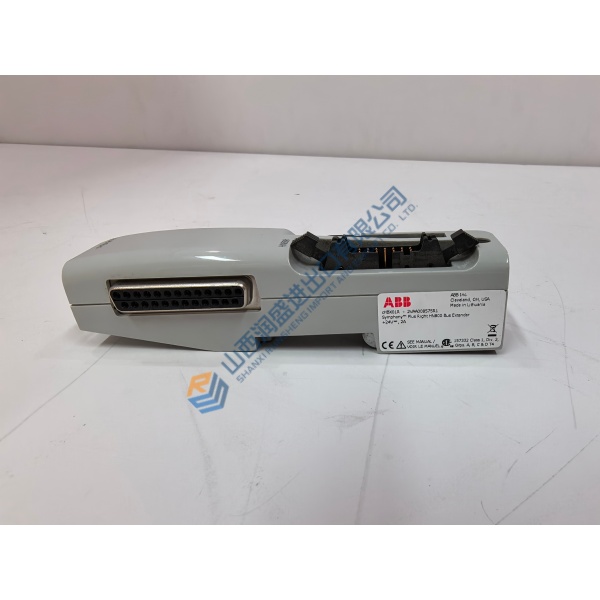
Description
Product Introduction
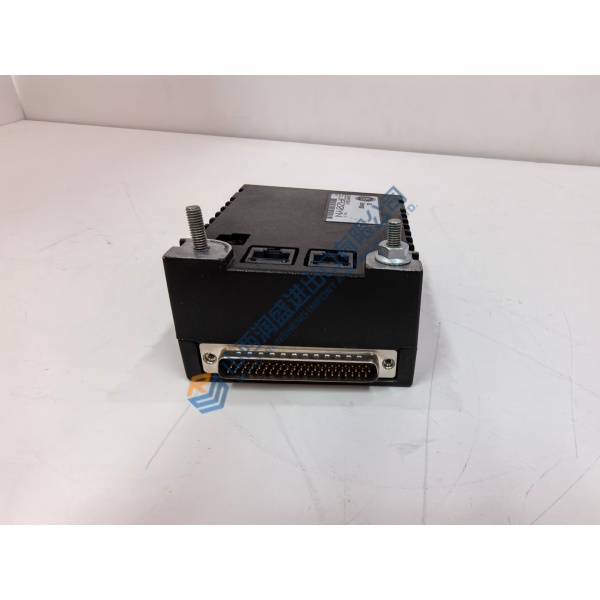
Faced with a dead I/O pack taking down critical feedback loops on your turbine control rack? The GE IS220PDIOH1B handles high-speed discrete signal processing and field device interfaces across Mark VIe distributed architectures. Conforming to ISA-88 and IEC 61131 standards, it plugs directly onto terminal blocks without requiring cabinet rewiring.
In field deployments of Mark VIe systems, this pack maintains high-speed discrete signal scanning down to 1.0 ms. The GE IS220PDIOH1B interfaces directly with dual Ethernet IONet switches to keep main turbine units running smoothly. Listed prices serve as a baseline market reference; actual costs depend on current global surplus availability. Contact our sales team directly to request a formal quote and check current lead times.
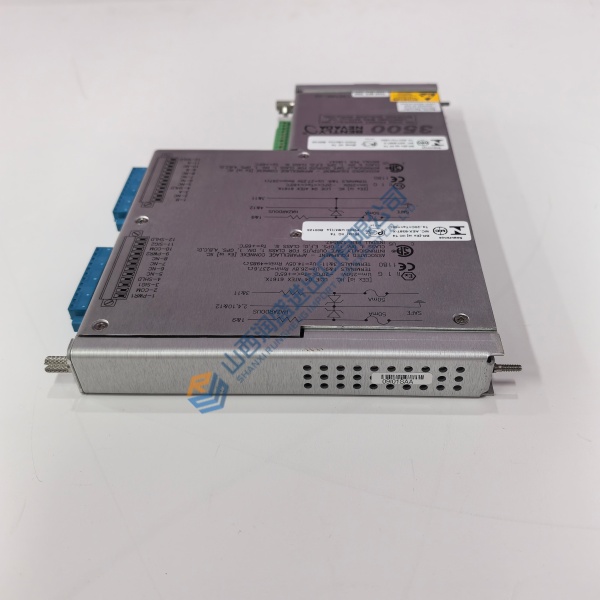
Installation & Configuration Guide
Phase 1 — Pre-Installation (est. 10 min)
Isolate auxiliary power feeds to the targeted I/O slot. Wait 5 minutes for internal capacitors to discharge completely. Gather a flathead screwdriver, an ESD grounding wrist strap, and a digital multimeter. Export your active toolbox configuration using ControlST software. Take clear photos of all terminal board seating, wire routes, and network cable connections on the active GE IS220PDIOH1B unit.
Phase 2 — Removal (est. 5 min)
Label both RJ-45 Ethernet cables with port designations (IONet A / IONet B) before unplugging them. Loosen the two captive mounting screws securing the pack to the terminal board. Pull the pack straight outward, sliding it perpendicular to the terminal base to avoid bending header pins. Inspect the base connector pins for dust or mechanical damage.
Phase 3 — Installation (est. 10 min)
Put on your ESD wrist strap and connect its clip to cabinet ground. Unpack the replacement GE IS220PDIOH1B from its static shielding bag. Check the revision code on the side label against your work order. Align the pack guide posts with the terminal board base and push firmly until the multi-pin header seats completely. Tighten captive mounting screws to ~0.8 N·m. Reconnect both IONet Ethernet cables to their designated ports. Run a quick cable check.
Phase 4 — Power-On & Testing (est. 15 min)
Check 24 V DC power across base terminals using your multimeter before applying main auxiliary power. Apply power. Observe the LED sequence: PWR turns steady green, L1/L2 network LEDs flicker to indicate active traffic, while ATTN indicator clears after self-checks. Connect ControlST software, verify pack communication status, and trigger a firmware download if prompted. Run an I/O point toggle test across input channels. Monitor unit stability for 30 minutes under live operation before signing off. Log the pack serial number in your maintenance database.