Description
Product Introduction
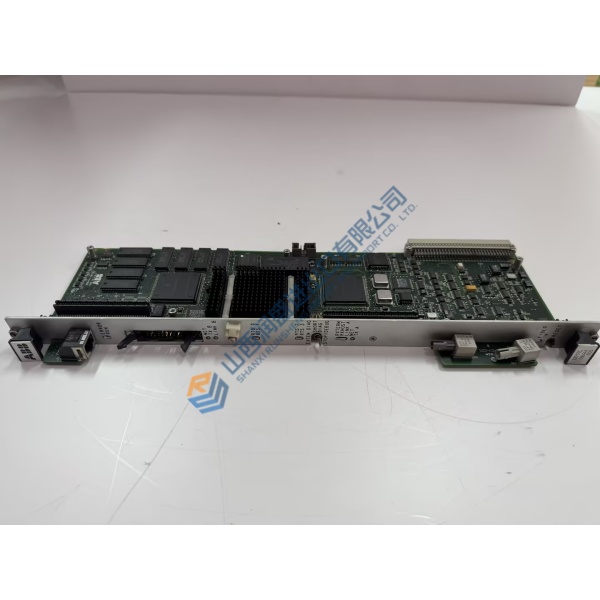
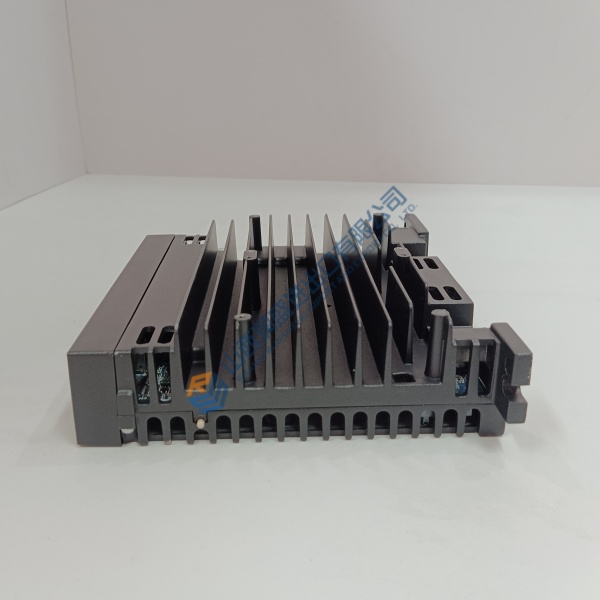
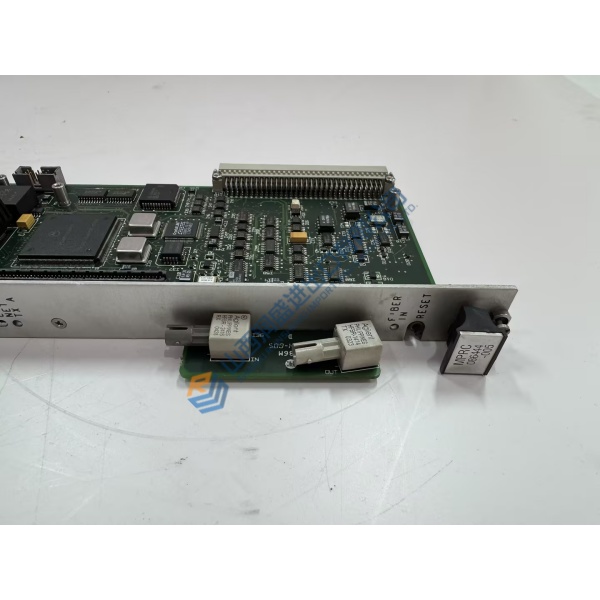
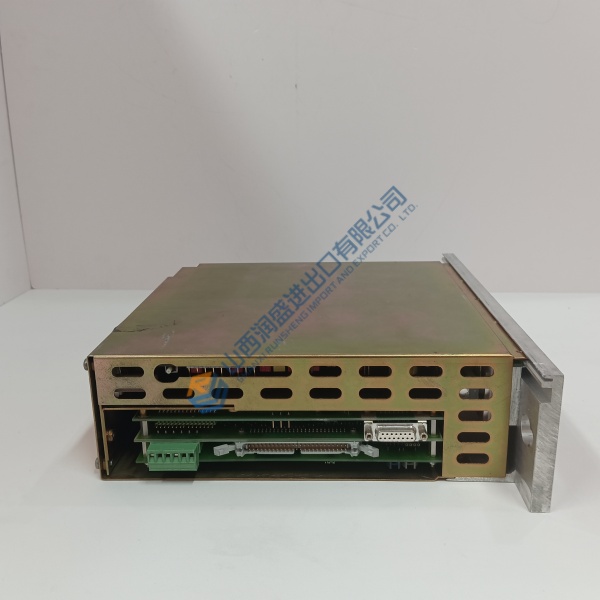
GE IS420UCSCH2A is a high-performance controller assembly used in Mark VIe and Mark VIeS Speedtronic systems. It executes real-time turbine control logic, manages I/O communications over IONet, and coordinates protection and sequencing functions for gas, steam, and wind turbine applications.
The unit is a complete controller module (not a simple circuit board) designed for cabinet mounting. It supports simplex, dual, and triple-redundant configurations and provides multiple Ethernet ports for high-speed deterministic communication with I/O packs and other system components. Status LEDs on the front panel indicate power, link, online, and diagnostic states.
Installation & Configuration Guide
Phase 1 — Pre-Installation (est. 15 min)
De-energize the Mark VIe cabinet and isolate all power sources. Tools: ESD wrist strap, multimeter (Fluke 115), torque tools. Photograph existing controller mounting, Ethernet/IONet cabling, and any USB or console connections. Back up the current ControlST project and note firmware version.
Phase 2 — Removal (est. 10 min)
Label every Ethernet, power, and console cable. Release the controller from its mounting base or rails. Carefully withdraw the unit, supporting its weight.
Phase 3 — Installation (est. 15 min)
Verify the full part number IS420UCSCH2A and hardware revision. Mount the controller securely in the designated location. Reconnect power, IONet/Ethernet cables, and any console or USB links. Ensure proper grounding and airflow around the unit.
Phase 4 — Power-On & Testing (est. 20–30 min)
Apply control power and observe front-panel LEDs. Establish communication with ToolboxST / ControlST. Download or verify the application, confirm IONet network status, and run a controlled functional test of critical loops. Log the controller replacement and any configuration changes.
Troubleshooting quick-reference:
- No online status → check power supply, IONet cabling, and network configuration
- Communication failure → verify Ethernet port assignments and switch settings
- Boot or diagnostic faults → confirm firmware compatibility and CompactFlash/content integrity