Description
Product Introduction
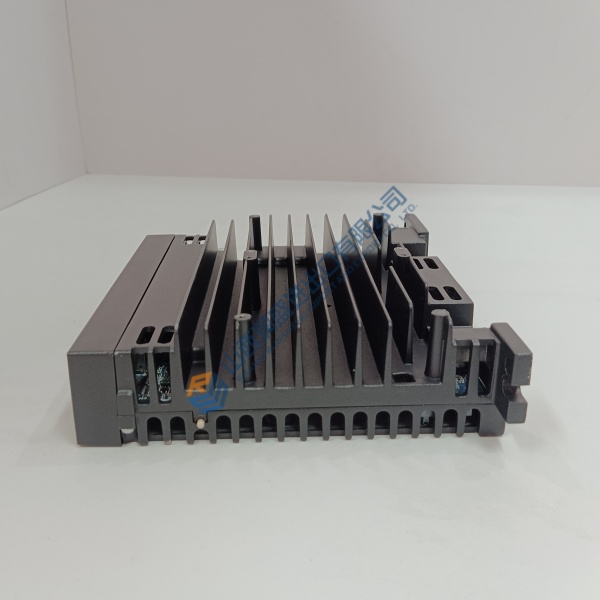
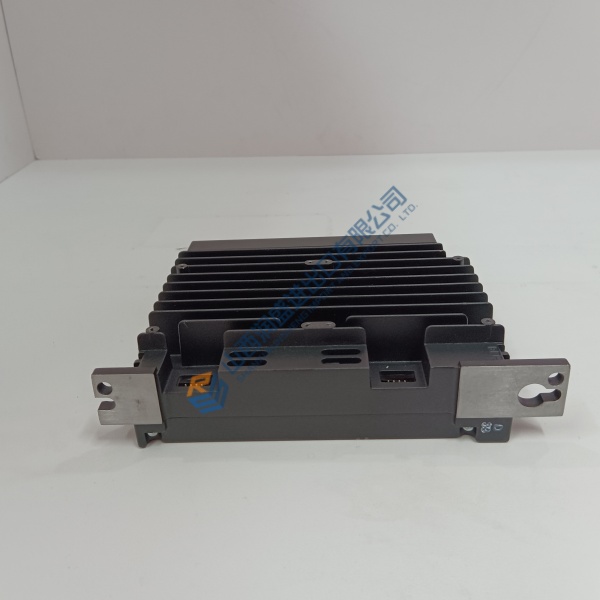
Unexpected processor resets or high CPU load bottlenecks in large Mark VIe control systems can freeze control loops and trigger nuisance turbine trips. The General Electric IS420UCSCH2A UCSC Controller resolves processing delays and network latency by bringing modern quad-core performance directly to Mark VIe and Mark VIeS control architectures.
Engineered as a standalone, high-density control node, the IS420UCSCH2A runs application code created in GE ControlST (ToolboxST) without requiring a VME rack backplane. In my experience, upgrading aging single-core processors to the UCSCH2A provides the computational headroom needed for fast-scan turbine protection loops and complex multi-network IONet communications.
Installation & Configuration Guide
Phase 1 — Pre-Installation (est. 10 min): Confirm power feed isolation or check redundant partner tracking status if replacing in a dual/triple modular redundant (TMR) configuration. Gather a DIN-rail screwdriver, antistatic wrist strap, and a digital multimeter. Photograph all RJ-45 IONet cable connections, serial links, and power terminal block wiring before touching the existing module.
Phase 2 — Removal (est. 5 min): Unplug field wiring terminal blocks for primary and secondary 24 V DC inputs. Disconnect Ethernet cables from IONet ports A, B, and C carefully by releasing RJ-45 retaining clips. Release the DIN-rail mounting latches on the housing base, then tilt and lift the controller forward off the mounting rail.
Phase 3 — Installation (est. 10 min): Put on your ESD wrist strap and connect it to panel earth ground before opening anti-static packaging. Verify the label reads IS420UCSCH2A. Hook the top DIN-rail channel onto the mounting rail, push the controller down and inward until the bottom latch snaps firmly, then reconnect network cables and 24 V DC power blocks according to your initial photographs.
Phase 4 — Power-On & Testing (est. 15 min): Apply 24 V DC power and observe faceplate LEDs during QNX boot (green RUN LED steady, IONet link LEDs flickering green). Open GE ControlST / ToolboxST software on your engineering workstation, establish connection via Ethernet, and download system application logic and configuration files. Run a 30-minute system health test to confirm error-free IONet communication across all I/O packs.
Troubleshooting Quick-Reference:
- FAIL LED illuminated red → Re-check 24 V DC power rail stability; re-download configuration from ToolboxST.
- IONet Link LED unlit → Inspect RJ-45 cable connections, network switch port status, or IP address settings.
- ToolboxST download rejected → Confirm controller firmware build matches software project version.