Description
Product Introduction
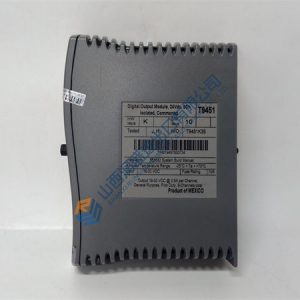
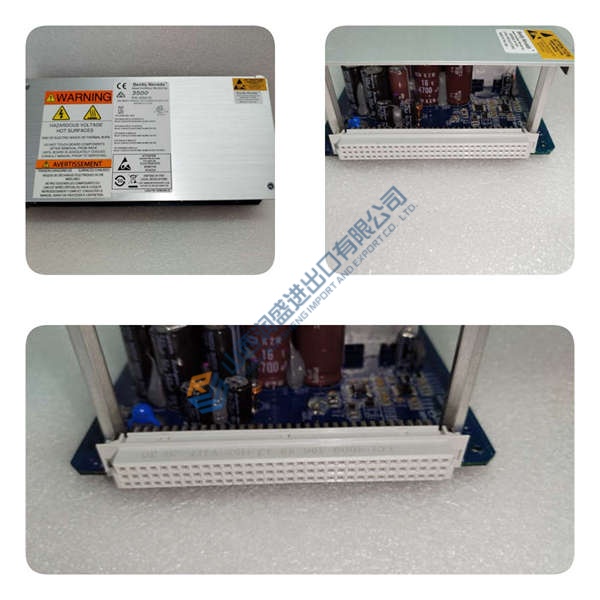
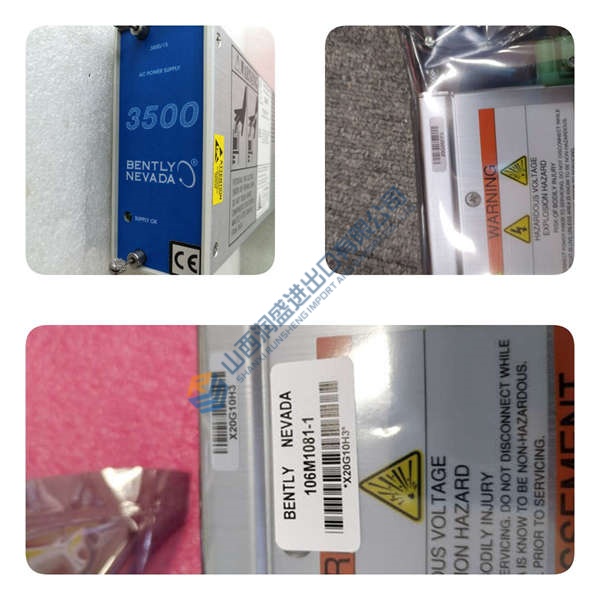
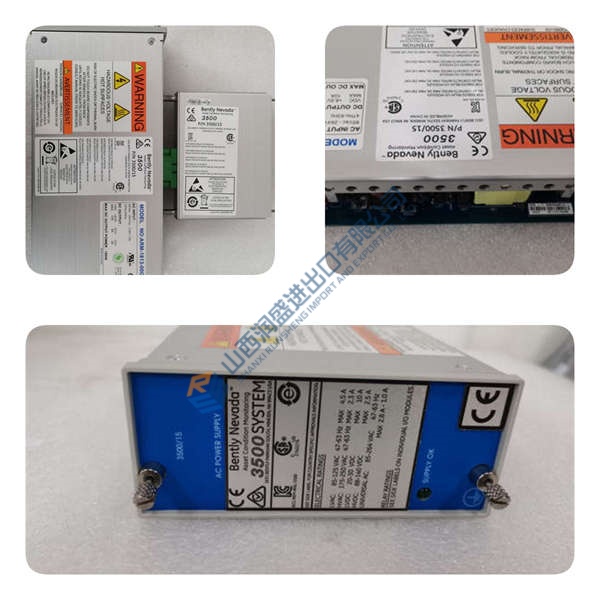
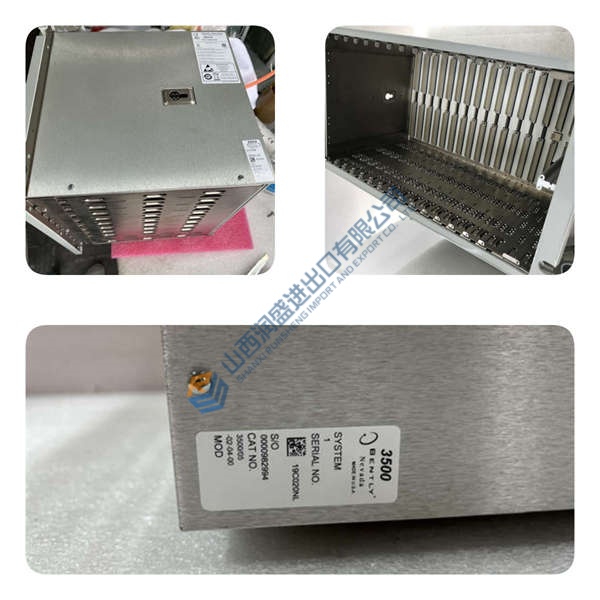
The HONEYWELL XLS140-CPU2E is the central processing unit with integral power supply for the XLS140-2(E) fire alarm control panel, designed for 220/240 Vac sites. In stand-alone or networked FACPs, this unit manages one Signaling Line Circuit (expandable to two), four Notification Appliance Circuits, and system-wide 24 Vdc power distribution.
In field deployments, the XLS140-CPU2E typically draws 0.250 A on the 24 Vdc side and provides up to 6.0 A total output in alarm, with 4× NAC at 1.5 A each. For exact cabinet configuration, battery sizing, and accessory compatibility (LEM-320, XLS-NCA2), confirm against the XLS140 installation manual and the module nameplate before installation.
Key Selling Points & Differentiators
- Proven XLS140 fit: CPU chassis with integral 240 Vac power supply for XLS140-2(E) FACPs, UL/ULC listed.
- Clear power profile: 220/240 Vac, 2.5 A input; 24 Vdc 6.0 A total output; 4× NAC at 1.5 A each for notification loads.
- Scalable SLC: 1 SLC standard, expandable to 2 with LEM-320; supports up to 103 network nodes for large campuses.
- Test evidence available: we can share power‑on LED behavior, SLC/NAC spot checks, and a basic functional test report (photos/video on request).
- Versus XLS140-CPU2 (120 Vac): the CPU2E variant is 240 Vac; do not substitute across voltage classes without engineering approval.
- Not recommended for: non‑XLS140 panels or systems requiring 120 Vac input—verify input voltage and chassis compatibility in the installation manual.
Frequently Asked Questions
Q1: Can I drop this XLS140-CPU2E straight into my existing XLS140 cabinet?
A: Usually yes—if the cabinet is an XLS140-2(E) build and the chassis is configured for CPU2E. Action: photograph the nameplate, note the existing module’s catalog number and input voltage (120 vs 240 Vac), and match before install.
Q2: What’s the difference between XLS140-CPU2 and XLS140-CPU2E?
A: Both are XLS140-2 CPUs; CPU2 is 120 Vac (5.0 A), CPU2E is 220/240 Vac (2.5 A). Action: confirm the exact input voltage and catalog number in the project BOM and verify compatibility with your site power.
Q3: How do you verify configuration before shipping?
A: We read and record visible identifiers (catalog number, revision), capture power‑on behavior and basic I/O response (SLC/NAC), and log them in the test report. If your project requires specific options (e.g., LEM-320, XLS-NCA2), tell us up front—we’ll verify or advise on compatibility.
Q4: What’s included in your QC process for stock spares?
A: Incoming traceability check, visual/label inspection, power‑on self‑test in a compatible test environment, spot checks of SLC/NAC behavior, and a 24‑hour run where applicable. Final packing: ESD bag, bubble wrap, carton, and “QC Passed” label with date.