
Description
Product Introduction
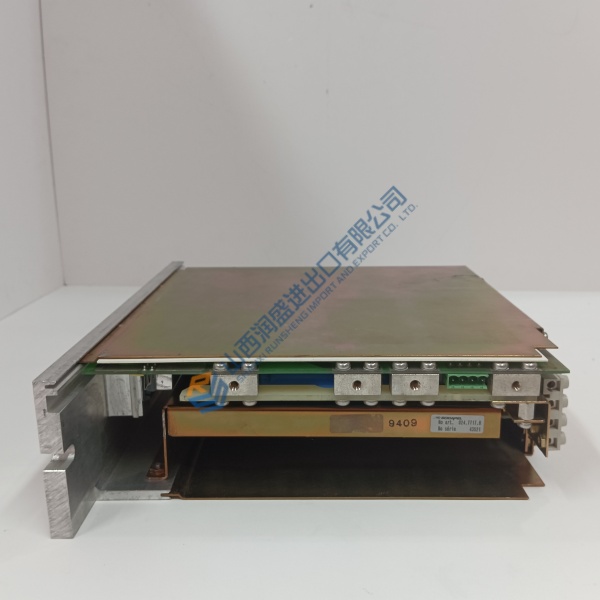
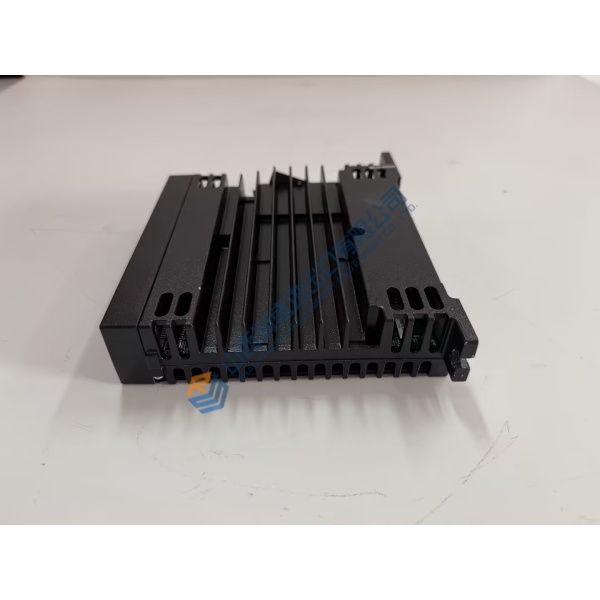
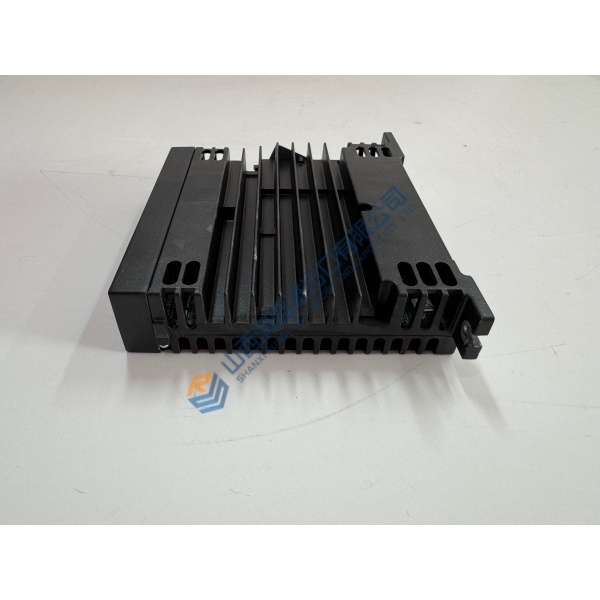
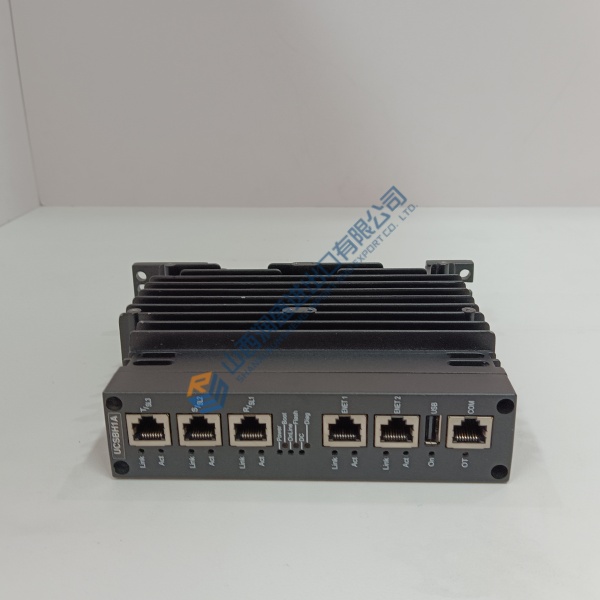
Johnson Controls MS-NAE5510-2 is a Network Automation Engine from the Metasys NAE55 family. It serves as a supervisory controller that manages field device networks, executes control strategies, handles scheduling, alarming, trending, and provides web-based access to the building automation system.
The -2 variant supports two N2 Bus or two BACnet MS/TP trunks (or one of each), with a maximum of 100 devices per trunk, and includes an internal modem. It bridges legacy N2 devices with modern BACnet/IP networks and integrates with higher-level Metasys Application and Data Servers (ADS/ADX). The unit operates from a dedicated 24 VAC supply and is designed for panel or wall mounting in mechanical rooms or IT closets.
Installation & Configuration Guide
Phase 1 — Pre-Installation (est. 15 min)
De-energize the 24 VAC supply and lock out power. Tools: ESD wrist strap, multimeter (Fluke 115), torque screwdriver. Photograph existing Ethernet, RS-485, RS-232, and power connections. Back up the current Metasys database and note the software release.
Phase 2 — Removal (est. 10 min)
Label every cable. Disconnect power, Ethernet, field buses, and serial connections. Release the unit from its mounting (DIN rail or screw mount) and remove.
Phase 3 — Installation (est. 15 min)
Verify the part number MS-NAE5510-2. Mount the engine securely. Reconnect 24 VAC power (observe polarity and Class 2 requirements), Ethernet, RS-485 trunks (set EOL switches correctly), and any modem or serial lines. Complete the pre-power checklist.
Phase 4 — Power-On & Testing (est. 20–30 min)
Apply 24 VAC and observe status LEDs. Establish Ethernet communication and access the embedded web interface or SCT/Metasys tools. Download or verify the site database, confirm field bus device recognition, and test scheduling, alarming, and trending functions. Log the replacement.
Troubleshooting quick-reference:
- No communication on RS-485 → check EOL switches, polarity, and trunk loading
- Ethernet link failure → verify cable, switch port, and IP configuration
- Modem not responding → confirm internal modem enable and phone-line connection



