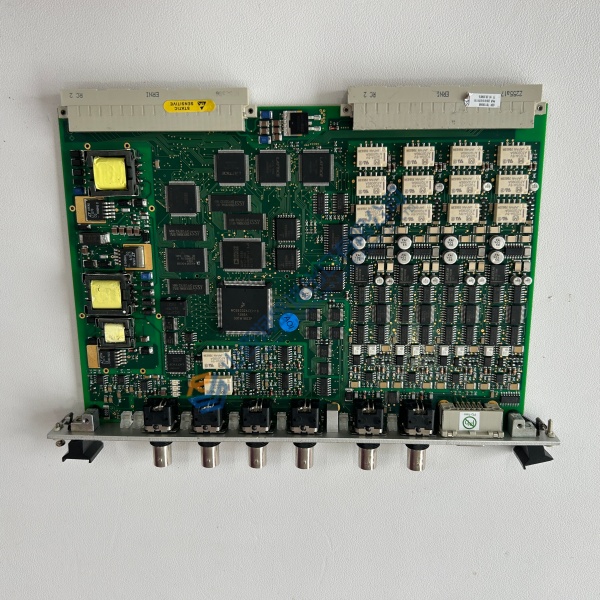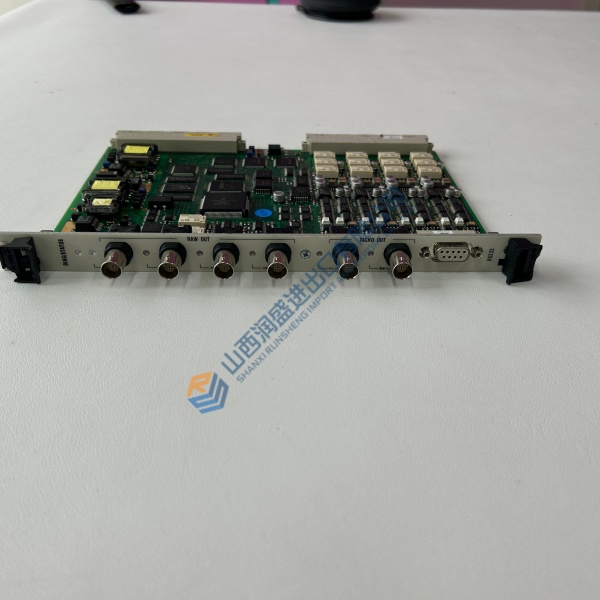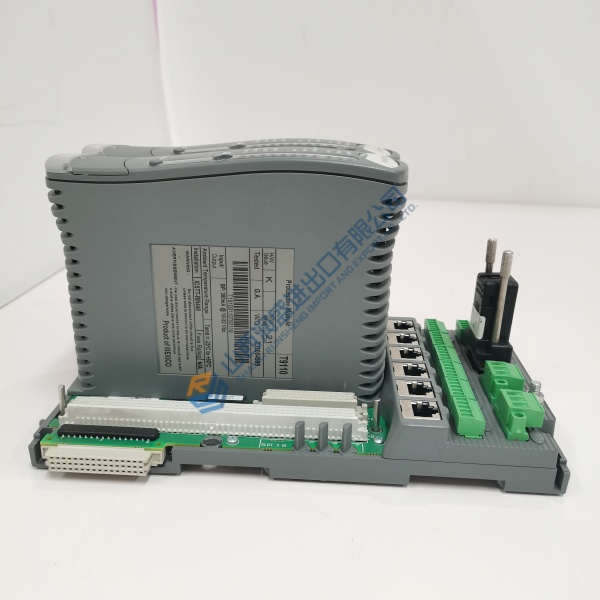
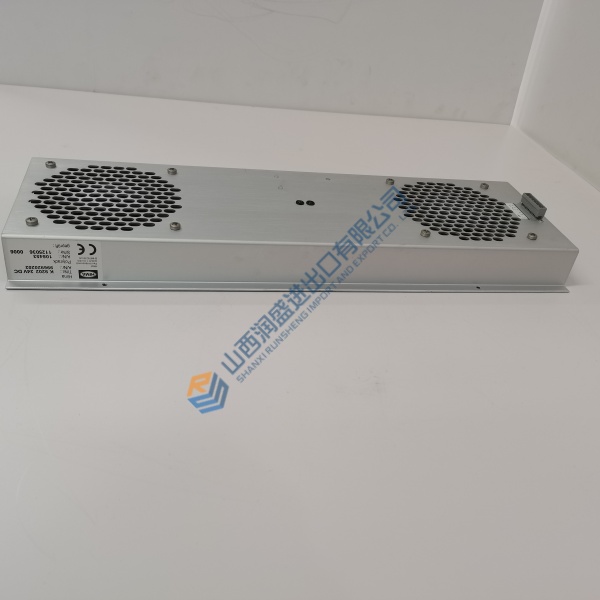
Description
Exact display resolution, safety elements (enable switch, E-stop), cable type, and software compatibility must be verified against the installed KeTop C50 unit and KEBA documentation before installation.
Product Introduction
On machines that use KEBA controls the handheld terminal is the primary interface for setup, teach, and day-to-day operation. The KeTop C50 RW/74851/10 is the portable unit that delivers that interface—combining a color touchscreen with a membrane keypad in a form factor suited to shop-floor use.
This specific part number is kept as a direct spare because the housing, display, and keypad layout already match the existing cable and software configuration. Always confirm the exact revision and any installed options against the failed unit before the swap.
Key Selling Points & Differentiators
- Combines resistive touchscreen and membrane keypad in a single handheld package designed for KEBA KeControl environments.
- Portable form factor supports teach, jog, and visualization tasks without requiring a fixed panel.
- Direct difference versus a stationary HMI: this unit is intended for mobile use at the machine, not permanent panel mounting.
- Not recommended when the application only needs a fixed operator panel—the handheld form factor and cable management add cost and complexity that may not be justified.
- Every unit receives incoming visual and label inspection, power-up and display checks where feasible, keypad response verification, and final ESD packaging with dated QC label. Test notes available on request.
- Compatible with the KeTop C50 ecosystem; confirm cable type and safety circuit requirements against the existing installation.
Frequently Asked Questions
Can I drop this straight onto an existing KeTop C50 cable?
Only if the connector type, pinout, and revision match. Photograph the nameplate and the cable end before removal. Mismatched safety circuits (enable switch or E-stop) will prevent proper operation.
Is the touchscreen resistive or capacitive?
The C50 series typically uses a resistive touchscreen suitable for gloved operation. Confirm the exact type on the installed unit if glove or stylus use is critical.
What power does the terminal require?
24 V DC is standard for the series. Verify the supply and any local isolation requirements in the KEBA documentation.
How do you verify the unit before shipment?
Incoming inspection covers packaging, labels, serials, housing condition, and display/keypad response where practical. We report only that the unit passed these checks at the time of test.