
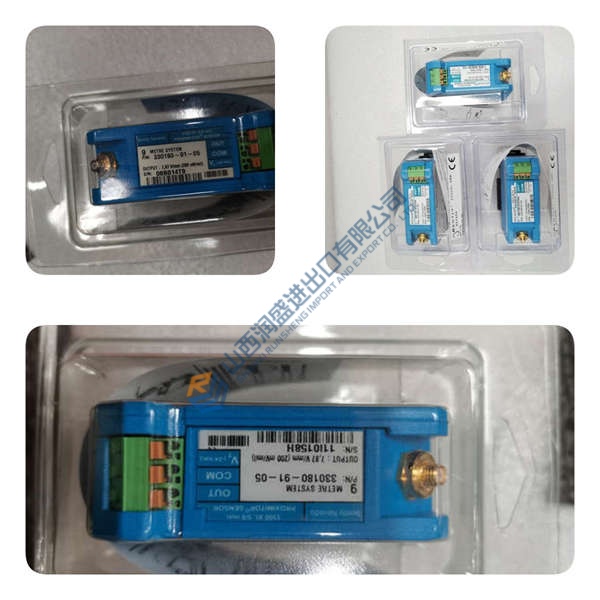
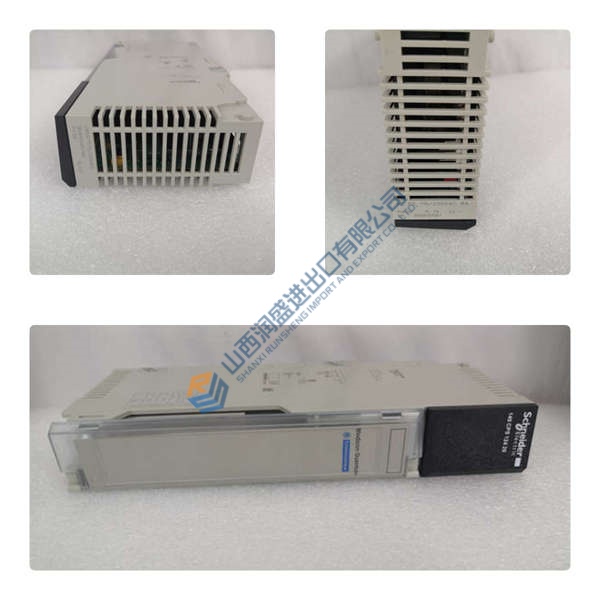
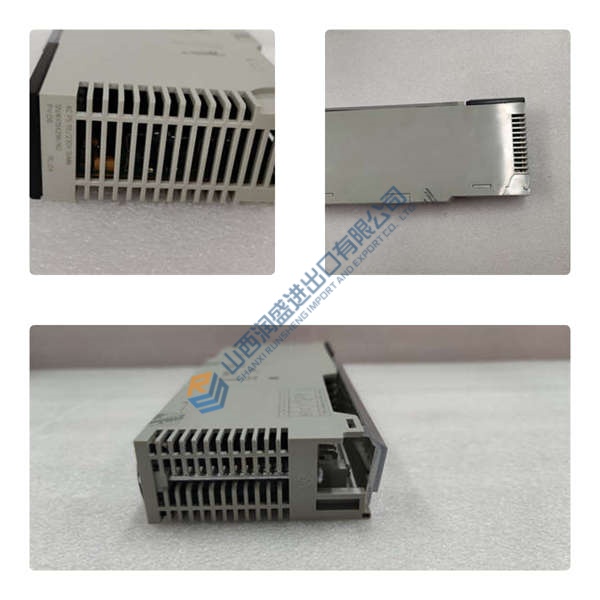
Description
Product Introduction
The Metso D201925 is an embedded industrial controller from the ACN CS series, designed for precise position control and monitoring of rotary valves and pneumatic actuators in process automation systems. It is commonly installed inside Neles D-series, DXP, DXR, and DKX limit switch housings to provide mechanical-to-electrical feedback for PLC/DCS integration.
This module stands out for its dual capability: it can function as a high-speed SPDT (Single Pole Double Throw) limit switch or as an inductive proximity sensor, depending on configuration. In field deployments of Neles actuator systems, we’ve seen scan times drop to sub-millisecond levels with proper 24 V DC supply and shielded cabling. The conformal-coated PCB and ATEX/IECEx certification make it a solid choice for chemical plants, refineries, and offshore platforms where dust, oil mist, and explosive atmospheres are everyday realities.
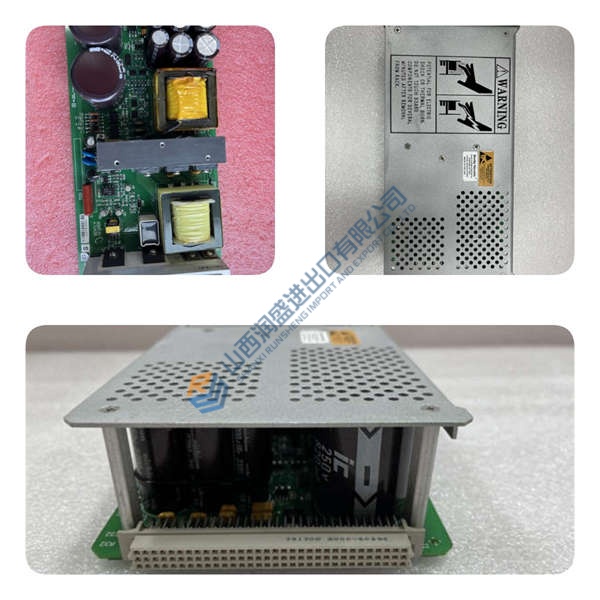
Installation & Configuration Guide
Phase 1—Pre-Installation (est. 10 min)
De-energize the 24 V DC supply and wait 5 min for capacitor discharge. Grab a Torx T20, wire strippers, and a Fluke 115 multimeter. Export your current actuator configuration and photograph the existing module’s terminal wiring, DIP switches, and housing position.
Phase 2—Removal (est. 5 min)
Label every wire before disconnecting—L1/L2, COM1–COM4. Release the DIN-rail latch, pull the module straight out perpendicular to the housing, and inspect the backplane connector pins for bent contacts or corrosion.
Phase 3—Installation (est. 10 min)
Strap on your ESD wristband. Verify the part number matches D201925. Replicate the DIP switch settings from your photos—SPDT vs. proximity mode, voltage range, communication protocol. Seat the unit until the latch clicks, reconnect the terminal block cables, torque terminal screws to ~0.5 N·m, then run a pre-power checklist: backplane continuity, 24 V DC supply polarity, ground bond.
Phase 4—Power-On & Testing (est. 15 min)
Verify supply voltage is 24 V DC (±10%). Power up and watch the LEDs: green = RUN, red flash = ERR, amber flash = DIAG. Hook up your DCS or HMI, download the actuator configuration, then run a full I/O loop test. Log at least 30 min of stable operation before signing off.



