Description
Product Introduction
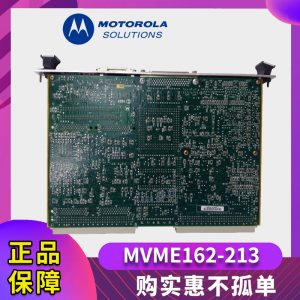
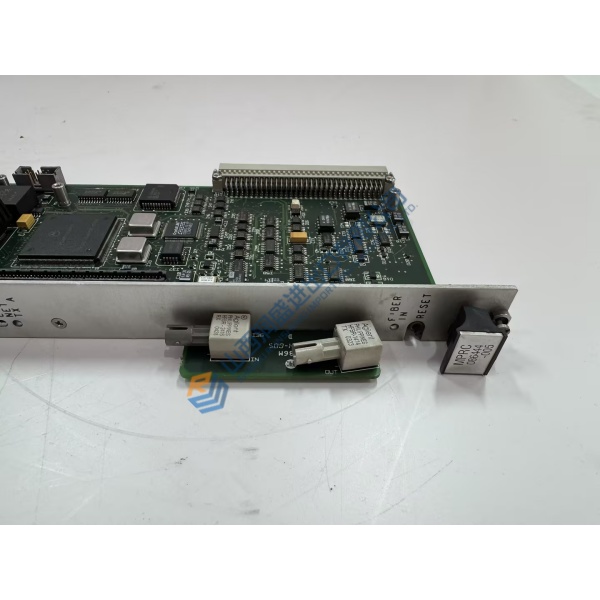
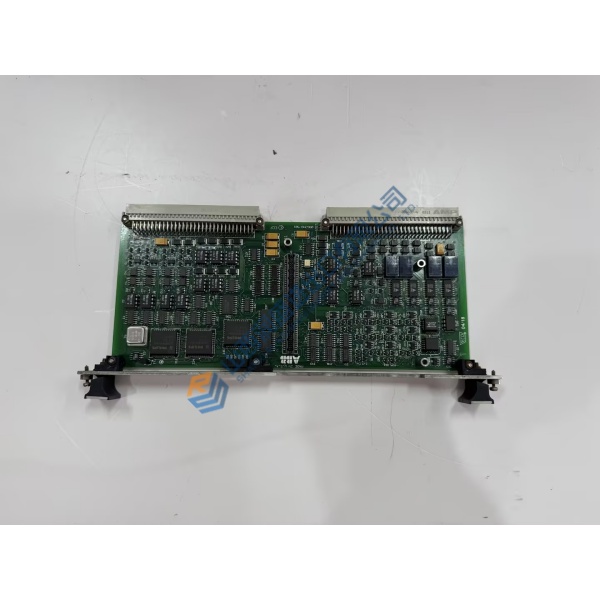
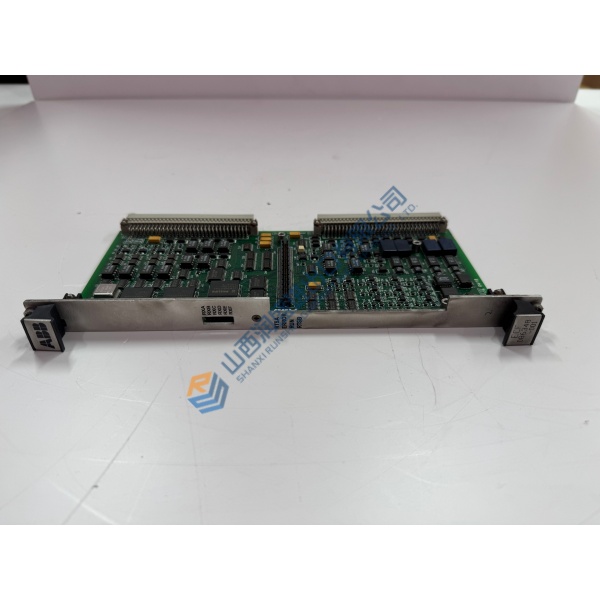
Motorola MVME5500 is a high-performance VME single-board computer designed for data-intensive embedded applications in defense, aerospace, industrial automation, and medical imaging. It uses the PowerPC MPC7455 or MPC7457 processor running at 1 GHz, supported by 256 KB on-chip L2 cache, 2 MB L3 cache, and the AltiVec vector coprocessor.
The board delivers balanced system performance through dual independent 64-bit PCI buses, dual PMC sites capable of 66 MHz operation, 512 MB of on-board ECC SDRAM (expandable to 1 GB), and both Gigabit Ethernet and 10/100BaseTX interfaces. The Universe II VME interface maintains full VME64 compatibility while preserving a single-slot form factor even when fully populated with PMC modules.
Installation & Configuration Guide
Phase 1 — Pre-Installation (est. 15 min)
Power down the VME chassis and remove the power cords. Tools: ESD wrist strap, anti-static mat, torque tools for front-panel handles. Photograph existing backplane slot position, P1/P2 connectors, and any PMC modules or mezzanine cards.
Phase 2 — Removal (est. 10 min)
Release the front-panel ejector handles. Carefully slide the board out of the chassis, supporting its weight. Remove any installed PMC modules or memory mezzanine if transferring them to the replacement board.
Phase 3 — Installation (est. 15 min)
Verify the part number MVME5500 and any configuration jumpers. Install required PMC modules or memory mezzanine (note: PMC in slot 1 blocks the memory mezzanine connector). Align the board with the VME guides and firmly seat it into the backplane. Lock the ejector handles.
Phase 4 — Power-On & Testing (est. 20–30 min)
Apply chassis power and observe front-panel status indicators. Establish console communication via the serial port. Verify processor speed, memory size, Ethernet link status, and VME bus access. Run basic diagnostics or the target operating system boot sequence and log the replacement.
Troubleshooting quick-reference:
- No boot → check VME slot seating, power rails, and console cabling
- Memory size incorrect → verify mezzanine installation and compatibility
- Ethernet link down → confirm cable type and switch port configuration