Description
Product Introduction
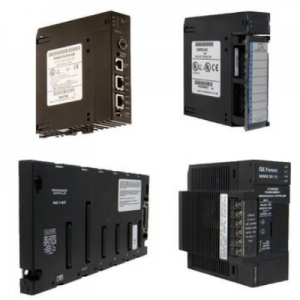
The VIBRO-METER VM600 CPU‑M is the central processing unit card for the VM600 modular machinery protection and condition monitoring rack system. In turbine, compressor, and pump protection skids, this unit coordinates I/O modules, executes alarm/trip logic, and serves as the communications gateway to SCADA/DCS.
In field deployments, the CPU‑M typically runs QNX on an AMD Geode LX800 at 500 MHz with 256 MB DRAM, drawing <10 W from the 5 Vdc backplane. For exact part number mapping (200‑595‑064‑114 vs 200‑595‑033‑111/075‑122) and firmware/protocol options, confirm against the VM600 hardware manual and the module nameplate before installation.
Key Selling Points & Differentiators
- Proven VM600 fit: 6U Eurocard CPU designed for ABE040/ABE042 racks and compatible I/O (AMC8, MPC4, RPS6, IOC4T, IOCN).
- Clear power/thermal profile: 5 Vdc ±5%, <10 W total card, with 0.4 kg mass and compact 40 mm width for dense racks.
- Communications flexibility: 10/100 Ethernet (RJ‑45) plus RS‑232/RS‑485 supporting Modbus TCP/RTU and VM600 MPSx protocols.
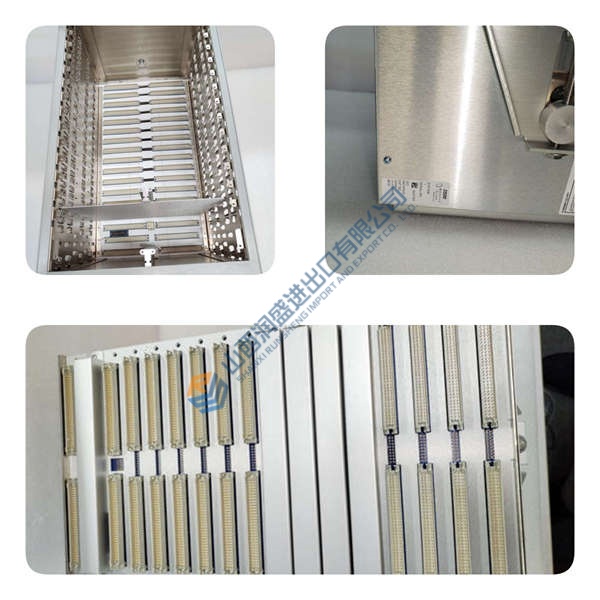
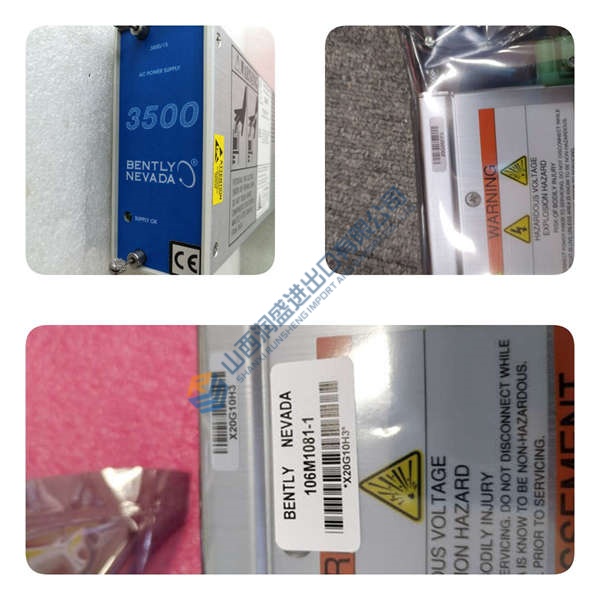
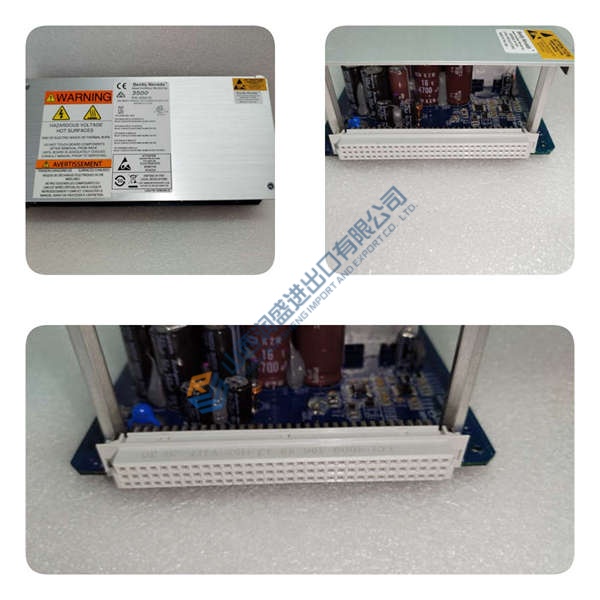
- Test evidence available: we can share power‑on LED behavior, comms handshake logs, and a basic functional test report (photos/video on request).
- Versus legacy CPU modules: newer LX800/256 MB builds improve network throughput and event logging capacity; do not mix revisions without engineering approval.
- Not recommended for: non‑VM600 racks or systems requiring PROFINET as the primary protocol unless explicitly configured—verify protocol support in the hardware manual.
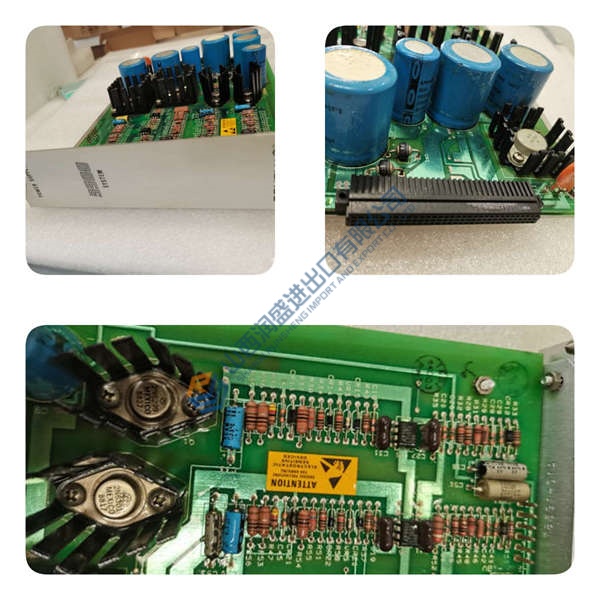
Frequently Asked Questions
Q1: Can I drop this CPU‑M straight into my existing VM600 rack?
A: Usually yes—if the slot is a CPU slot in a VM600 rack (ABE040/ABE042) and the backplane supply is 5 Vdc. Action: photograph the nameplate, note the existing module’s part number (e.g., 200‑595‑064‑114 vs 200‑595‑033‑111), and match before hot‑swap.
Q2: What’s the difference between 200‑595‑064‑114, 200‑595‑033‑111, and 200‑595‑075‑122?
A: All are CPU‑M variants; differences include CPU module type, memory, and firmware/protocol options. Action: confirm the exact part number and firmware baseline in the project BOM and verify compatibility with your I/O mix.
Q3: How do you verify firmware and configuration before shipping?
A: We read and record visible identifiers (part number, revision), capture LED status and comms response (Ethernet/RS‑232), and log them in the test report. If your project requires a specific firmware/protocol set, tell us up front—we’ll verify or advise on loading.