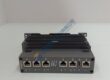
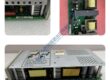
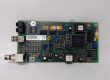
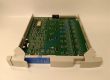
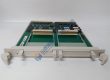
Product Core Brief
- Model: FBM230 (Part Number: P0926GU / P0926GH)
- Brand: Foxboro (Schneider Electric / Invensys)
- Series: I/A Series / Foxboro Evo 200 Series Fieldbus
- Core Function: Integrates third-party serial field devices into the DCS system via configurable ports.
- Product Type: Field Device System Integrator (FDSI) Communication Module
- Key Specs: 4 Configurable Serial Ports | RS-232/RS-422/RS-485 Support | Up to 2000 DCI Block Connections
Condition: New Original (New Surplus)
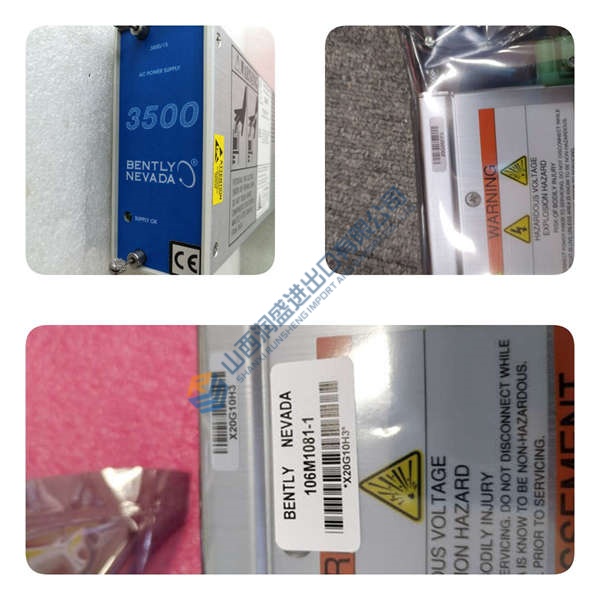
Product Introduction
Foxboro FBM230 is a 4-port Field Device System Integrator (FDSI) module designed for the Foxboro I/A Series and Foxboro Evo control systems. This communication card acts as an intelligent bridge, allowing single-ported serial devices—such as flow meters, motor protection relays, and weigh scales—to exchange data directly with the main DCS database.
This module features four independently software-configurable serial ports capable of running RS-232, RS-422, or RS-485 physical standards. By utilizing downloadable protocol drivers, it reduces integration costs and eliminates the need for third-party protocol converters in complex industrial processes.
Quality Control & Inspection Process
Surplus communication modules require strict validation before deployment in active process control networks. Every unit undergoes a 5-step quality assurance workflow:
- Inbound Inspection: Trace origin documentation and check serial tags against OEM databases. Visually examine the module housing, backplane connector pins, and terminal contacts for physical damage, oxidation, or thermal discoloration.
- Live Functional Testing: Install the card into a 200 Series baseplate connected to a Foxboro Fieldbus Processor. Run power-on self-tests (POST), execute serial communications handshakes over RS-232 and RS-485 profiles, and verify continuous data throughput across all 4 ports for over 24 hours.
- Electrical Testing: Perform insulation resistance checks using a 500 V Megger (verifying >10 MΩ threshold) and verify grounding continuity across shielding planes.
- Firmware & Driver Verification: Read and log onboard microprocessor firmware versions. Backup default EEPROM profiles and confirm driver compatibility using Foxboro Control Software tools.
- Final QC & Packaging: Enclose the unit in static-shielding metallic bags with fresh desiccant. Secure within dense anti-static foam inside a reinforced shipping container stamped with a QC Passed seal.
Technical Pitfall & Installation Guide
Avoid these common field integration errors during module replacement:
- Firmware Rev Mismatch: Downloading an I/O driver built for a newer core firmware revision onto a module running legacy firmware can lock the port drivers. Record the core firmware revision via System Manager before swapping cards.
- DIP Switch / Jumper Configuration: Verify hardware jumper settings on the associated Termination Assembly (TA) for bus termination (120 Ω resistors on RS-485 loops). Missing termination leads to intermittent packet loss and communication timeouts.
- Terminal / Pinout Incompatibility: Ensure correct wiring to the Termination Assembly (e.g., Compression Screw vs. Ring Lug type). Reversing RS-485 Tx/Rx polarity or miswiring RS-232 RTS/CTS lines will prevent the port from initializing.
- Power Supply Constraints: The module draws power from the dual 24 VDC baseplate power rails. Voltage sags below 21.6 VDC during bus transfers will trip internal power monitors and drop the Fieldbus connection. Ensure a 20% power headroom margin.
- ESD Risks: CMOS serial transceivers are highly susceptible to static discharge. Always wear a grounded anti-static wrist strap when inserting or removing modules from the baseplate.
Frequently Asked Questions
Q: Does the Foxboro FBM230 support live hot-swapping?
A: Yes. The module is designed for online insertion and removal (hot-swapping) on a powered 200 Series baseplate. Removing or inserting the card does not disrupt other operational FBMs on the same Fieldbus, though communication to the attached serial field devices will pause until the replacement card finishes its boot sequence.
Q: How many total serial field devices can a single card communicate with?
A: The module supports up to 64 multidropped devices when using RS-485 protocol mode, or up to 4 direct point-to-point connections when configured for RS-232 or RS-422.
Q: Will replacing this card erase the downloaded protocol driver software?
A: Honestly, yes. The protocol driver (e.g., Modbus Master) resides in the non-volatile memory of the card. When a new module is installed, the Foxboro Control Processor automatically re-downloads the configured driver and parameters down to the module over the Fieldbus, provided the hardware revision matches.