Description
Product Introduction
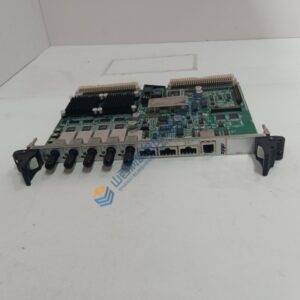
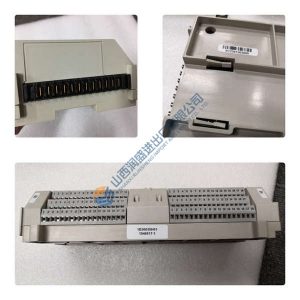
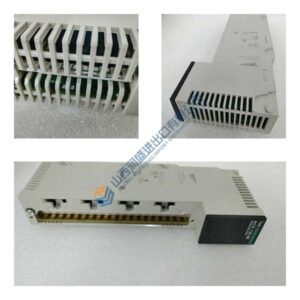
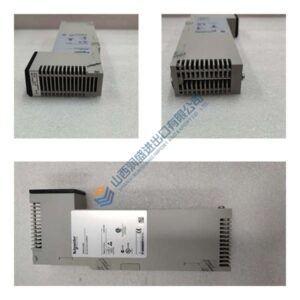
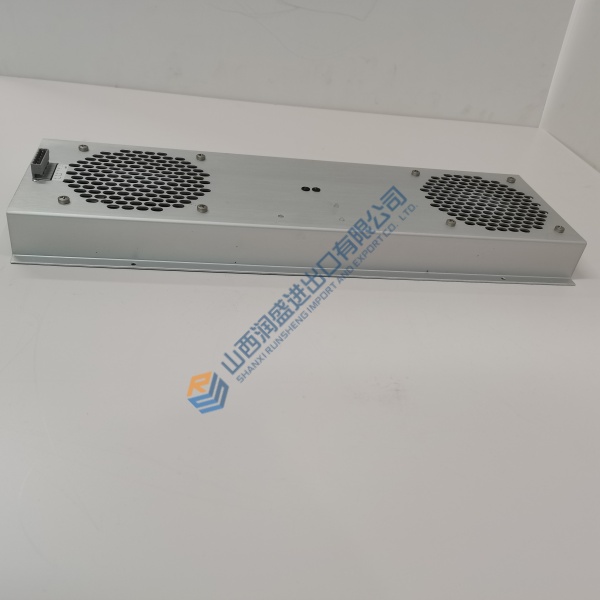
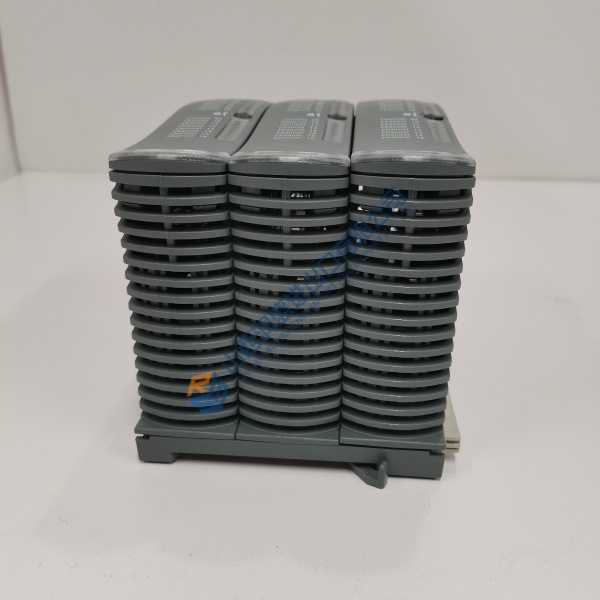
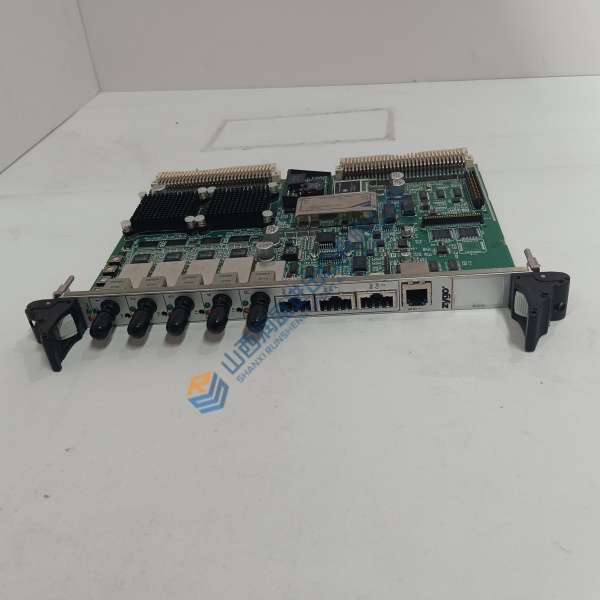
The Woodward 5466-419B/5503-309 is the CPU processor module for MicroNet and NetCon 5000 turbine-control systems. It runs the control program that governs steam turbine speed, load sharing, and startup sequencing—the brain your cabinet cannot operate without.
Here is the sourcing reality. Woodward lists this module as discontinued . Every unit on the secondary market is surplus, pull-out, or old stock. The 5503-309 reference appears alongside the 5466-419B in marketplace listings, but published technical documentation ties the processor specifications to the 5466-419 Rev B hardware itself . Ask for a nameplate photo showing both numbers before you commit. Configuration continuity is the payoff: matching hardware preserves your existing site-specific logic and tuning parameters without a full platform migration .
Installation & Configuration Guide
Phase 1 — Pre-Installation (est. 20 min). De-energize the cabinet. Export the existing application program and configuration file using Woodward’s service tool. Photograph the chassis slot layout, backplane connectors, and the old module’s nameplate. You need an ESD wrist strap, anti-static mat, and the cabinet’s wiring diagram.
Phase 2 — Removal (est. 10 min). Label every cable at the module face. Release the retaining screws or latches. Pull the module straight out of the chassis. ❗ Never hot-swap this processor. Published guidance explicitly warns against removing it under power . De-energizing the CPU halts the turbine-control program and triggers a shutdown. Inspect the backplane connector for bent pins before proceeding.
Phase 3 — Installation (est. 10 min). ESD strap on. Verify the replacement’s label matches 5466-419 Rev B. Seat the module firmly until the connector engages. Reconnect all interface cables. Run the pre-power checklist: no loose hardware inside the chassis, correct slot position, supply voltage verified at the rack.
Phase 4 — Power-On & Testing (est. 25 min). Apply power. Observe the module’s diagnostic indicators. Connect the service tool to the appropriate port. Verify the CPU is recognized and the application program loads. Check communication with I/O modules. Run a static functional check on one control loop if the turbine is offline. Log the module serial number and any diagnostic messages in the maintenance record.
Troubleshooting quick-reference:
- System fails to recognize CPU → Check backplane seating, power supply, and hardware revision compatibility .
- Unexpected CPU resets → Verify supply voltage stability, cabinet temperature, and memory condition .
- Communication loss → Inspect interface cables and confirm configuration compatibility.