Description
Product Introduction
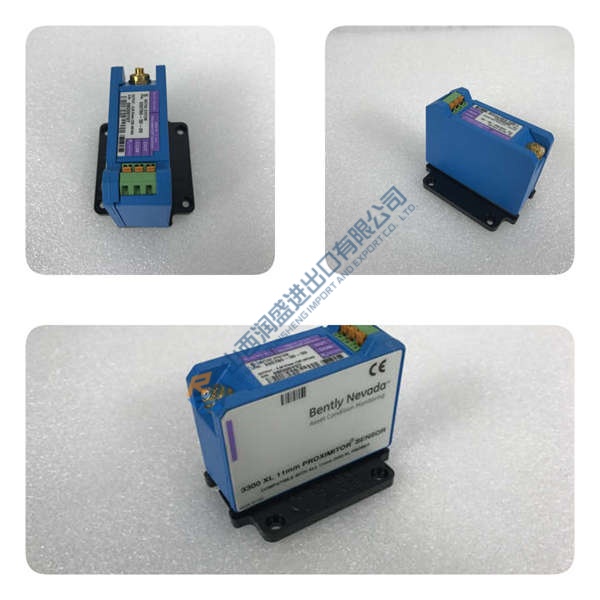
ABB REF615C-E HCFDACADABC2BAN11E is a feeder protection relay for utility and industrial MV distribution. It protects overhead lines and cable feeders in radial, looped, and meshed networks, with or without distributed generation.
This is configuration C-D (non-directional overcurrent + earth-fault with thermal overload). It integrates voltage, frequency, and power-based protection, plus power quality monitoring. It supports IEC 61850 Editions 1 and 2, GOOSE, IEC 61850-9-2 LE, Modbus, DNP3, and IEC 60870-5-103. The color LCD display with intuitive navigation makes commissioning faster. Honestly, that matters when you’re under live-line pressure.
Installation & Configuration Guide
Phase 1—Pre-Installation
- De-energize the bay. Lockout/tagout.
- Wait 5 min for discharge.
- Export the existing relay program from PCM600.
- Photograph DIP switches, wiring, and rack layout.
- Tools: Fluke 115 multimeter, ESD wrist strap, torque driver (0.5 N·m), label tags.
Phase 2—Removal
- Label wires before disconnecting.
- Release the DIN rail latch.
- Pull the unit perpendicular to the backplane.
- Inspect backplane connector pins for bent contacts or corrosion.
Phase 3—Installation
- Put ESD protection on first. Wrist strap + ESD mat.
- Verify part number HCFDACADABC2BAN11E.
- Replicate jumper and terminal settings from photos.
- Seat the module until the latch clicks.
- Reconnect wiring at about 0.5 N·m.
- Check shield grounding against the wiring diagram.
Phase 4—Power-On & Testing
- Verify supply voltage before energizing (48–250 V DC / 100–240 V AC).
- Observe LEDs: green = RUN, red flash = ERR, amber flash = DIAG.
- Connect PCM600 and confirm firmware version.
- Download the application.
- Test I/O points, comms, and one full control loop.
- Confirm 30 min stable operation.
- Log the swap in the maintenance record.