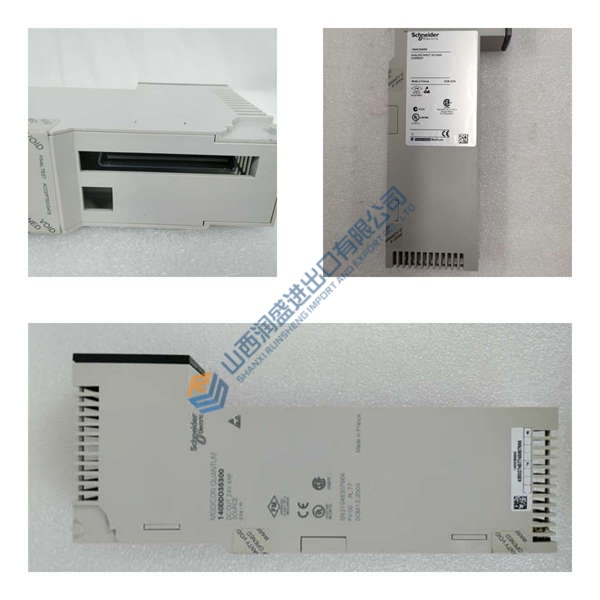

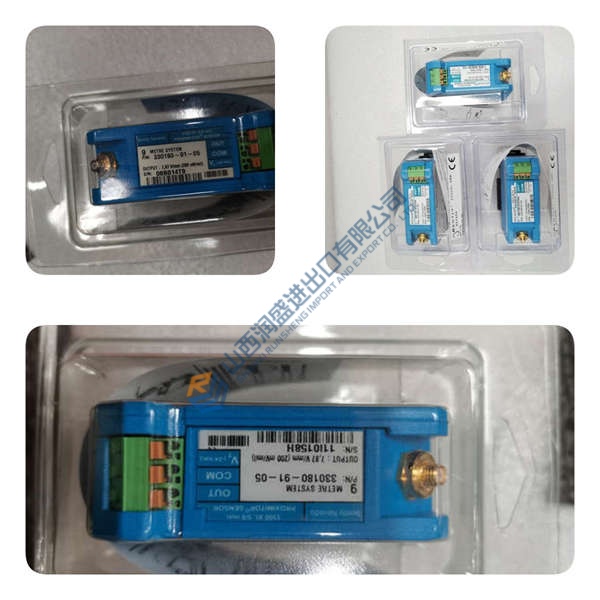
Description
Installation & Configuration Guide
Phase 1 — Pre-Installation (est. 10 min) De-energize the circuit. Wait 5 minutes for discharge. Prepare torque screwdriver, ESD wrist strap, PCM600 laptop. Export existing configuration. Photograph DIP switches, jumpers, and wiring.
Phase 2 — Removal (est. 5 min) Label all wires. Release the latch. Pull the unit straight out. Inspect backplane pins.
Phase 3 — Installation (est. 10 min) Apply ESD protocol. Verify the REF615C part number and config. Match jumper settings from photos. Seat firmly until latch clicks. Torque terminals to 0.5 N·m. Complete pre-power checklist.
Phase 4 — Power-On & Testing (est. 15 min) Confirm supply voltage within ±10 %. Observe LEDs: green RUN normal. Connect PCM600, download configuration, test I/O points and control loop. Ensure 30 minutes stable operation.
Troubleshooting quick-reference No comms → check IP, cable, port settings. ERR steady → firmware mismatch. Download fails → confirm cable and PCM600 version.
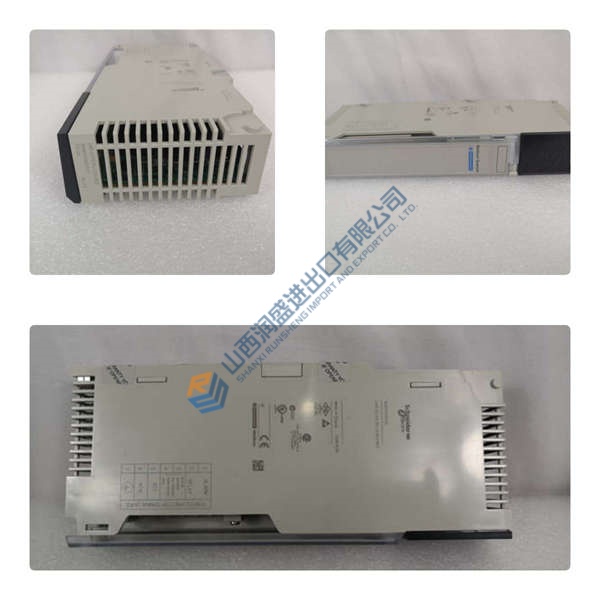
Can I just drop this in and go? Not quite. Load your specific application file first and run I/O tests. The REF615C shares full backplane compatibility with other 615 units, but verify settings for your network.
My system uses IEC 61850 — will REF615C work? Yes. Configuration C supports IEC 61850. Confirm GOOSE mappings in your SCD file. We’ve seen clean integrations in standard distribution bays.
What exactly does Standard Configuration C include? It centers on non-directional overcurrent and earth-fault protection with basic control. Compare against other configs (A, B, D) via the ABB ordering tool for I/O and function differences.
What lead time and payment terms apply? Lead time ranges 4–8 weeks for new original stock. Terms: T/T or L/C. Limited units ready for North America, UK, Australia, Southeast Asia, and India. Request a quote.