Description
Product Introduction
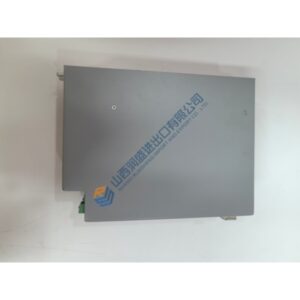
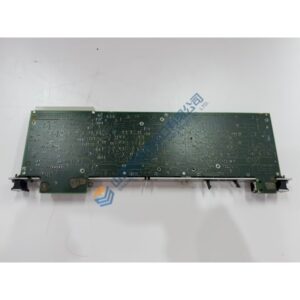
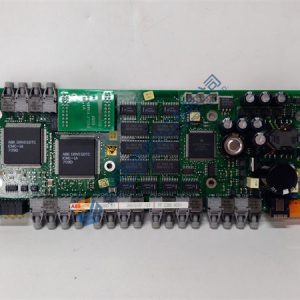
The Applicom PCI1500S7 PCI communication board establishes direct data links between control PCs and Siemens S7-300 or S7-400 PLCs over Profibus DP and MPI protocols. Operating on a standard 5 V slot, the board offloads network traffic from host operating systems. Bottom line — it works.
Integrated Intel 80486DX4 processing handles protocol execution autonomously, preventing host CPU bottlenecking. Featuring 500 V optical isolation across its Sub-D 9-pin interface, the module runs reliably up to 1.5 Mbps. Honestly, this offloading design is actually clever for retrofitting older SCADA workstations without risking bus timing glitches.
Pricing & Availability Note: Listed pricing is for reference only; actual price depends on market availability and batch volume. Request an official quote to verify current stock for the Applicom PCI1500S7.
Installation & Configuration Guide
Phase 1 — Pre-Installation (est. 10 min)
- Power down the host PC and main rack power.
- Wait 5 minutes to allow internal capacitors to discharge fully.
- Prepare a Phillips #2 screwdriver, an anti-static wrist strap, and a Fluke 115 multimeter.
- Export the existing OPC configuration file and photograph existing DIP switch settings on legacy expansion cards.
Phase 2 — Removal (est. 5 min)
- Disconnect the DB9 Profibus cable from the rear bracket.
- Remove the expansion card retaining screw on the chassis frame.
- Firmly pull the old communication card perpendicular to the motherboard PCI slot.
- Inspect the gold fingers and backplane edge socket for dust, corrosion, or burnt trace marks.