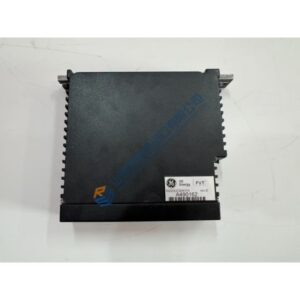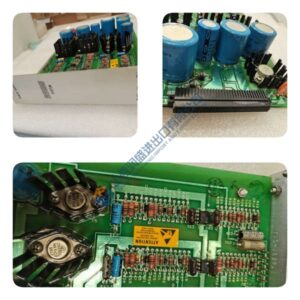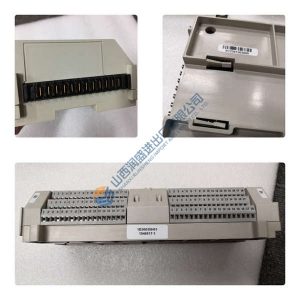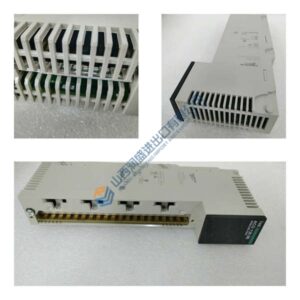
Description
Product Introduction
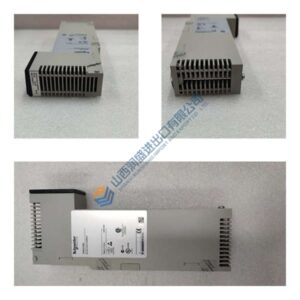
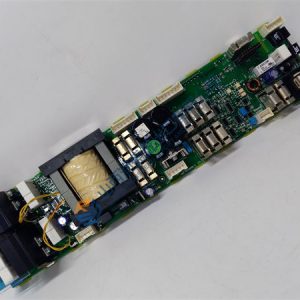
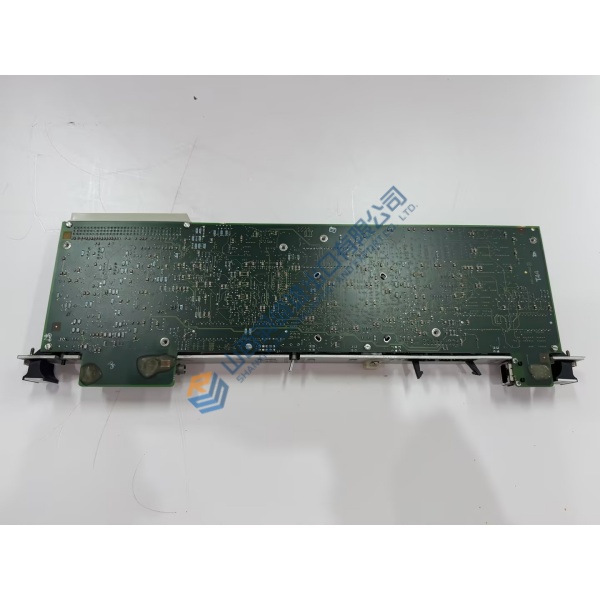
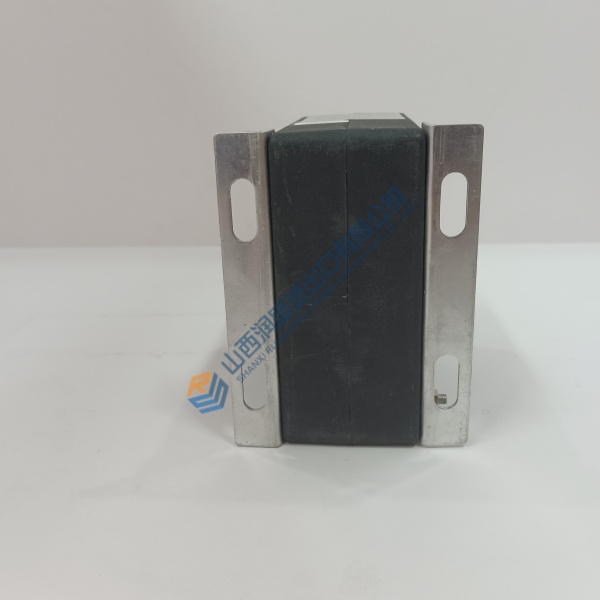
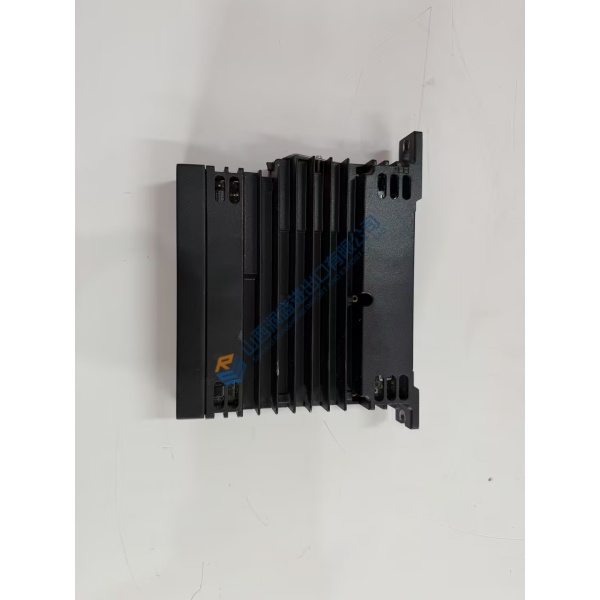
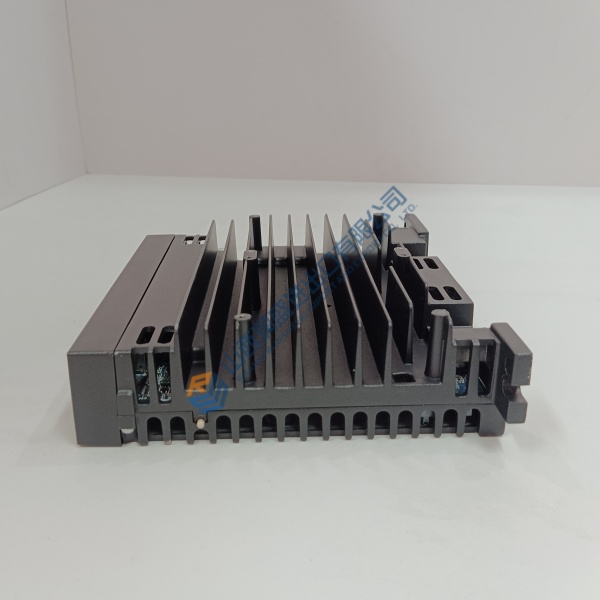
Paralleling generators during power outages often fails when controller clock synchronization drifts or phase matching lags. The Woodward 8440-2051 genset controller resolves grid synchronization issues by delivering accurate breaker closing logic and stable breaker speed matching across critical emergency power systems.
Designed for complex multi-generator management, this module handles automatic load sharing, breaker control, and engine protection parameters within a rugged housing. In my experience, dropping this unit into a generator control panel eliminates false trip alarms and maintains seamless utility-to-generator transfer sequences.
Installation & Configuration Guide
Phase 1 — Pre-Installation (est. 10 min): Isolate starter battery power feeds, lock out main breaker control circuits, and wait 5 minutes for internal energy storage to clear. Gather a wire stripper, crimp tool, torque screwdriver, and a Fluke 115 multimeter. Photograph terminal block wiring harnesses, CT polarity directions, and CANbus termination jumpers before removing the original unit.
Phase 2 — Removal (est. 5 min): Unplug removable terminal blocks from the rear housing carefully. Unfasten the four screw-clamp mounting brackets on the panel sides, then slide the controller forward out of the panel cutout. Inspect the panel cutout edges and wiring bundle for chafing or heat degradation.
Phase 3 — Installation (est. 10 min): Put on your ESD grounding strap before opening the protective packaging. Check that the part number on the rear sticker matches your engineering specification. Slide the unit into the front panel cutout, tighten side clamps evenly (~0.4 N·m torque), and plug in terminal blocks securely according to your initial photographs.
Phase 4 — Power-On & Testing (est. 15 min): Apply 24 V DC logic power and observe front panel LCD boot routines (confirm green READY status). Connect a PC via Ethernet or USB running Woodward ToolKit software, upload system configuration files, and check CT/PT ratio settings. Execute a manual engine crank test, verify voltage phase rotation, and monitor a 30-minute load test before enabling automatic paralleling mode.
Troubleshooting Quick-Reference:
- Display fails to boot → Verify DC power polarity and check voltage level across power terminals.
- Phase rotation fault → Swap secondary voltage sensing leads L2 and L3 on terminal blocks.
- CAN communication error → Check 120 Ω bus termination resistors at both ends of the CAN bus.
FAQ
Can I just drop this in and go? No, because generator control modules require system configuration files to match generator ratings, CT ratios, and breaker timings. You must upload the parameter configuration using Woodward ToolKit software before starting the engine.
Is the 8440-2051 compatible with older easYgen-3200 series controllers? Well, technically the mounting cutout and terminal mappings match closely, but software parameter files must be converted using Woodward ToolKit software prior to commissioning.