Description
Product Introduction
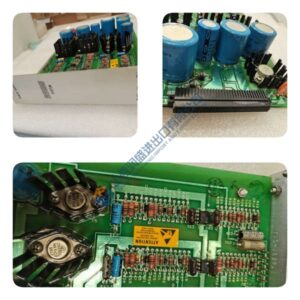
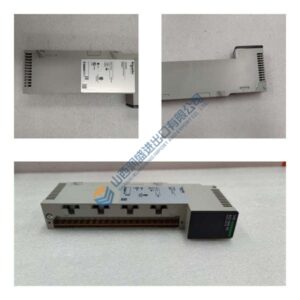
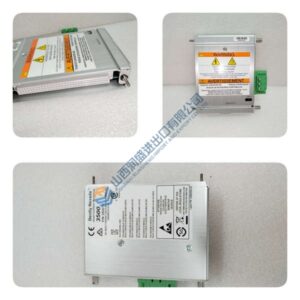
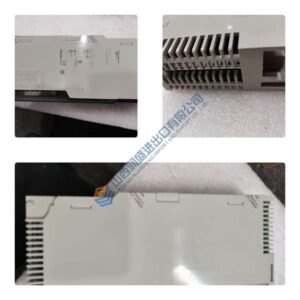
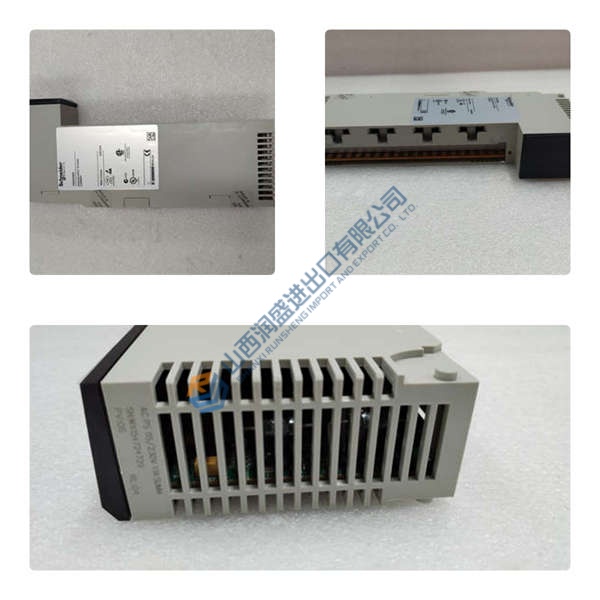
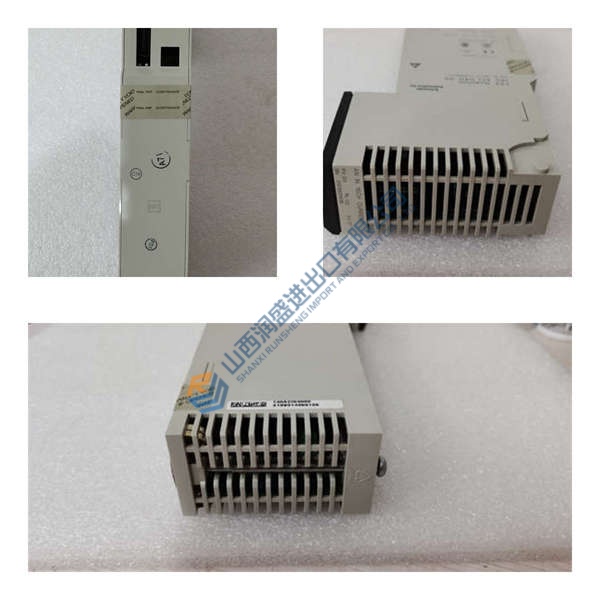
Running a Trusted 8000 SIS rack and need to avoid single-point power failures? The ICS TRIPLEX T8231 is the 750W hot-swap power pack that delivers triple modular redundant (TMR) 24 VDC power to T8110B CPUs and T8xxx I/O modules.
This unit provides 24 VDC at 31.25A (750W) with 85–264 VAC universal input, supporting N+1 parallel redundancy in the T8230 power shelf. In field deployments of offshore and petrochemical SIS systems, we’ve seen three T8231 packs share the load without the current imbalance you get on non-redundant PSUs. Dual internal fans with fault monitoring mean you get early warning before a thermal shutdown—critical for SIL 3 safety racks.
Installation & Configuration Guide
Phase 1—Pre-Installation (est. 10 min)
De-energize the T8230 power shelf. Wait 5 minutes for capacitor discharge. Grab a multimeter (for 85–264 VAC input and 24 VDC output), ESD wrist strap, and a camera. Photograph the existing T8231, AC input wiring, and DC output busbar connections—photo, photo, photo.
Phase 2—Removal (est. 5 min)
Label every AC input and DC output cable before disconnecting. Release the locking latch on the T8231 front panel. Slide the module out carefully, keeping the backplane connector intact. Inspect the backplane connector pins for bent or corroded contacts.
Phase 3—Installation (est. 10 min)
Strap on your ESD gear. Verify the part number matches T8231. Slide the module into the T8230 power shelf slot, seat until the locking latch clicks. Reconnect AC input cables (observe L/N/PE polarity). Reconnect DC output busbar (observe +/– polarity). Run a pre-power checklist: input voltage 85–264 VAC, ground continuity, no loose strands.
Phase 4—Power-On & Testing (est. 15 min)
Apply 85–264 VAC ±10% to the AC input. Watch the LEDs: AC OK = green steady, PWR OK = green flash (amber = fault). Measure the DC output with a multimeter (should read 24 VDC ±5%). If multiple T8231 packs are installed, verify load sharing (current should be balanced across all units). Confirm stable operation for at least 30 minutes. Log the swap in your maintenance record.
Troubleshooting quick-reference:
- No AC OK LED → check AC input voltage and wiring (L/N/PE)
- PWR OK amber → check DC output voltage, verify overload or overvoltage condition
- Fan fault → inspect fan operation, verify airflow is not blocked