
Description
Product Introduction
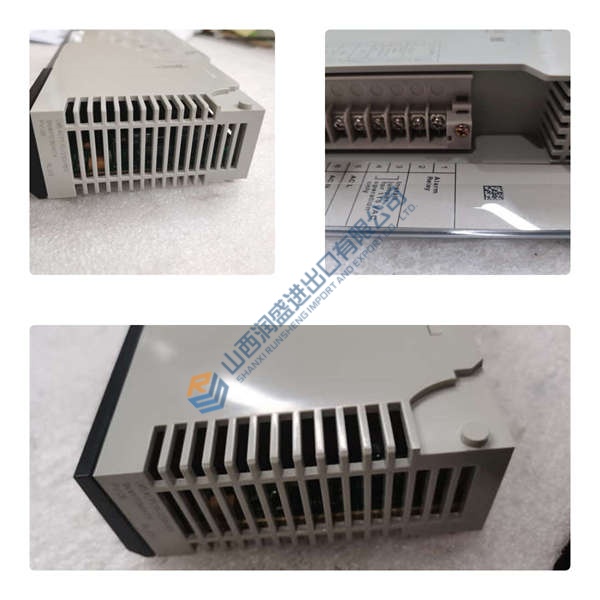
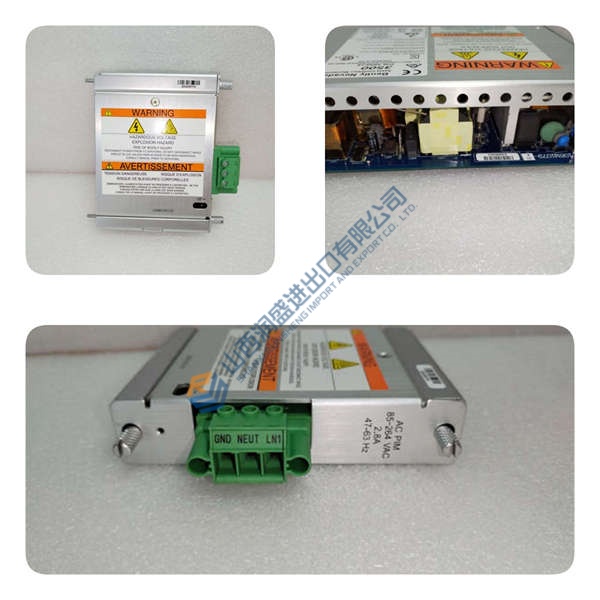
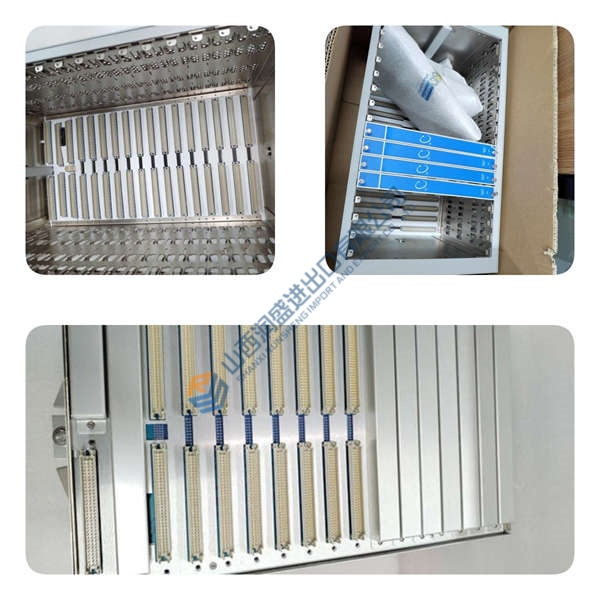
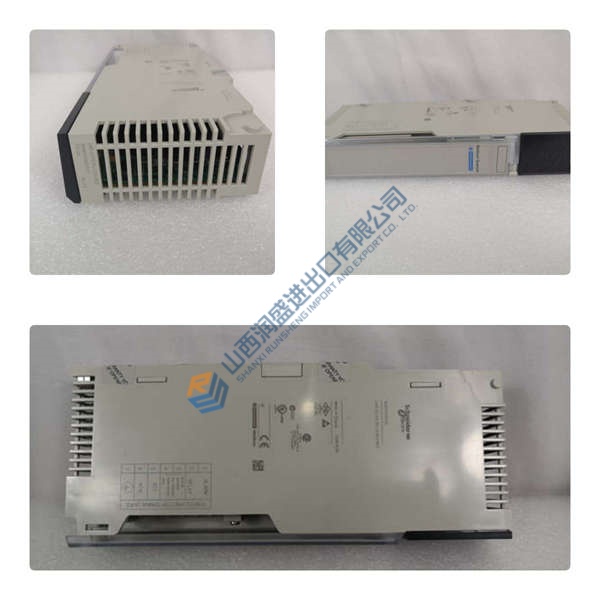
Legacy Advant AC 450 controller won’t talk to your 800xA operator station? The ABB PU515A (3BSE032401R1) is the Real-Time Accelerator (RTA) PCI board that bridges Unix/Windows workstations to the MasterBus 300 control network.
This module offloads time-critical control tasks from the host CPU, delivering deterministic MB300 communication with sub-millisecond cycle times. In field deployments of 800xA for Advant Master systems, we’ve seen this board handle 100+ process objects without the latency spikes you get on generic Ethernet cards. Dual-channel MB300 means redundant network paths—if one fiber drops, the other holds the loop.
Installation & Configuration Guide
Phase 1—Pre-Installation (est. 10 min)
De-energize the workstation. Wait 5 minutes for capacitor discharge. Grab an ESD wrist strap, Phillips screwdriver, and a camera. Export the current 800xA configuration. Photograph the existing RTA board (if present), fiber optic cable routing, and DIP switch settings—photo, photo, photo.
Phase 2—Removal (est. 5 min)
Label every fiber optic cable before disconnecting. Remove the workstation cover. Unscrew the PCI slot bracket. Pull the old RTA board straight out, perpendicular to the motherboard. Inspect the PCI slot for dust or bent pins.
Phase 3—Installation (est. 10 min)
Strap on your ESD gear. Verify the part number matches 3BSE032401R1. Align the PU515A with the PCI slot, seat firmly until the bracket sits flush. Torque the mounting screw to ~0.5 N·m. Reconnect fiber optic cables to both MB300 channels (ensure POF connectors are clean). Run a pre-power checklist: no loose strands, cover secured, ground continuity.
Phase 4—Power-On & Testing (est. 15 min)
Power on the workstation. Watch the LEDs: Network = green steady, Processor = green flash, Fail = off (red = fault). Open 800xA for Advant Master Configuration. Navigate to RTA Board Control aspect. Verify network and node numbers match the MB300 topology. Download the configuration. Run a functional test: verify communication to at least one AC 450 controller, check System Status viewer for MB300 node health, confirm alarm/event reporting. Confirm stable operation for at least 30 minutes. Log the swap in your maintenance record.
Troubleshooting quick-reference:
- No network link → check fiber optic ring continuity, verify POF connectors clean
- Fail LED red → check PCI slot seating, verify 800xA driver version
- OS500 application won’t start → likely missing or faulty RTA board; reseat or replace



