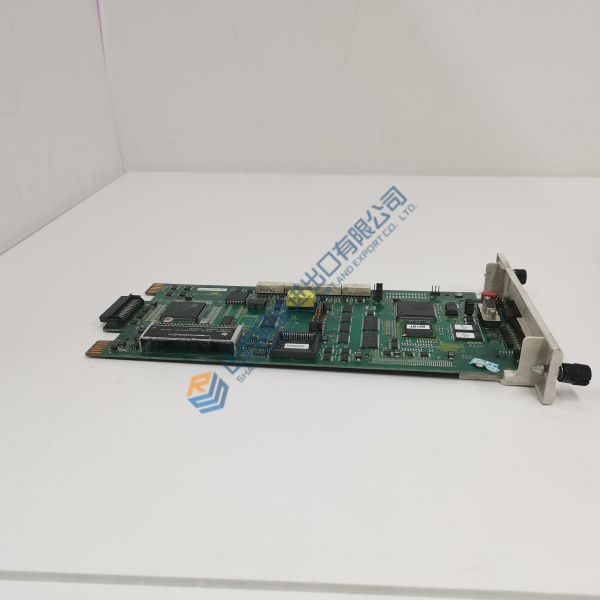
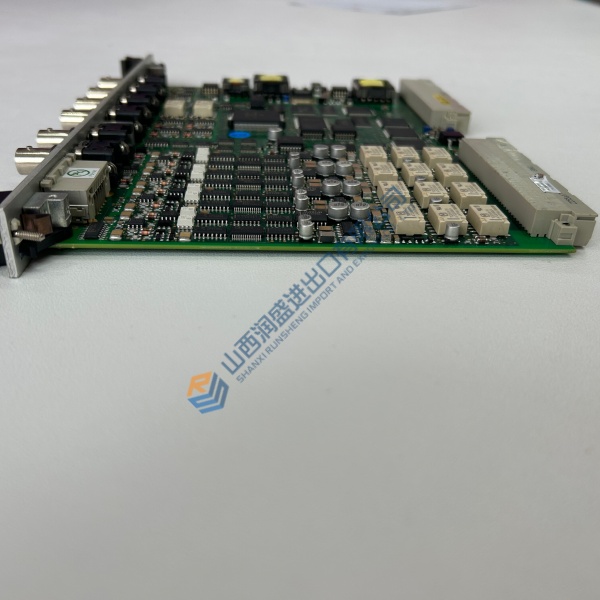
Description
Product Introduction
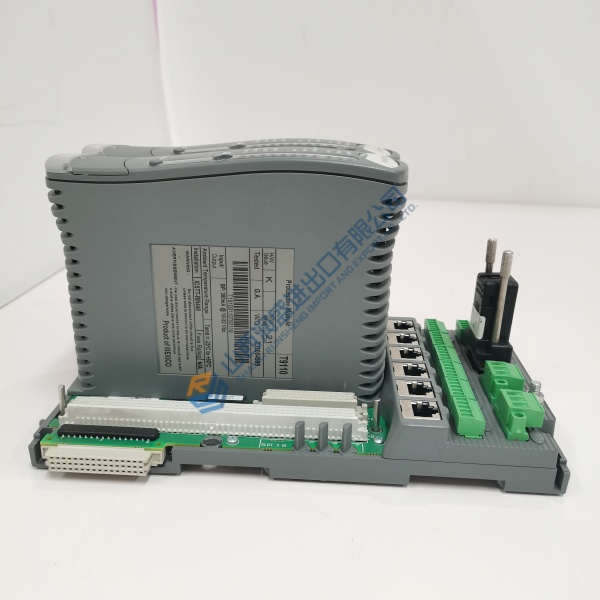
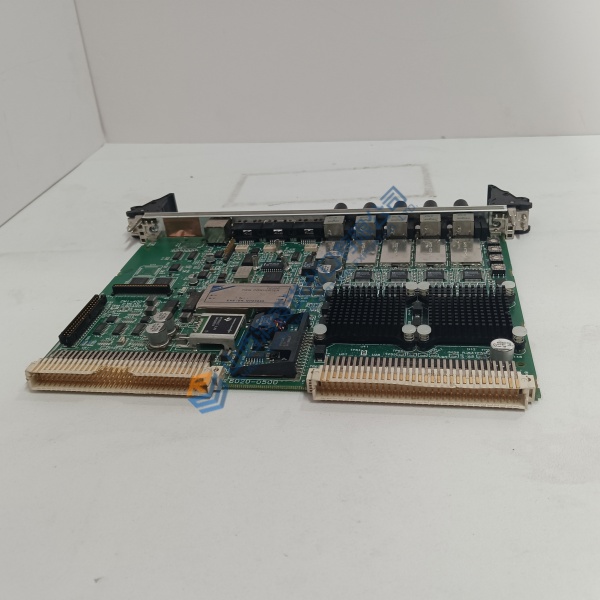
The Bently Nevada 3500/61-01-00 is a six-channel temperature monitor for the 3500 rack, accepting both RTD and thermocouple inputs with individual recorder outputs on every channel. It sits alongside vibration cards in turbine protection trains, adding hard-wired temperature signals to your DCS or PLC.
What separates this unit from the 3500/60 is simple: six independent recorder drivers. Each channel outputs a proportional voltage into a 0 to 600 Ω load, feeding trend recorders or control room panels without extra signal conditioners. Power draw runs 9 W nominal—2 W above the 3500/60—so verify rack PSU headroom before swapping.
Installation & Configuration Guide
Phase 1 — Pre-Installation (est. 15 min). De-energize the rack. Wait five minutes for capacitor discharge. Export the existing 3500 Rack Configuration file. Photograph DIP switch positions, jumper settings, and the rear terminal wiring layout. You need a Fluke 115 multimeter, a #2 Phillips screwdriver, and an ESD wrist strap.
Phase 2 — Removal (est. 5 min). Label every wire before disconnecting—masking tape and a marker work fine. Release the DIN rail latch or rack retaining screws. Pull the module perpendicular to the backplane. Inspect backplane connector pins for bent contacts or carbon tracking. ❗ Do not skip the pin inspection. A single bent pin on a 3500 backplane can take down adjacent modules.
Phase 3 — Installation (est. 10 min). ESD strap on first. Verify the replacement part number matches exactly—3500/61-01-00 is the RTD/TC non-isolated I/O with internal terminations, not the isolated TC version. Replicate DIP and jumper positions from your photos. Seat the module until the latch clicks audibly. Reconnect wiring to 0.5 N·m. Run the pre-power checklist: no loose strands, no pinched insulation, correct polarity on the recorder output terminations.
Phase 4 — Power-On & Testing (est. 20 min). Verify supply voltage at the rack: 24 V DC ±10%. Observe LEDs—green OK is steady, TX/RX flashes with rack communication, Bypass stays dark unless forced. Connect the 3500 Rack Configuration Software. Download the program if the new module has different default settings. Simulate one RTD input (use a decade box) and one TC input. Confirm the corresponding recorder output tracks the simulated temperature. Check alarm setpoints by driving the input past Alert and Danger thresholds. Let it run 30 minutes stable before closing the cabinet.
Troubleshooting quick-reference:
- No TX/RX activity → Check rack address, backplane seating, and configuration software connection.
- Recorder output dead → Verify load resistance (0–600 Ω) and termination wiring; confirm the channel is not in Bypass.
- OK LED red → Firmware mismatch or failed self-test. Read the fault code in the configuration software before pulling the module.