Description
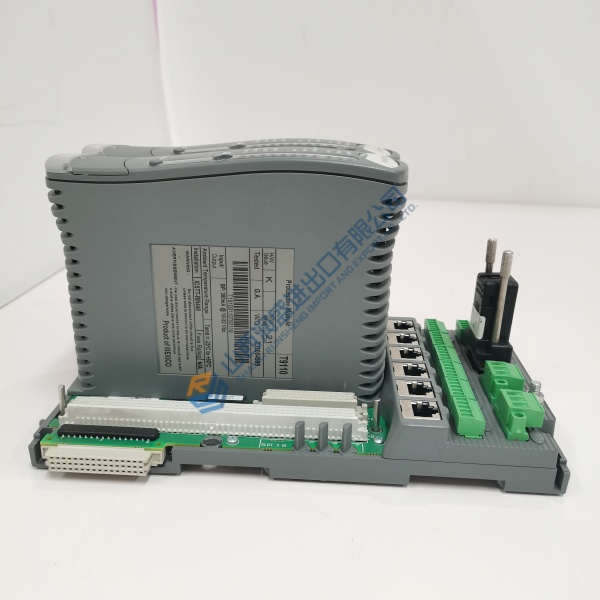
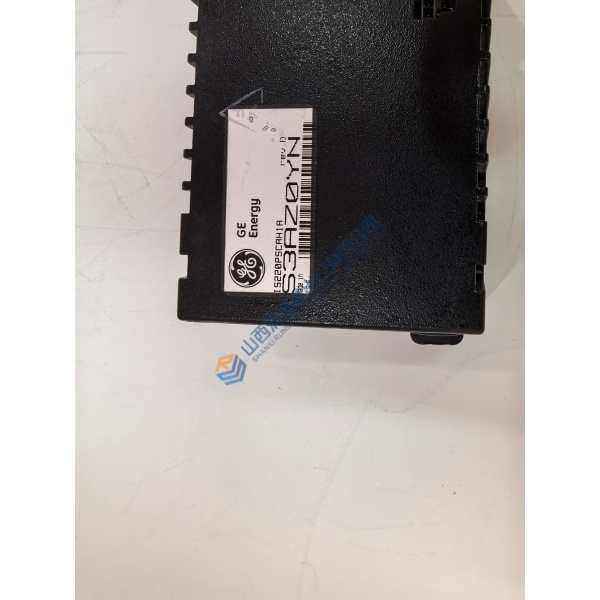
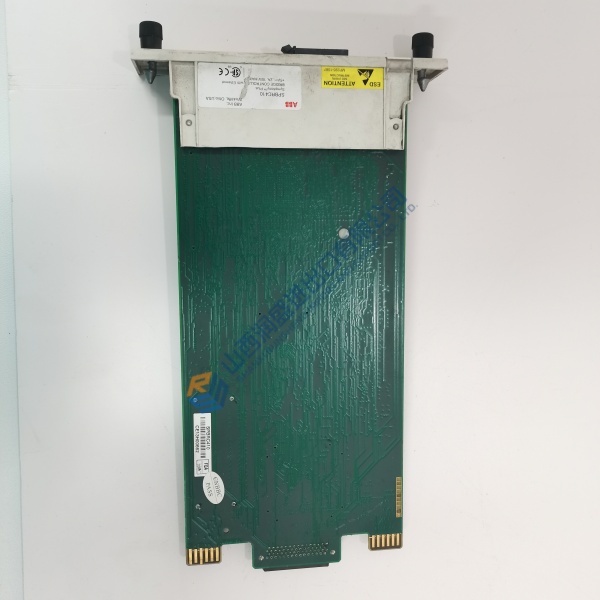
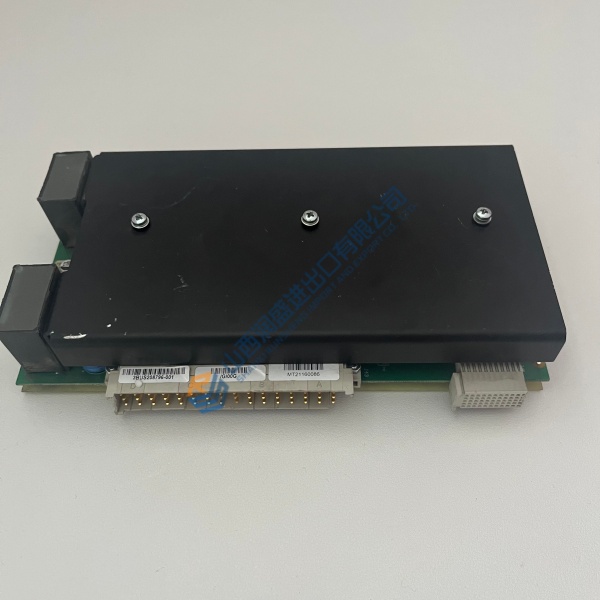
Product Introduction Installing the Emerson DST1204P digital output card into an active Ovation DCS cabinet maintains fast, reliable switching for plant actuation loops. Built for high-availability power generation and water treatment infrastructure, this unit routes control signals directly to field solenoids, contactors, and status lamps without signal degradation.
System integrators select this output module when expanding or maintaining legacy Ovation racks during scheduled turnarounds. It maintains rapid output response cycles under 2 ms, operating dependably across cabinet environments from 0 °C to +60 °C.
Installation & Configuration Guide Phase 1 — Pre-Installation (est. 10 min) De-energize the Ovation cabinet section completely. Wait 5 minutes for power supply capacitors to discharge before opening rack doors. Prepare a Fluke 115 digital multimeter, terminal screwdrivers, and an anti-static wrist strap. Export your current Ovation Developer Studio project files, then photograph terminal block connections, DIP switch blocks, and wire route labels.
Phase 2 — Removal (est. 5 min) Label all output terminal wiring using printed wire markers before loosening screws. Disconnect terminal blocks or cables from the front faceplate. Loosen the top and bottom retaining screws on the module assembly. Pull the card straight outward along the base guide rails to protect rear backplane connectors from bending. Inspect the backplane slot for dust or damaged pins.
Phase 3 — Installation (est. 10 min) Put on your ESD wrist strap before handling the replacement module. Verify the model label reads Emerson DST1204P. Replicate all jumper and DIP switch settings from your reference photos. Align the module with the guide rails, push firmly until the rear connector seats into the base, and torque retaining screws to 0.5 N·m. Reattach terminal wiring per your labeled schematic.
Phase 4 — Power-On & Testing (est. 15 min) Verify incoming 24 V DC power supply level is within ±10% tolerances. Apply power to the rack chassis. Observe the LED indicators: RUN must illuminate steady green with no red diagnostic fault lights. Connect your engineering workstation, load the Ovation controller software, force test outputs on each channel, and monitor live switching for 30 minutes before signing off maintenance logs.