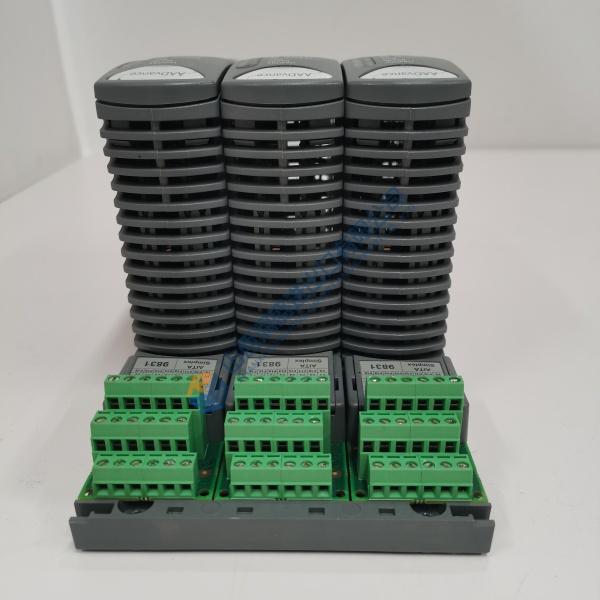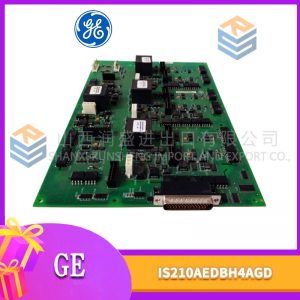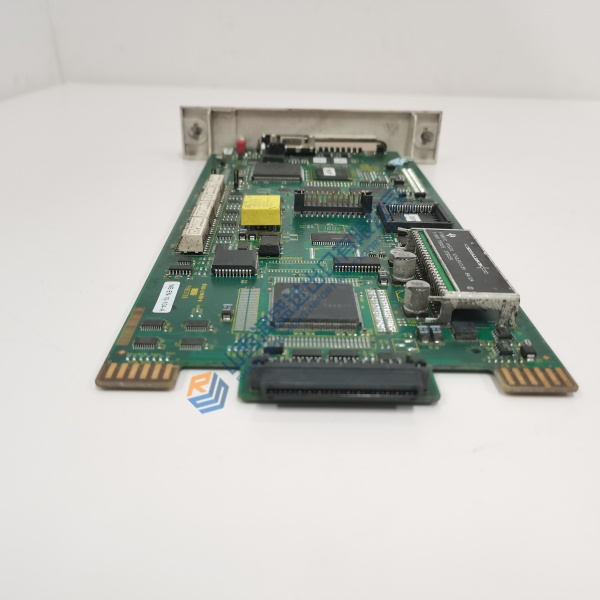
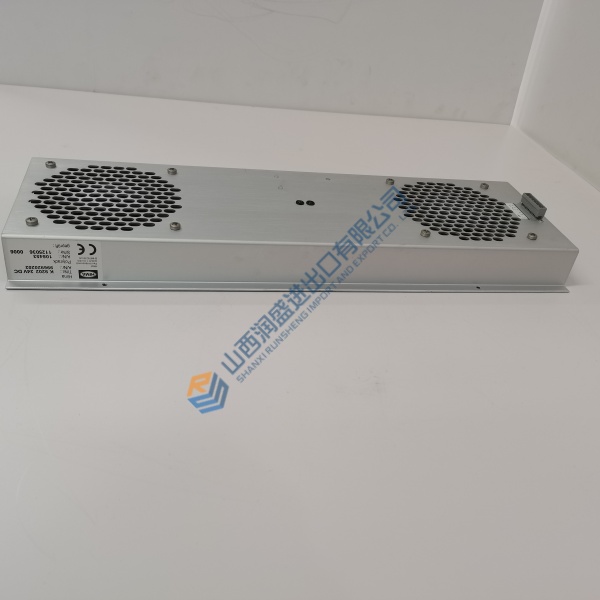
Description
Product Introduction
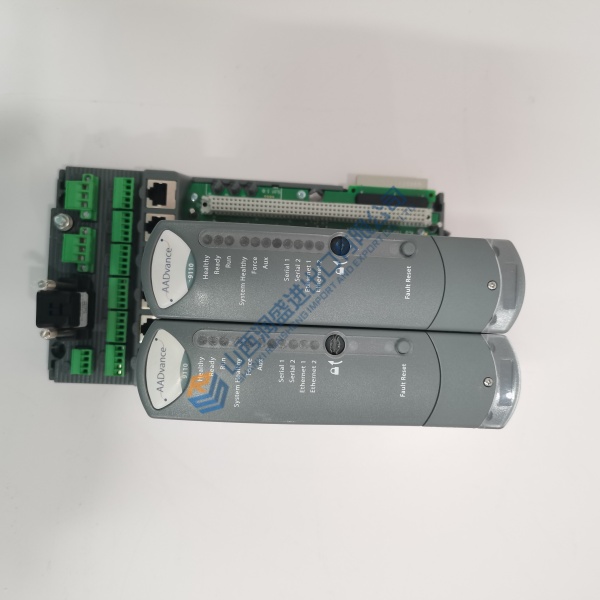
The GE IS220PTURH1B is a PTUR I/O pack for the Mark VIe distributed turbine control system. It handles primary turbine protection—overspeed, flame loss, and critical trip signals—as a dedicated safety layer that runs independent of the main controller.
GE’s own lifecycle documentation lists the H1B as the direct successor to the H1A revision, confirming the upgrade path is intentional . The practical difference sits in the PCB coating: H1B improves moisture and corrosion resistance for harsher cabinet environments . For sourcing, that means H1B stock exists but the secondary market demands careful verification. Terminal board pairing matters—this pack mounts on TTUR, STUR, or TRPA boards, and the associated board must match the pack revision .
Installation & Configuration Guide
Phase 1 — Pre-Installation (est. 15 min). De-energize the Mark VIe cabinet. Export the protection configuration using the site ToolboxST or GE service tool. Photograph the existing pack’s terminal board interface, Ethernet cable routing, and nameplate. You need an ESD wrist strap, anti-static mat, and the GEH-6721 manual for your specific terminal board configuration.
Phase 2 — Removal (est. 8 min). Label both Ethernet cables before disconnecting. Release the pack from the terminal board connector. ❗ Verify the terminal board part number before ordering a replacement pack. The PTUR pack mates to TTUR, STUR, or TRPA boards, and mixing revisions across that interface can cause communication faults . Pull the pack straight off the connector. Inspect the terminal board header for bent pins.
Phase 3 — Installation (est. 10 min). ESD strap on. Verify the replacement label reads IS220PTURH1B. Confirm the associated terminal board matches the pack’s compatibility requirements. Seat the pack fully onto the terminal board connector until it locks. Reconnect both Ethernet cables—the dual RJ-45 ports provide IONet redundancy, so verify both are seated and the port LEDs show link activity . Apply 28 V DC power from the terminal board/PDM.
Phase 4 — Power-On & Testing (est. 25 min). Observe pack LEDs. Connect ToolboxST to the controller. Verify the PTUR pack is recognized on the IONet network. Read the pack’s firmware revision and record it. Simulate an overspeed condition and a flame-loss condition through the protection loop. ❗ Full trip-loop simulation is mandatory. Confirm the pack asserts the correct trip outputs and the main controller receives the trip status. Log the pack serial number, firmware version, and test results.
Troubleshooting quick-reference:
- Pack not recognized on IONet → Check both Ethernet cables, switch port LEDs, and terminal board seating.
- Trip output does not assert → Verify 28 V DC supply at the terminal board and confirm the protection configuration loaded correctly.
- Intermittent communication → Inspect RJ-45 connectors for bent pins or cable damage; verify the terminal board header is clean.